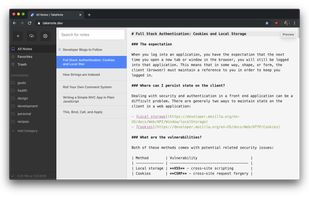
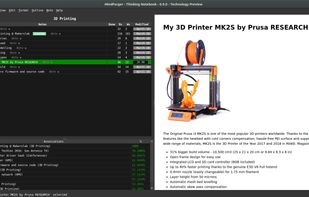
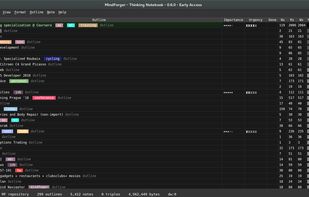
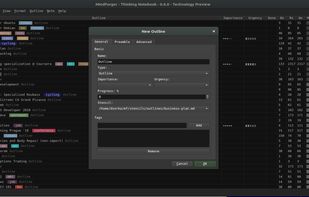
MindForger is a modern, free, open-source, privacy-focused and performance-driven Markdown IDE for creating, editing, and managing all types of notes.
Cost / License
- Free
- Open Source (GPL-2.0)
Application type
Platforms
- Mac
- Windows
- Linux
 Czechia
 EU
EU




Apps similar to Note Yourself include Logseq, which is free and open source. Other options are Notesnook, Zim, CherryTree and Trilium Notes. Note-taking Tools like Note Yourself are a crowded field, with more than 100 alternatives for Windows, Mac, Android, iPhone and the web.
MindForger is a modern, free, open-source, privacy-focused and performance-driven Markdown IDE for creating, editing, and managing all types of notes.
CzechiaEU
Piggydb is a Web notebook application that provides you with a platform to build your knowledge personally or collaboratively. With Piggydb, you can create highly structured content by connecting knowledge fragments to each other to build a network structure, which is more...
 Japan
Japan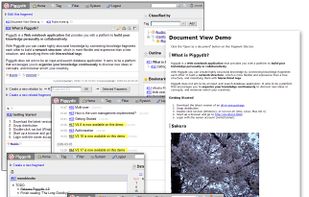


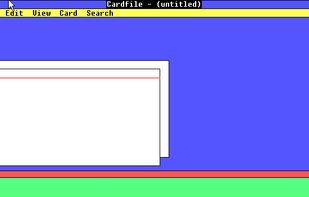
Cardfile is a personal information manager, based on index cards, that was distributed with Microsoft Windows starting from the original version 1.01 until Windows NT 4.0 Server. Cardfile is also included with Windows 98 and Windows Millennium Edition, but has to be installed...
 United States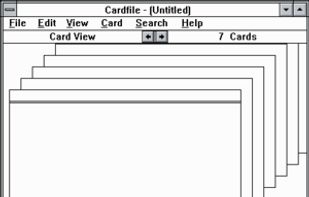


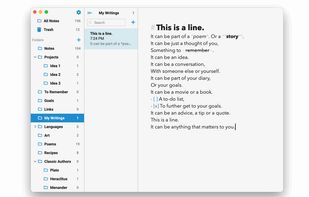
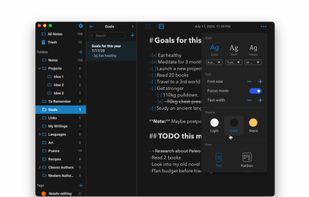
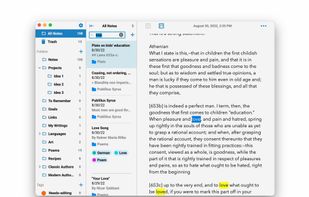
Notes is an open source and cross-platform note-taking app that is both beautiful and powerful.


Edit, create, and view your documents, spreadsheets, and presentations — all without internet access.
United States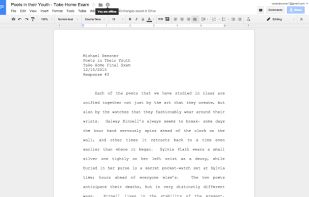


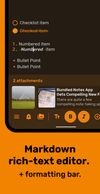
A modern note-taking, list-making and writing app with markdown rich-text editing, powerful customization, a beautiful interface, a dark theme, and much more.
 Australia
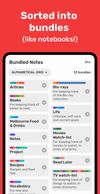


OneNote Online, part of , is the online version of Microsoft OneNote .
United States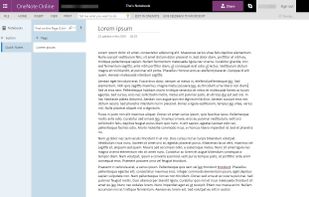
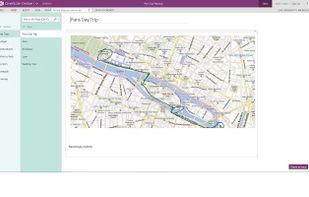


Extensive platform with Markdown editing, document linking, format conversion, task management, and focus-enhancing layout options. Supports Wiki and Zettelkasten functions.
 GermanyEU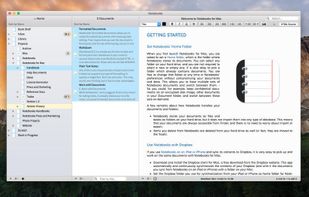




Protects your private notes with a password. Notebook PEA is a self-decrypting archive, that will never store unencrypted text on your disk.


TakeNote was made by developers for developers - a simple, plain-text note-taking app for the web with Markdown support. What you see is what you paste. No WYSIWIG, no formatting pasted from the web, and no features you don't need or want.
United States