Cost / License
- Freemium
- Proprietary
Platforms
- Mac
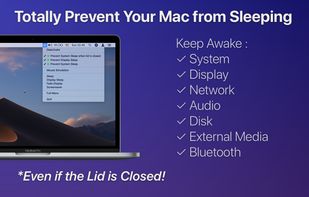

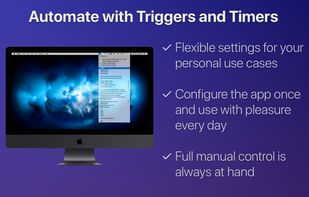



Apps similar to NeverNap include goguma app, which is free and open source. Other options are Amphetamine, Caffeinate, Caffeine for Windows and caffeinate & disablesleep. There's no shortage of Prevent Sleep Mode Apps like NeverNap, with more than 50 alternatives for Mac, Windows, Android, Linux and the web.

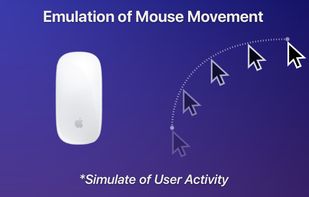
Never show up as idle on Slack, Microsoft Teams, Skype, etc. Slacker moves your mouse pointer for you whenever you are idle - the result is that you always show as active on any corporate/office instant messaging tools running on your work computer.
 Canada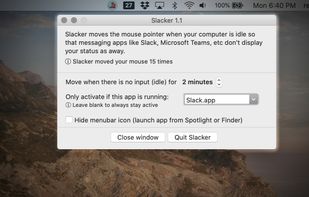


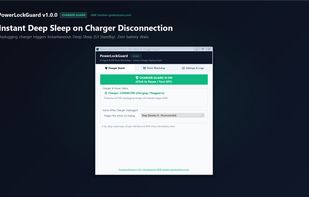
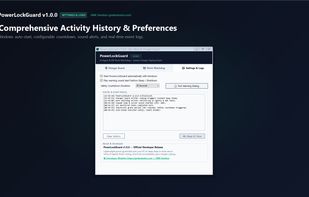
Smart auto-sleep & power management for developers, laptops & AI agents (Claude Code, Cursor, Aider, VS Code). Automatically sleeps or shuts down when coding tasks finish, plus instant deep sleep on charger unplug. Lightweight (~62 KB) & offline. Built by GMK Solution.
 Bangladesh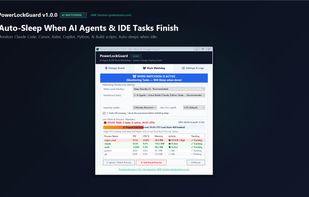



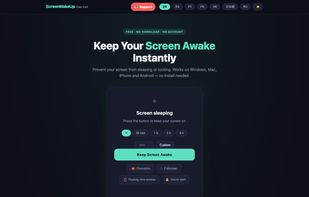
ScreenWakeUp is a free, browser-based tool that keeps your screen from sleeping or locking. It uses the modern Screen Wake Lock API — nothing to install, no admin rights, no account. Open it in any browser on Windows, macOS, Linux, ChromeOS, Android or iPhone and click one...


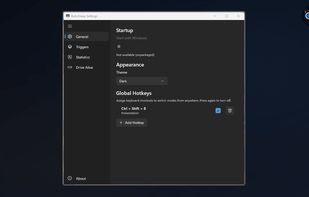
Provides Windows tray-based management for staying awake, preventing sleep, keeping displays on, or changing power plans. Includes session timer, hotkeys, and crash recovery with Pro-only smart triggers, stats export, Drive Alive for USB devices, and minimal resource use.
 Russia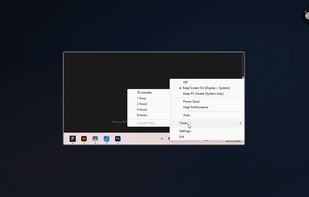


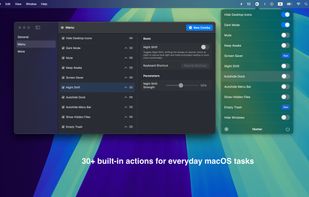
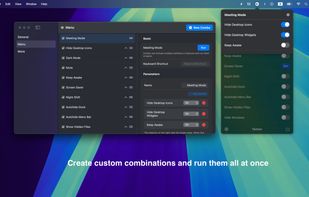
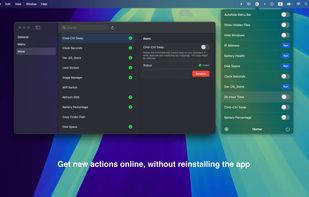
1Setter is a lightweight macOS menu bar app designed to make system settings easier to access.


macOS CLI that keeps your Mac awake with the lid closed on battery, so a local Codex, Claude Code, or Cursor session keeps running.
 Germany
 EU
EU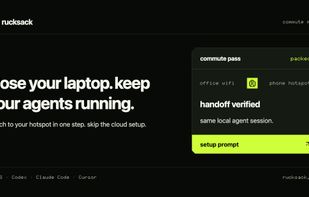

A tiny macOS menu-bar app that keeps your Mac running even with the lid closed — so coding agents (Claude Code, Codex, etc.) keep working while you move around.
 Vietnam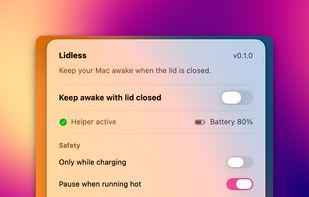


 ItalyEU