


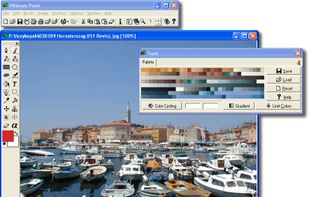
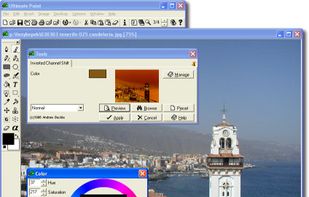
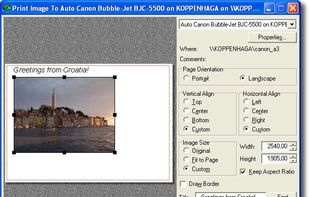
Ultimate Paint is a full-featured 32-bit Windows graphics program for image creation, viewing and manipulation.
Platforms
- Windows



+6


One of the most popular alternatives to MyPaint is GIMP, which is free and open source. Other popular alternatives are Krita, Adobe Photoshop, Paint.NET and Affinity. Digital Painting Tools like MyPaint are a crowded field, with more than 100 alternatives for Windows, Mac, Linux, the web and iPad.
Ultimate Paint is a full-featured 32-bit Windows graphics program for image creation, viewing and manipulation.

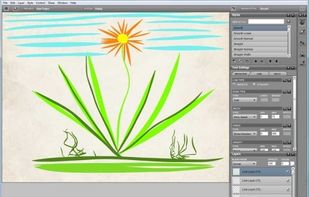
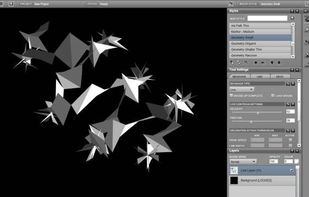
Livebrush is a drawing application. It employs an easy-to-use brush tool that reacts to your gestures through the use of velocity and other motion controls. By combining simple motion controls with customizable brush styles, Livebrush offers a fun and unique way to create...
 United States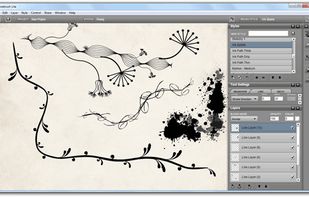


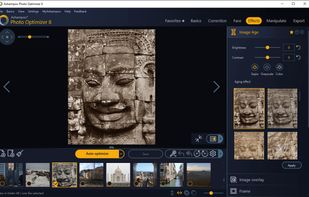
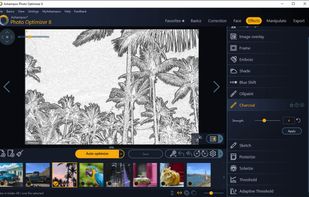
Ashampoo Photo Optimizer 8 enhances your photos at the click of a button! The program fully automatically adjusts colors, contrasts and exposure settings to perfection for individual images or entire collections.
 Germany
 EU
EU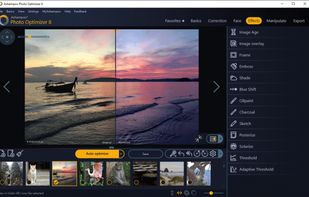


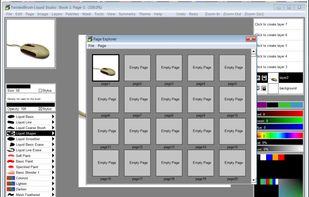
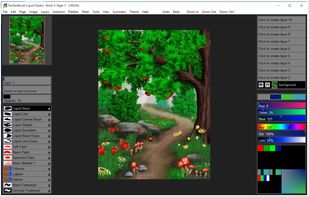
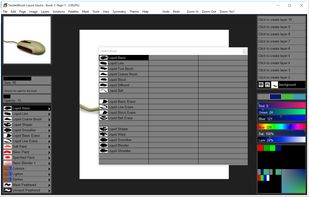
Liquid Studio is a product born from TwistedBrush Pro Studio but with a focus on creation of individual objects with liquid paints.
United States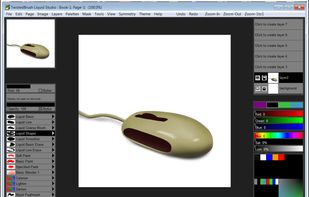


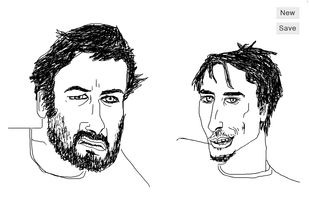
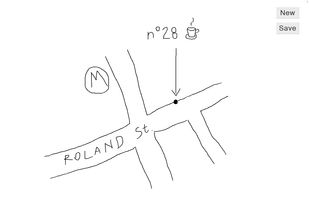
scri.ch is a hackable, open source and minimal drawing tool. Learn more about tips and hacks on http://about.scri.ch/



Wizardbrush is a natural media painting software which has a lot of brushes and paper with realism style. You can create realistic picture with it. You can not only use it to paint pictures, but also handle your digital photos, even use it to teach digital painting and image...
 United Kingdom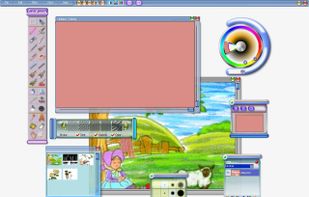
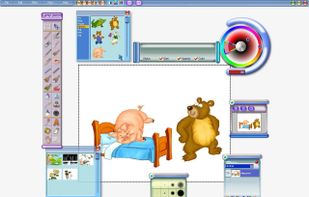
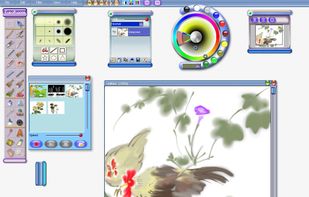
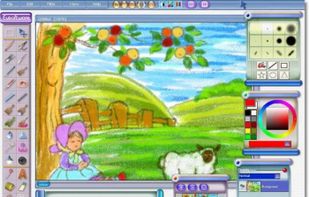


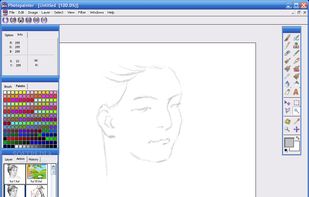
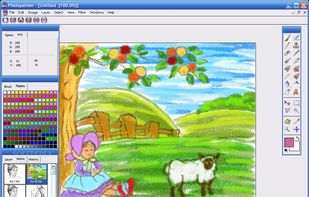
Photopainter is both a natural-media painting software and an image processing system at the same time.
United Kingdom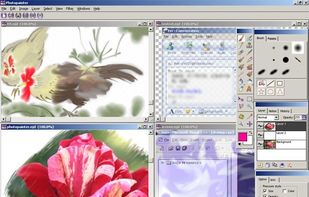


Touch screen software – Corel Paint it! touch is touch screen software designed for Windows 7 touch-enabled computers. Draw, paint and get creative with your touch screen PC.


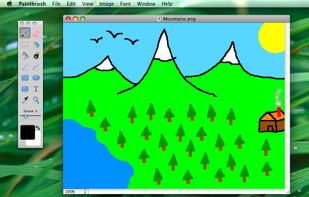
Paintbrush is a simple paint program for Mac OS X, reminiscent of Microsoft Paint and Apple’s own now-defunct MacPaint. It provides users with a means to make simple images quickly, something which has been noticeably absent from the Mac for...


Free Photo Editing Software for PC
PixBuilder Studio is a free image editing software program for digital photo editing, images processing, and resizing. For digital photo editing, you can use its many professional quality functions. PixBuilder Studio allows you to use the foll.


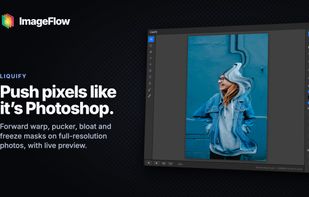
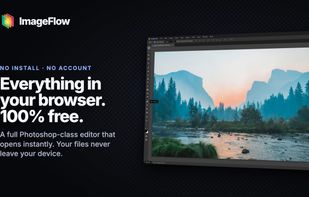
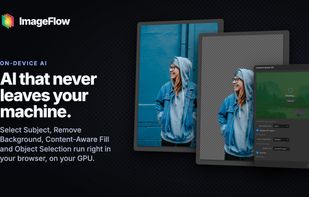
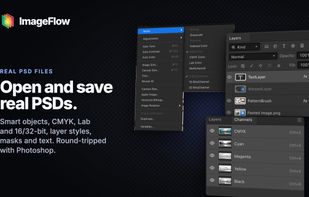
A free, full-featured image editor that runs entirely in your browser. Layers, masks, blend modes, adjustment layers, smart objects, text and filters — with PSD import and export, and on-device AI selection. Nothing is uploaded; your files never leave your device.


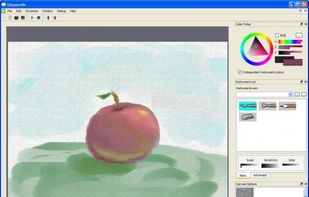
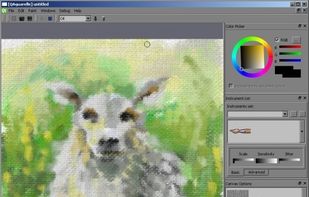
Qaquarelle is a very young opensource Qt4-based painting application that is supposed to provide a native way of painting with emulated traditional instruments, including watercolor simulation, full support for tablets and OpenGL-based processing in GPU.


 Canada


