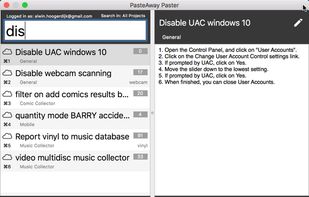
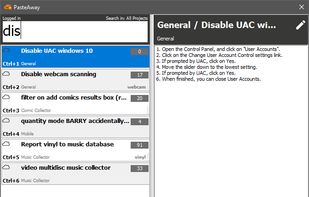
The PasteAway Paster is a client app that lets you easily paste clips from your online repository into any application.
Cost / License
- Paid
- Proprietary
Application type
Platforms
- Mac
- Windows



MyClip has been discontinued. Similar apps include CopyQ, which is free and open source. Other options are Ditto, Maccy, Filezo and ClipboardFusion. You're spoiled for choice with Clipboard Managers like MyClip: we list more than 50 alternatives for Windows, Mac, Linux, Android and iPhone.
The PasteAway Paster is a client app that lets you easily paste clips from your online repository into any application.

Easily copy and paste.
 United States



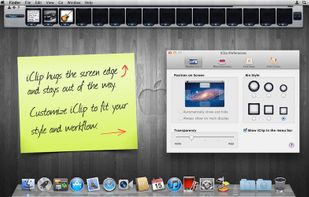
iClip saves the contents of the clipboard every time you copy plain-text, rich-text, images, audio, video, or files.
United States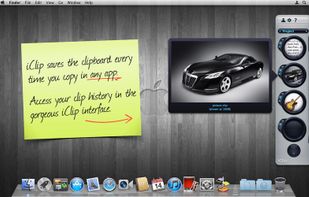


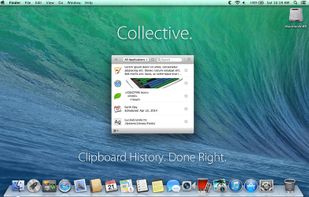
Meet Collective. Clipboard history for your Mac. Done right.
Nearly anything you can copy, Collective will remember.
Text, images, PDFs, movies, URLs, appointments, files: Collective keeps track of whatever you copy.
With a simple key combination (?-Shift-V) Collective appears.
United States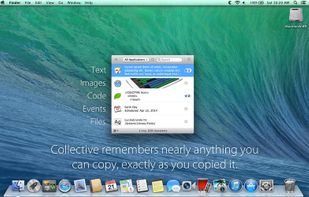
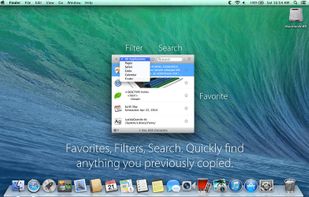


Now you don't have to worry that copying one thing will erase something else! It keeps the clipboard history that you can use to paste any selected fragment again. The clipboard contents will be saved, even in the case of Windows crash or power failure.
United States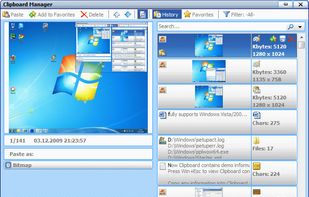


Fast, reliable multi-clipboard tool. It allows to save text, rtf, html and bitmap formats for future use. Especially useful for software engineers.

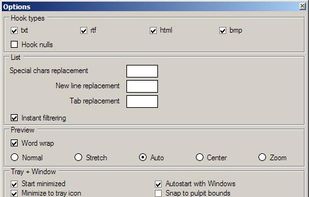


Clip Cat is a powerful clipboard manager for Windows, it reinvents the way you copy, extend the clipboard by making it your go-to tool for storing and organizing.


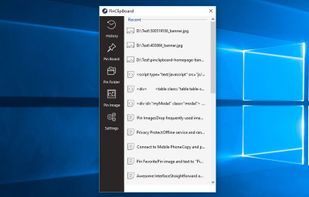
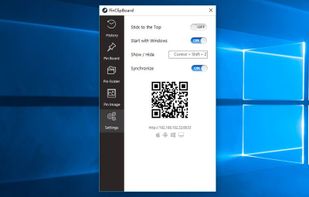
PinClipBoard is one of the best clipboard manager software that enables you to track and record clipboard data for future use. As a universal clipboard manager, you can copy and paste images/text across Android/ios/Mac/Windows/Tablet.



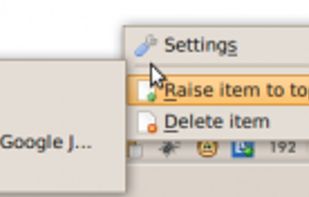
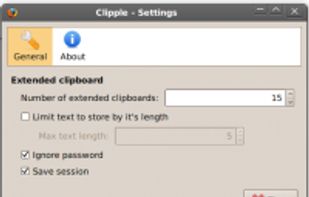
Clipple provides extended clipboard system to Firefox. All text you copied will be stored and you can paste text in it later.


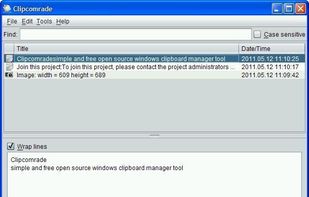
Clipcomrade is Windows clipboard manager. Remembers everything that you put to the clipboard, easy paste/drag anything from clipboard history, access …


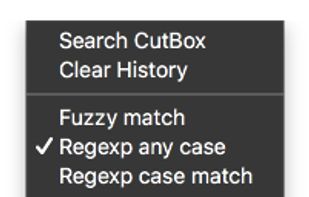
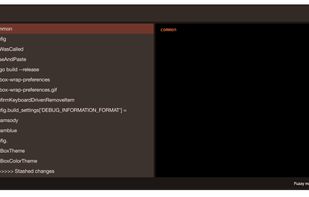
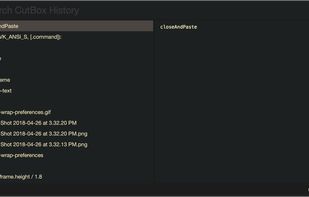
Pasteboard history for macOS done right. Using the proven UI style of Alfred, Spotlight etc. Use fuzzy searching to find what you want to paste.

 United States