Customize Windows programs using downloadable mods for appearance, features, or performance. Easily add, update, or remove tweaks with no source code needed, extensive active library, rollback support, and compatibility with Windows 10 and 11.


+4


Apps similar to MultiTaskbar include Windhawk, which is free and open source. Other options are ExplorerPatcher, DisplayFusion, Dual Monitor Tools and Actual Multiple Monitors. In total there are seven Window Managers like MultiTaskbar for Windows.
Customize Windows programs using downloadable mods for appearance, features, or performance. Easily add, update, or remove tweaks with no source code needed, extensive active library, rollback support, and compatibility with Windows 10 and 11.
This project aims to bring back a productive working environment on Windows 11. Choose between Windows 11 or Windows 10 taskbar (with labels support, small icons and lots of customization) and a lot more.
 Romania
 EU


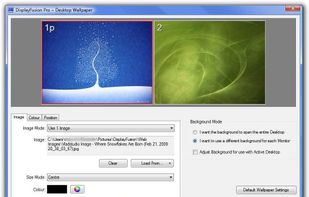
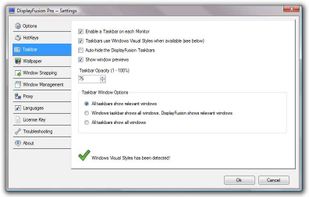
Enables multi-monitor taskbars with advanced wallpaper management, scripted macros, remote access, screen savers, and desktop profile features; offers window snapping, customizable hotkeys, logon backgrounds, and multi-language support for home or business use.
 Canada


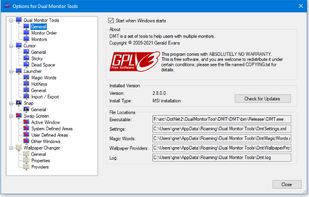
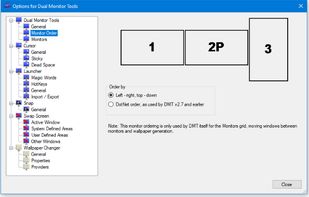
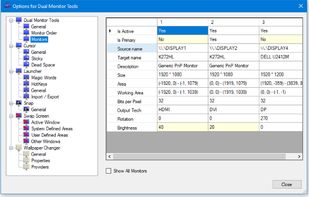
Dual Monitor Tools is a software package for Windows users with dual or multiple monitor setups.
All the tools are open source and free, and each tool is independent so you only need to install or run what you want.
 United Kingdom


Actual Multiple Monitors is a software utility which offers the comprehensive solution to improve the functionality of Windows user interface for comfortable and effective work with multi-monitor configurations.
 Russia


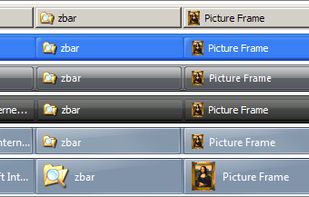
ZBar is a utility for those who use multiple monitors. If you have a single screen, then theres nothing to see here. Move on.
United Kingdom

 Canada