





Minutehand
2 likes
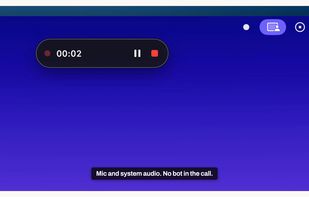
Minimalist macOS menu-bar tool that records meetings by capturing mic and system audio without joining as a bot, creates Markdown transcripts with meeting details, stores files locally, uses Deepgram transcription, auto-detects calendar events, ensures privacy, and offers one-time purchase.

Cost / License
- Pay once
- Proprietary
Application typeApplication types
Platforms
- Mac


Features

Minutehand News & Activities
Highlights All activities
Recent activities
- Juan Anderson liked Minutehand
 Louis Klinke added Minutehand as alternative to Earnote
 Danilo Venom added Minutehand as alternative to TypeMyworDz
 Fabio-Falletta added Minutehand as alternative to AuroraNote
 T-rker-Tuncer added Minutehand as alternative to now recording
- Paul added Minutehand as alternative to Biscotti
 Paul added Minutehand as alternative to anarlog
 getjotted added Minutehand as alternative to Jotted
- Nicolas HA liked Minutehand
- Danilo Venom updated Minutehand


Minutehand information
Developed by
 TWO Design
 Licensing
Proprietary and Commercial product.Pricing
One time purchase (perpetual license) ranging between $39 and $59.Alternatives
11 alternatives listedBadge
Get an embeddable badge for MinutehandSupported Languages


No comments or reviews, maybe you want to be first?