

Cost / License
- Free
- Open Source (MIT)
Application type
Platforms
- Windows


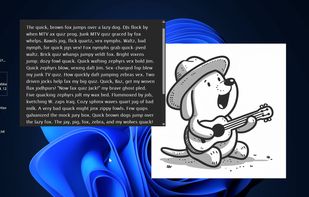

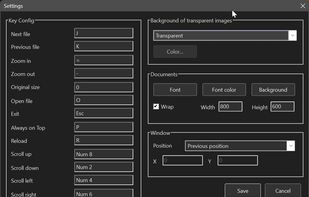


Apps similar to Minimal Image Viewer include IrfanView, which is free for personal use. Other options are XnView MP, ImageGlass, nomacs and qView. There's no shortage of Image Viewers like Minimal Image Viewer, with more than 25 alternatives for Windows, Linux, Mac, Android and iPhone.

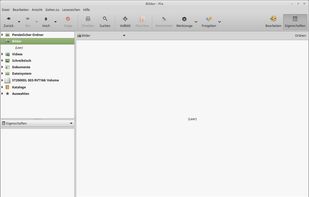
An image viewer and browser utility - primarily for Linux Mint. Pix is part of the X-Apps project, which aims at producing cross-distribution and cross-desktop software.
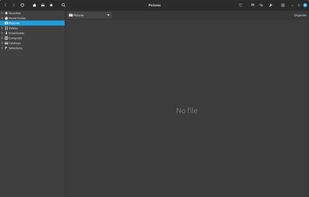


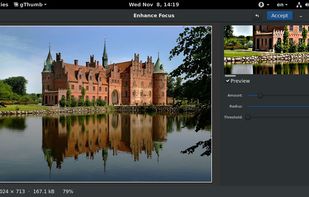
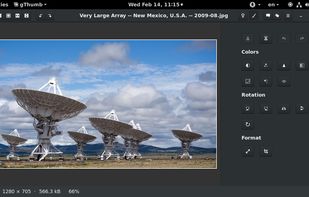
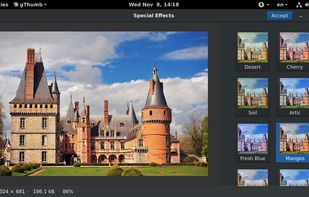
gThumb is an image viewer and browser for the GNOME Desktop. It also includes an importer tool for transferring photos from cameras.
 United States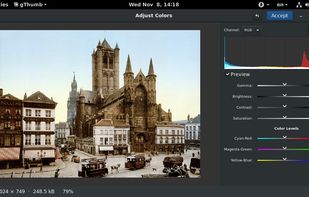


Native macOS app for viewing, annotating, and editing images and PDFs, featuring tools for cropping, rotating, resizing images, rearranging pages, full-screen viewing, markup, document merging, batch conversion, and export in multiple formats.
United States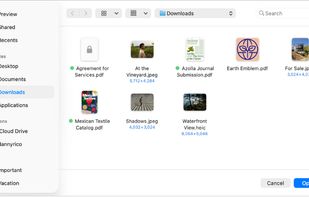
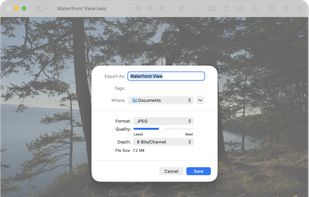
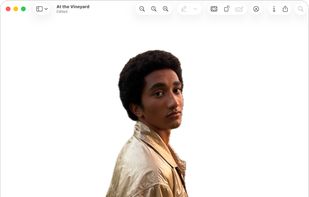
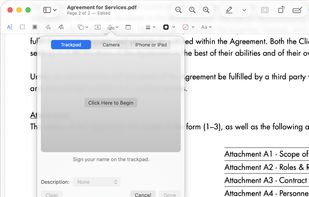


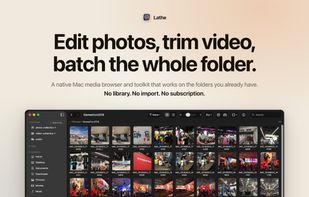
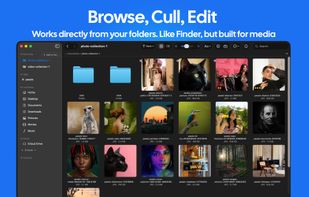
Lathe is a fast, privacy-first media manager for macOS. Browse, organize, and batch-process your photos, videos, and PDFs, entirely on your Mac.




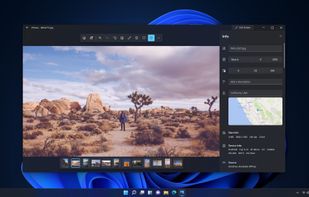
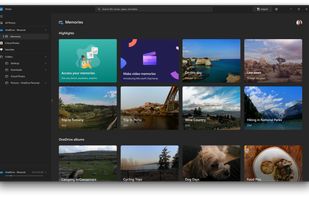
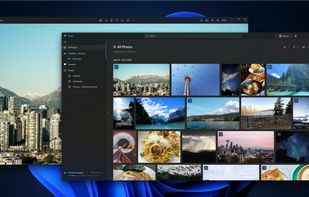
You can use the Photos app to view or edit photos and videos in your Pictures library and on OneDrive, and to import photos and videos. The Photos app includes a wide range of editing options to enhance your photos, from automatic fixes to advanced adjustments.
United States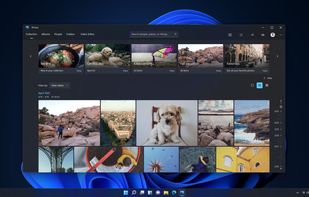


Eye of GNOME is the official image viewer for the GNOME Desktop environment. With it, you can view single image files, as well as large image collections. The Eye of GNOME supports a variety of image file formats.
United States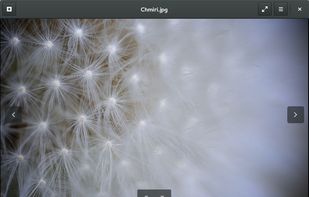


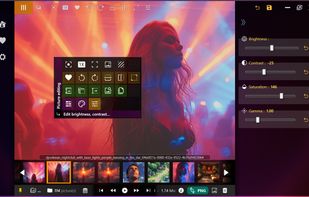
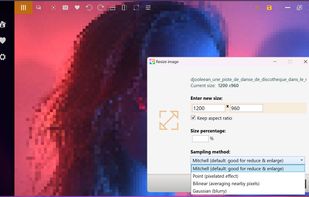
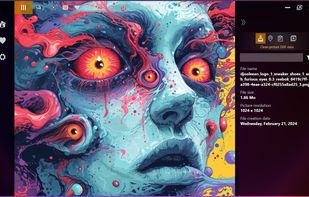
Pixyway is a fresh new picture viewer for Windows. It has been designed to be an 'everyday' picture viewer tool like Google Picasa viewer used to be! By the way, if you liked Picasa viewer, you will notice some references to it.


Waterfall-style image viewer for macOS, offering a smooth and immersive browsing experience.
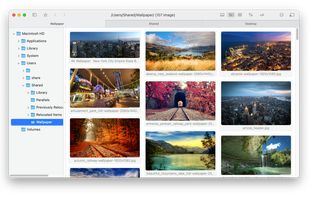
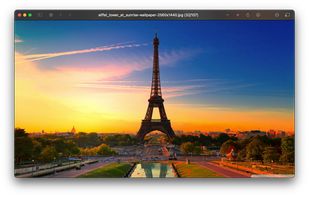


PhotoQt is a fast and simple, good looking, yet powerful and highly configurable image viewer.
 Germany
 EU
EU
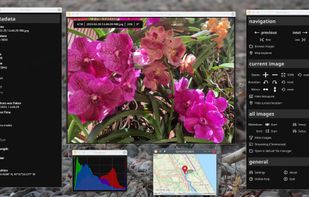

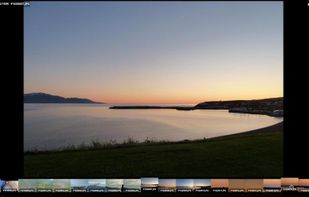


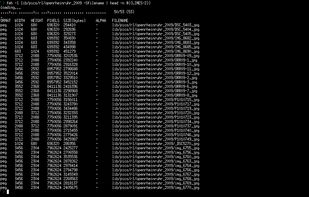
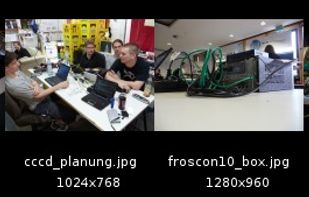
feh is an X11 image viewer aimed mostly at console users. Unlike most other viewers, it does not have a fancy GUI, but simply displays images. It is controlled via commandline arguments and configurable key/mouse actions.
GermanyEU