


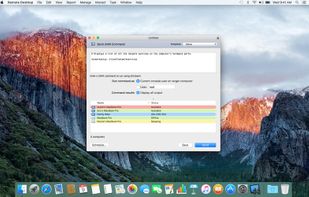
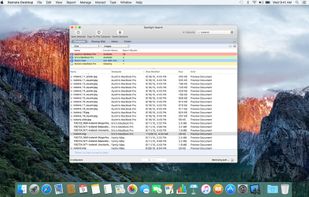
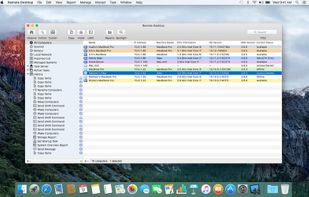
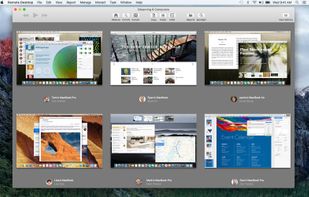
Apple Remote Desktop is basically the Apple version of Windows Remote Desktop. It's the way to use RDP host from a Mac.
Cost / License
- Paid
- Proprietary
Application type
Platforms
- Mac
 United States



+2


Microsoft Remote Desktop has been discontinued. Similar apps include TightVNC, which is open source and free for personal use. Other options are Bananas Screen Sharing, UltraVNC, LogMeIn Resolve and DWService. You're spoiled for choice with Remote Desktop Tools like Microsoft Remote Desktop: we list more than 50 alternatives for Windows, Mac, Linux, Android and iPhone.
Apple Remote Desktop is basically the Apple version of Windows Remote Desktop. It's the way to use RDP host from a Mac.
United States
Free remote desktop control software. It's used for system administration and instant remote desktop connection over the Internet. Free remote access software Desktopable makes control of a remote PC very easy and intuitive.
 Bulgaria
 EU
EU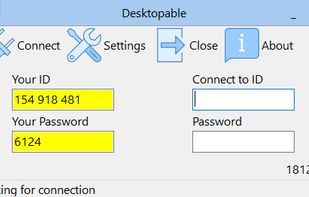


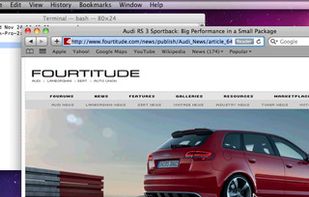
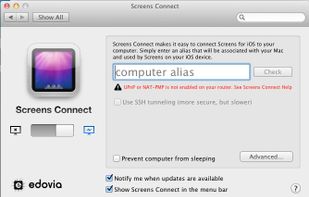
Screens is a VNC client for the iPhone, iPad, and Mac OS X that allows you to remotely connect to your computer.
 Canada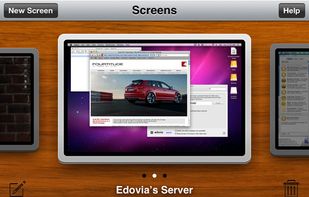



Ammyy Admin is a highly reliable and very friendly tool for remote computer access. You can provide remote assistance, remote administration or remote teaching for your clients, employees and friends regardless of their location.
 Russia
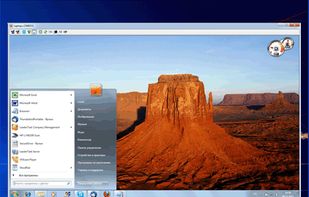


Thincast Client turns your computer into a fully Remote Desktop Protocol (RDP) Client, making it easy to connect remotely to your company's infrastructure. Using the Remote Desktop (RD) WebAccess Client you gain easy access to and control of published virtual machines (with...


Connect to any PC or server right from your web browser. Choose the mode: full remote desktop control by RDP, desktop sharing just like VNC or transfer files with a FTP connection.
United States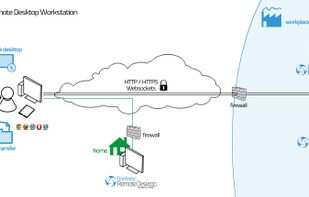
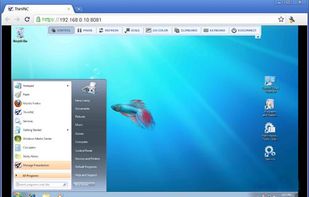


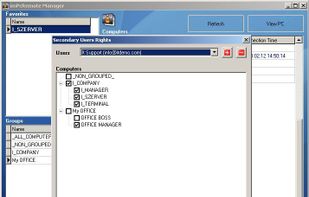
imPcRemote is a remote support tool that enables instant, secure, and trouble-free connections between remote computers over the web.
United States
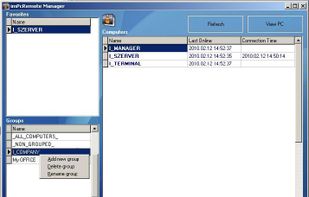


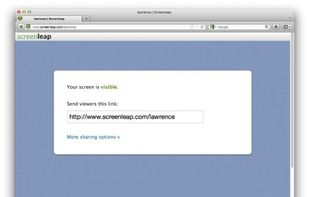
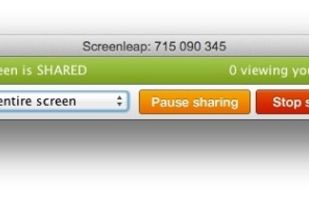
Screen share instantly for free using Screenleap. Screenleap makes it really easy to share your computer screen. You can share your screen with as many people as you like with no downloads, account setup, or cost required.
United States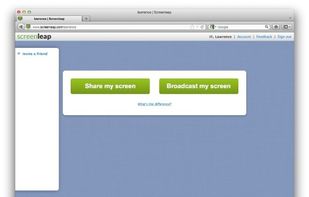


TurboVNC is a derivative of VNC (Virtual Network Computing) that is tuned to provide peak performance for 3D and video workloads.


Combines secure remote desktop access, fast performance, file transfers, session management, cross-platform support, audit trails, browser access, and easy agent deployment for IT teams, enabling efficient remote support and cross-device productivity on any network.
United States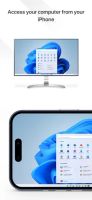
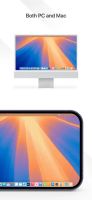
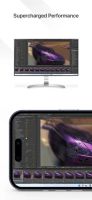


iTeleport is a magical app that lets you access your computer from anywhere in the world.
United States


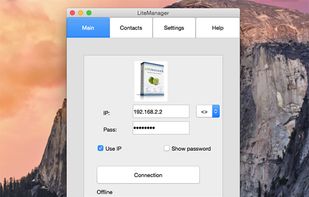
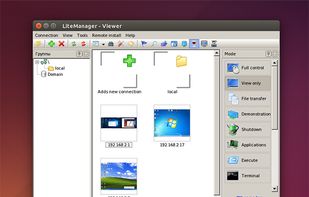
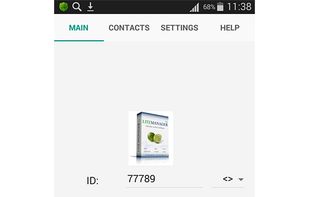
LiteManager - fast and secure software for remote administration of Windows-based computers. Remote support, remote access to home and office, remote desktop connection, file transferring, text chat, multi monitor support. Android, OSX and iOS clients.
Russia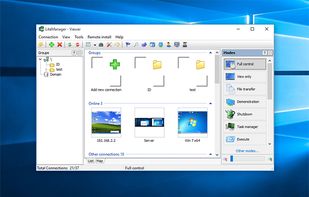


 Germany


