

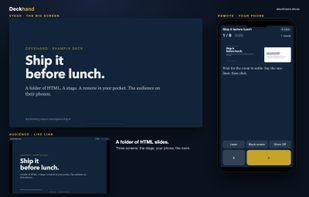
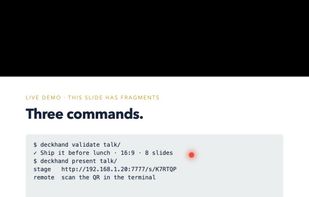
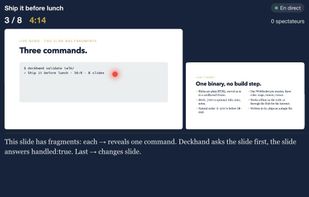
Present a folder of HTML slides from any screen, with your phone as the remote and a live link for the audience.
Cost / License
- Free
- Open Source (MIT)
Application type
Platforms
- Mac
- Linux
- Windows
- Self-Hosted




Apps similar to Microsoft PowerPoint include ONLYOFFICE, which is free and open source. Other options are Canva, CryptPad, LibreOffice - Impress and Fossify Documents. There's no shortage of Presentation Makers like Microsoft PowerPoint, with more than 100 alternatives for the web, Windows, Mac, Linux and iPad.
Present a folder of HTML slides from any screen, with your phone as the remote and a live link for the audience.

Free tool that turns 2,000+ ready-made patient handout templates into branded, print-ready PDFs for your clinic in minutes.
 United States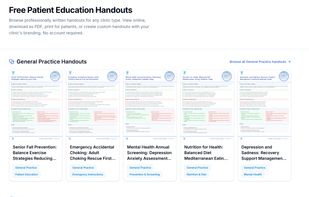


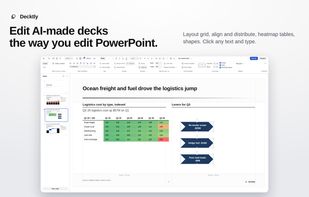
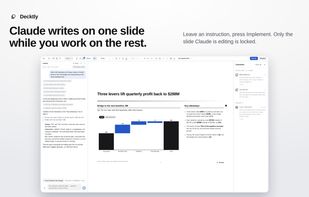
Visually edit HTML presentations. Change text and layouts, add charts and tables, leave comments, and save your work as HTML.
 Germany
 EU
EU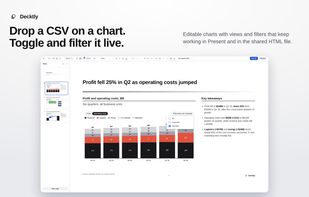


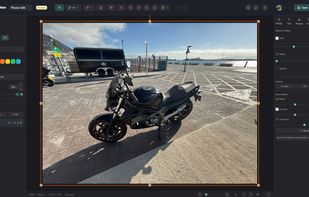
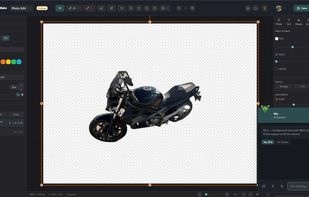
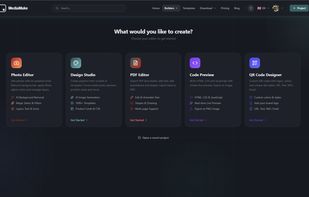
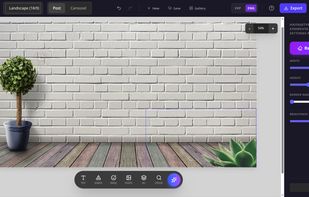
An AI-powered online studio for photo editing, design, PDFs and QR codes — with background removal, image generation and an AI assistant.
 Gibraltar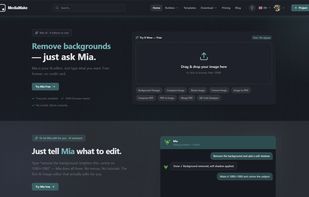


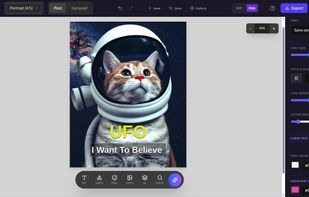
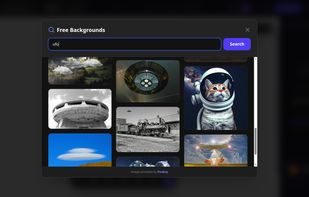
SMM Turbo is a modern, web-based graphic editor specifically designed for marketing professionals, content creators, and business owners who need to create high-quality Instagram carousels quickly and without friction.
 Ukraine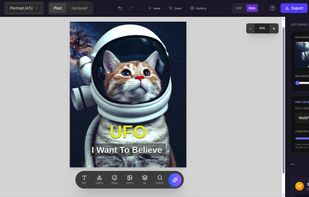


Free, open-source AI Office suite: Docs, Sheets, Slides, PDF, Markdown and HTML editors with a built-in AI agent, plus a genoffice CLI and agent skill so Claude Code, Codex and Cursor can create and edit real .docx/.xlsx/.pptx files locally. Bring your own key. macOS, Windows & Linux.
 China
China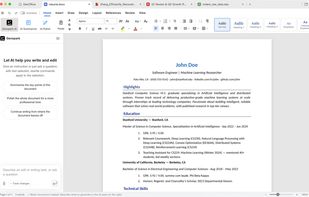
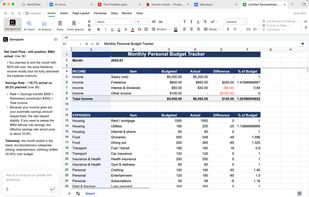
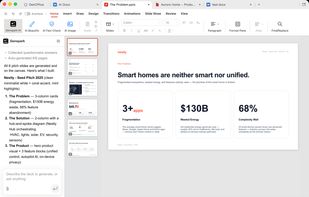

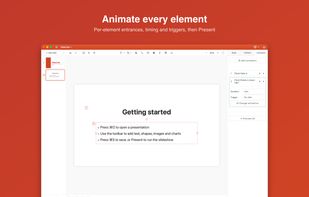
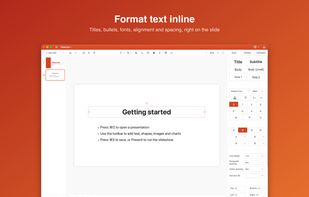
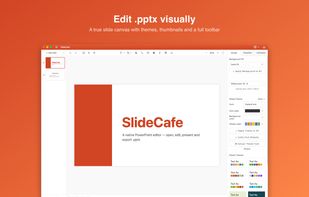
SlideCafe is a native .pptx editor that opens, edits, and saves Microsoft PowerPoint files without conversion loss — no Microsoft 365 subscription and no account. SlideCafe is included in every getapps.cafe subscription.
United States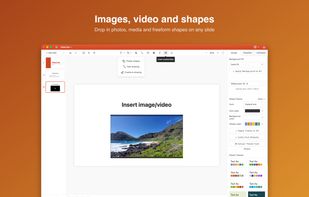

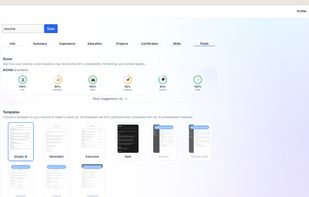
Resumecraft.co is an AI-powered resume builder designed to take the friction out of the job hunt. It leverages AI to help you effortlessly write, format, and optimize your resume in minutes.

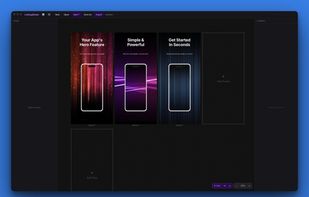
A Mac and Windows app for indie developers who need App Store, Google Play, and Microsoft Store screenshots. Pick a preset, drop in your screenshots, add text and gradients, export exact-size PNGs.