United States

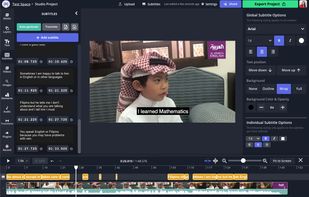




Sites and apps similar to Mastershot include Kdenlive, which is free and open source. Other options are Shotcut, Avidemux, OpenShot and DaVinci Resolve. Video Editors like Mastershot are a crowded field, with more than 50 alternatives for Windows, Mac, Android, iPhone and iPad.
United States
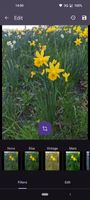
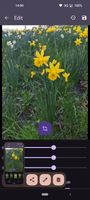
Edit images and videos on Android with a free, open-source tool featuring filters, cropping, rotation, brightness, contrast, saturation, video speed adjustment, mute, stabilization, trimming, plus dark and light themes, and no proprietary dependencies.



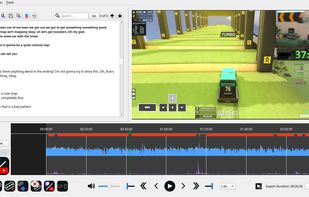
Offers fast and accurate video and audio cutting without quality loss. Features include automatic transcripts, speech detection, Twitch/YT livestream chat integration, vertical clip conversion, and advanced speech denoising. Supports various media formats with offline AI ensuring data privacy.


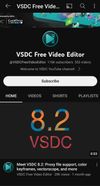
VSDC Free Video Editor allows you to add quick changes to a video file as well as create a more complex project involving advanced post-production techniques.
United States


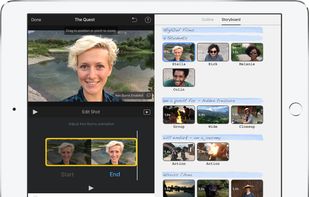
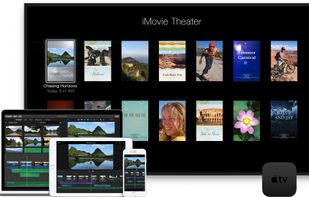
With iMovie for iOS and macOS, you can enjoy your videos like never before. It’s easy to browse your clips and create Hollywood-style trailers and stunning 4K-resolution movies. You can even start editing on iPhone or iPad, then finish on your Mac.
United States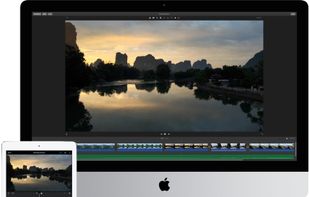



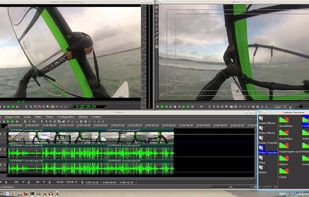
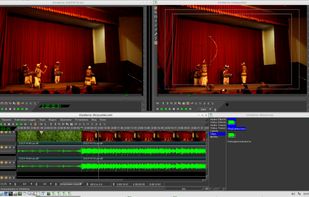
Cinelerra is a highly advanced and professional non-linear video editing software, but still remains open source. Cinelerra solves three main tasks: capturing, editing and compositing.
United States



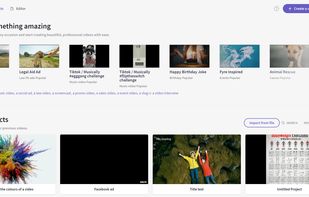
Browser-based video editor offering customizable templates, stock footage and audio, intuitive drag-and-drop interface, real-time preview, webcam and screen recording, multiple file format support, fast auto-save, watermark-free exports, and cloud integration.
United States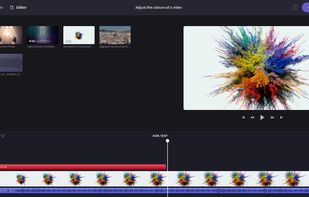
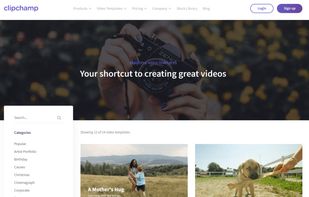
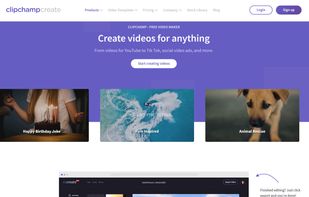


Comprehensive video editor with over 50 visual effects and transitions, offering real-time previews and fully adjustable parameters. Supports diverse audio/video formats, adds photos and text, and enables sharing on DVDs, HD DVDs, Blu-Ray, mobile devices, or online. Free and professional versions available.
 Australia
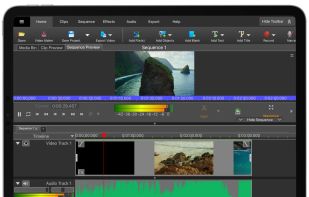
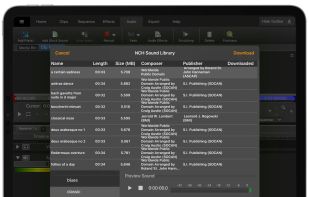
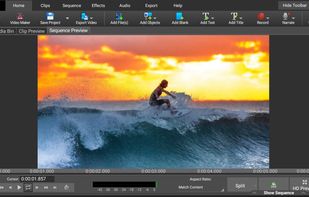
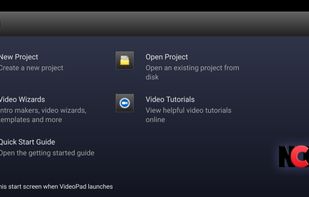


Empower your video and photo editing with advanced AI tools, including instant presets, seamless slow-motion, smart tracking, and 4K output resolution, perfect for social sharing.
United States
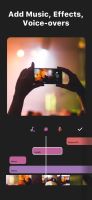


YouTube's official editing app, offering a range of features such as filters, effects, royalty-free music, voiceover, auto-captions & more, to enhance your videos without complex editing tools.
United States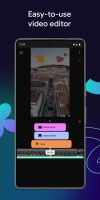
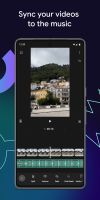
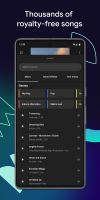


Mobile video editor supporting multiple video, image, audio, sticker, and text layers, real-time previews, frame-by-frame edits, advanced color controls, transitions, precision audio, customizable effects, and direct sharing to online platforms.
 South Korea
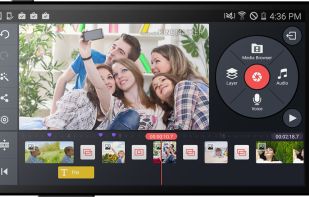
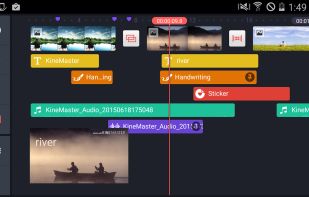


Leverages multitrack timeline editing, built-in filters, effects, title templates, and stickers. Enhance video with audio tools, slow motion, and stabilize clips. Fast export to popular formats, upload directly to YouTube, Vimeo, and Google Drive.
 Cyprus
 EU