SiteShoter is a small utility that allows you to save a screenshot of any Web page into a file.
Cost / License
- Free
- Proprietary
Application type
 Israel
Platforms
- Windows


Apps similar to Markup Hero include ShareX, which is free and open source. Other options are Greenshot, Flameshot, FastStone Capture and PicPick. You're spoiled for choice with Screenshot Capture Tools like Markup Hero: we list more than 50 alternatives for Windows, Mac, the web, Linux and Android.
SiteShoter is a small utility that allows you to save a screenshot of any Web page into a file.

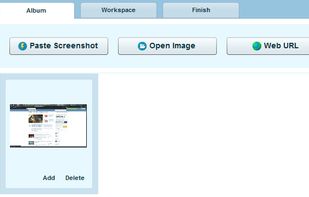
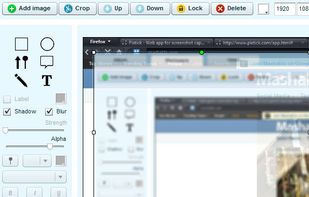
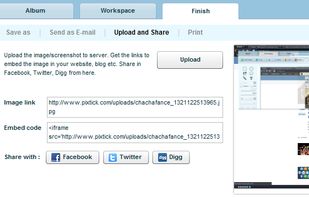
Pixtick, an online application, can capture screenshot from browser. No download or installation required. Its having robust annotation tools to annotate and edit screenshots and images from hard drive or from web.



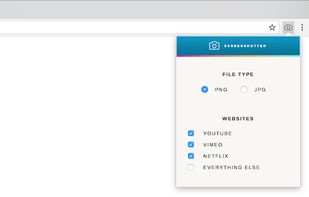
Capture full screenshots of video from YouTube, Netflix, Vimeo and the rest of the internet. No player controls or watermarks.



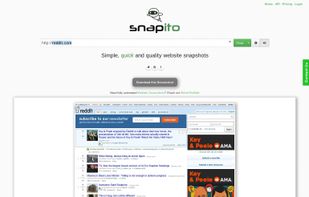


 United States


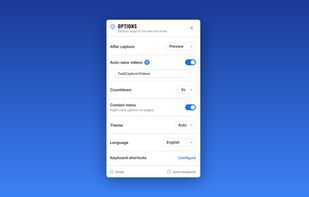
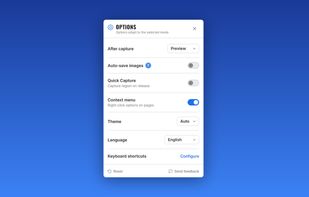
Record your screen, capture screenshots, annotate, and share them instantly. FastCapture is a lightweight, all-in-one Chrome extension for video recording, image capture, and annotation - no upload to external servers. Everything is processed locally in your browser.
United States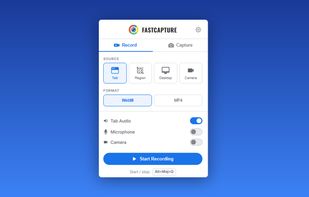


Capture is a quick-and-easy screen capture utility for Windows (and NT), which allows you to capture the entire screen, at any color depth and resolution, and save it into a Bitmap file for editing. If you are interested in only capturing one window, you can select to capture...


Fii is a completely free online sharing application which brings visualization to your online conversation. You can show your co-worker, friend, teacher, boss, parents or whomever you want a part of your screen with a single mouse click.
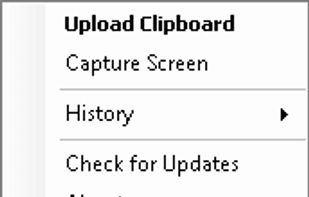


Capture screen and edit screenshot with Annotation Pilot.
This screen capture software allows you to add text and graphics to your screenshot, save your screenshot as a graphic file or send it by email.
With Annotation Pilot you can: Send a photo with annotations to your frie.
United States
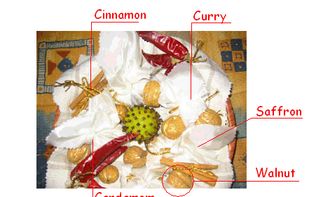


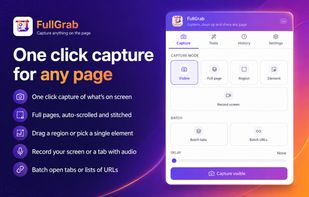
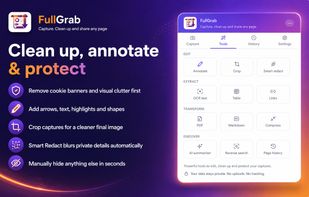
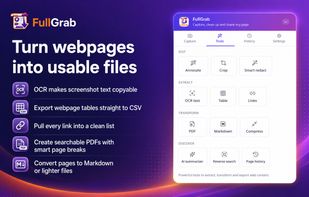
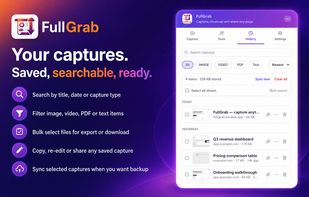
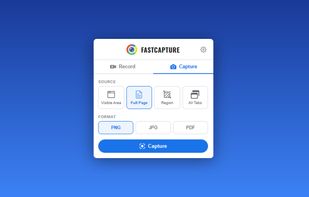
Capture visible areas, full pages, regions, elements and screen recordings, then remove clutter, annotate or redact details. Extract OCR text, tables, links or Markdown; create searchable PDFs, share results or send them to AI while keeping captures local by default.
United States