Turn messy Android storage into a rule-driven library: choose sources, filters, destinations, and schedules, then let the app manage it for you.
 United States




+9



M


Turn messy Android storage into a rule-driven library: choose sources, filters, destinations, and schedules, then let the app manage it for you.
United States
Automatic file organizer operates silently in the system tray, sorting downloads and any folder by extension or pattern with customizable rules, local undo, and history. Runs fully offline for privacy, supports dynamic placeholders, notifications, and multi-language interface.
 Poland
 EU
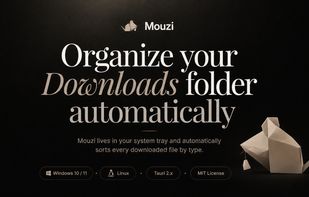


Dolfer is a desktop file organizer that automatically sorts, moves, renames, and cleans up your files using simple rules.
United States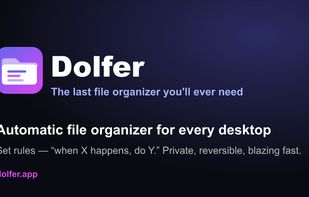


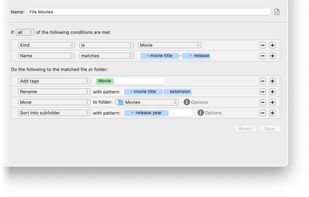
Automates file and folder organization on macOS with project-based sorting, custom and reusable rules, Quick Sorter for instant action, bulk cleanups, menu bar access, background automation, and support for images, PDFs, and documents to minimize manual sorting.
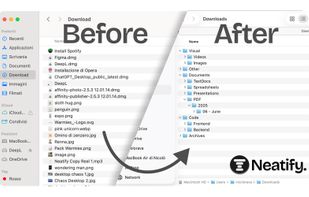


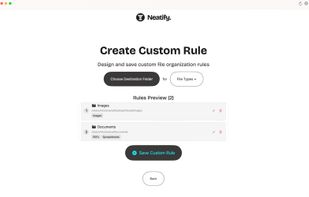


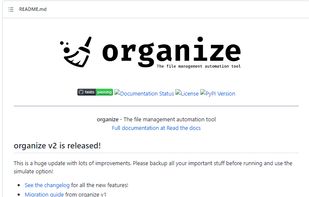
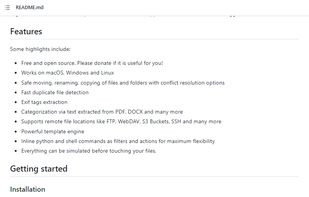


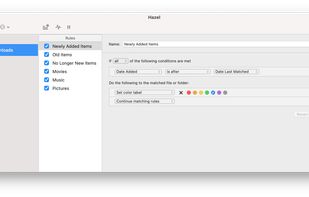
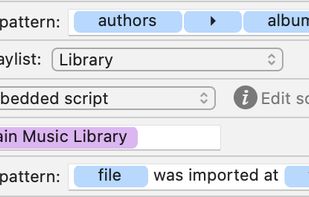
Automates file management on Mac by monitoring folders, sorting, renaming, moving, archiving, and tagging files with user-defined rules. Manages trash, removes remnants after app deletion, integrates with Spotlight, imports to media libraries, and supports automation.
United States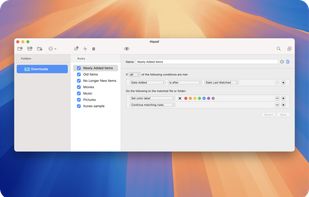


 CyprusEU
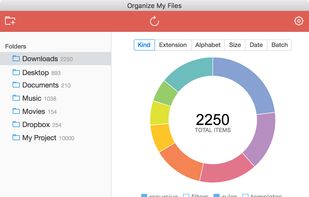
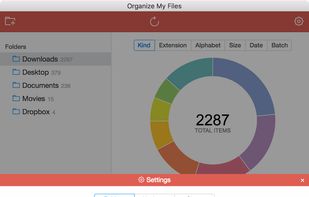
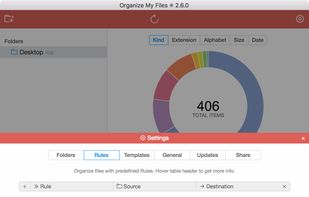


A Mac menu bar app that files, renames, tags, and trashes your files automatically, based on rules you set once.
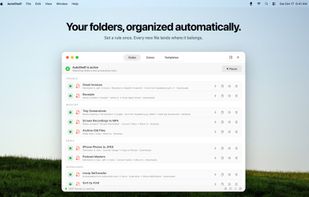
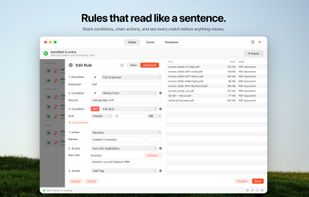
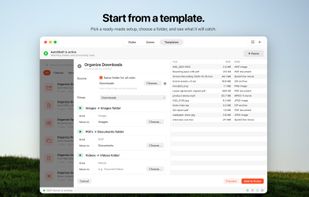
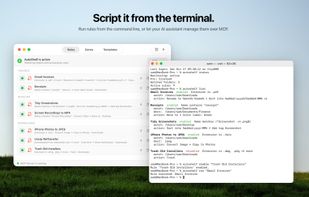


FileFlow scans your files periodically and organizes them according to your rules.
 India
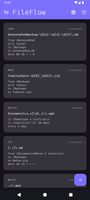

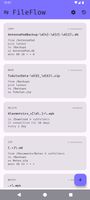


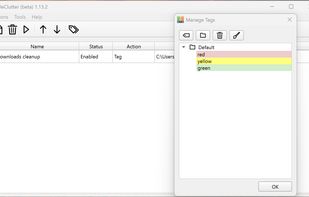
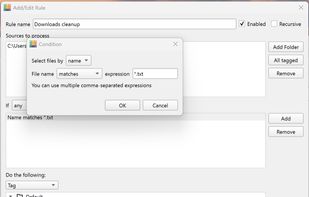
The application automatically processes files and folders based on the rules specified by the user.
The app is open source, based on Python/PySide6.

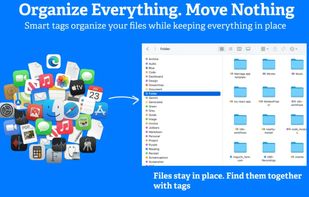
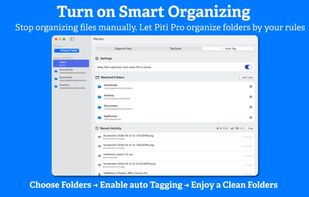
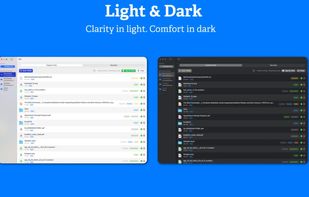
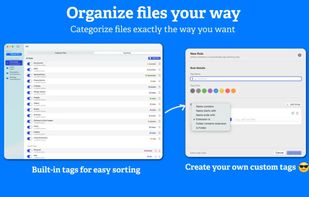
Piti is a free macOS app that auto-tags files to organize messy folders. Operating 100% locally, it uses a custom rules engine to suggest color-coded native Finder tags without moving files.


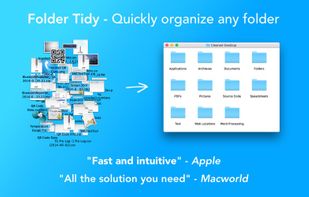
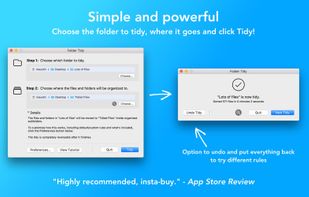
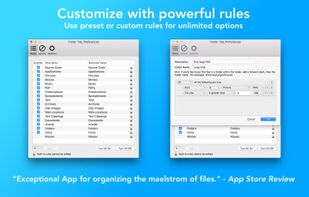
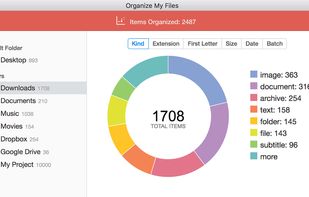
Helps organize disorganized folders by sorting files into subfolders like Pictures, Music, Spreadsheets, or custom groups using pre-set or custom rules, supports undo, exclusions, full CPU usage, and handles vast amounts of files efficiently.
United States