


Luncher Alternatives
Apps similar to Luncher include Docking, which is free and open source. Other options are RocketDock, ObjectDock, Cairo-Dock and Pieoneer. You're spoiled for choice with Application Launchers like Luncher: we list more than 50 alternatives for Windows, Mac and Linux.
Alternatives list
 18 WinLaunch alternatives
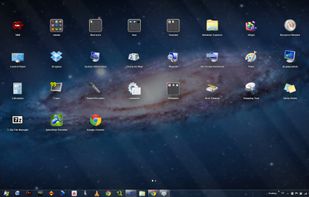
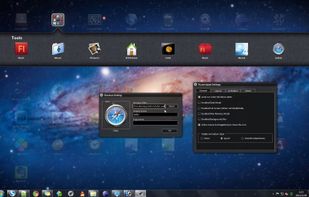
WinLaunch is a Windows program that resembles a Mac OS X Lion Launchpad.
Features:
Instant access to all your important applications and documents from everywhere! Perfect Mac OS X look and feel Tons of customization options Optimized controls for touchscreens and tablets! Win.
Cost / License
- Free
- Open Source (MIT)
Platforms
- Windows
- Global
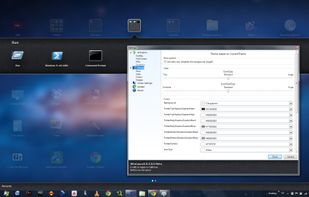


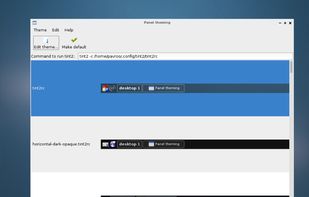
tint2 is a simple panel/taskbar unintrusive and light (memory / cpu / aestetic). We try to get virtual desktop and multi-monitor easier to use. We follow freedesktop specifications.
Cost / License
- Free
- Open Source
Alerts
- Discontinued
Platforms
- Linux
- BSD
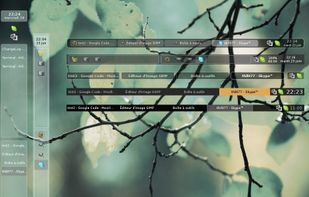


Avant Window Navigator (AWN/Awn) is a dock-like navigation bar for the linux desktop that positions itself at the bottom of the screen. It can be used to keep track of open windows and behaves like a normal window list.
Platforms
- Linux


 28 Latte Dock alternatives
Latte is a dock based on plasma frameworks that provides an elegant and intuitive experience for your tasks and plasmoids. It animates its contents by using parabolic zoom effect and trys to be there only when it is needed.
Cost / License
- Free
- Open Source
Application type
Platforms
- Linux
- KDE


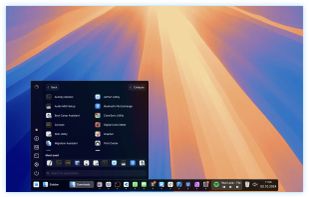
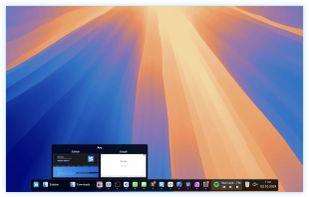
Sidebar transforms the macOS Dock experience, offering multi-screen support, customizable preferences, live previews on Ventura, and window management with WindowSnap. It reserves screen space to optimize display usage and supports storing multiple window configurations for flexible setups.
Cost / License
- Paid
- Proprietary
Application type
Platforms
- Mac
 United States
 +2
+2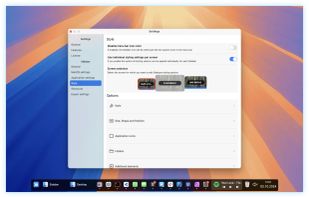

 54 Dock alternatives
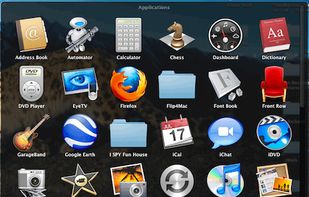
In macOS, the Dock is used as a repository for any program or file in the operating system. It can hold any number of items and resizes them dynamically to fit while using magnification to clarify smaller resized items.
Cost / License
- Free
- Proprietary
Application typeApplication types
Platforms
- Mac
- United States




Cost / License
- Freemium
- Proprietary
Application type
Platforms
- Mac
- United States
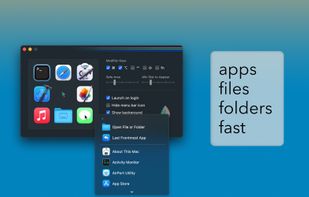
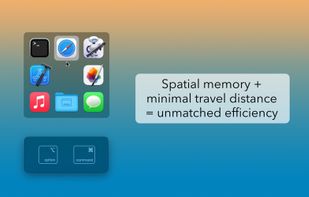

 42 Circle Dock alternatives
The idea behind Circle Dock is that the dock should appear where your mouse is instead of you having to move your mouse to the dock like with other programs. This is accomplished by making the dock a circular or spiral shape so that it can be placed anywhere, even near the edge...
Platforms
- Windows




Platforms
- Windows
 Poland
 EU
EU
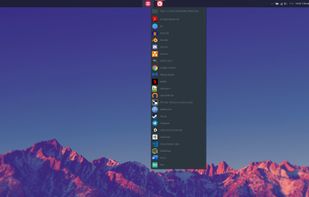


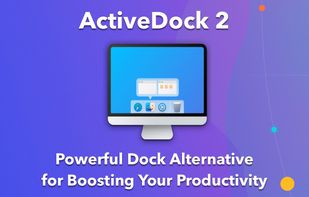
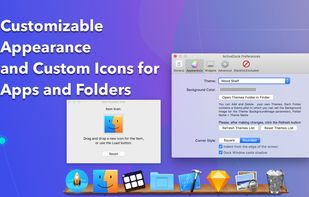
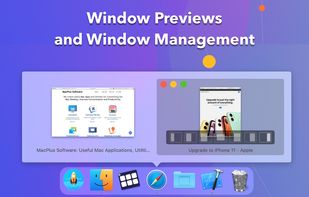
ActiveDock 2 is a customizable alternative to the standard macOS Dock, offering advanced features for app launching, window management, appearance customization, and more. It fully replaces the classic Apple Dock and Launchpad while preserving their familiar look and behavior...
Cost / License
- Paid
- Proprietary
Application type
Platforms
- Mac
 Ukraine
 +1
+1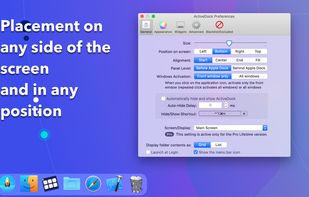


XLaunchpad gives you instant access to all your shortcuts. Arrange apps in XLaunchpad any way you like by dragging icons to different locations or by grouping apps in folders. Simply drag one icon over another to create a folder.
Platforms
- Windows
 China
China



 Netherlands


