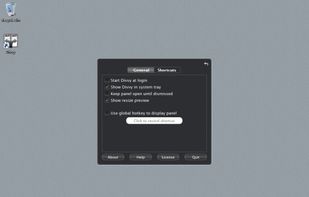
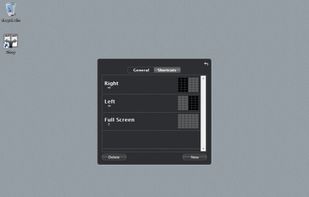
Divvy is an entirely new way of managing your workspace. It allows you to quickly and efficiently "divvy up" your screen into exact portions.
Platforms
- Mac
- Windows
 United States





+4


Apps similar to Loop - Window Management include Rectangle, which is open source with a free version. Other options are Magnet, SnapZones, AquaSnap and Spencer for Mac. Window Managers like Loop - Window Management are a crowded field, with more than 50 alternatives for Mac, Windows and Linux.
Divvy is an entirely new way of managing your workspace. It allows you to quickly and efficiently "divvy up" your screen into exact portions.
United States
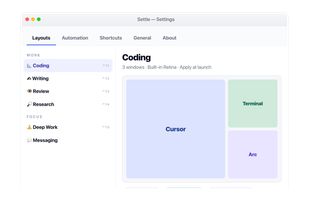
Enables window snapping, remembers and restores multi-app and multi-display layouts, supports workspace profiles, automation for monitor, time, and app rules, local data storage, per app positioning, works offline, and adapts window layouts to display changes.
 Türkiye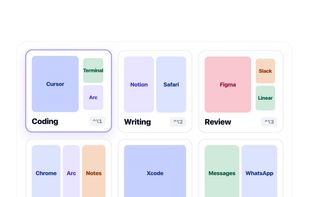




Amethyst is a tiling window manager for Mac similar to the xmonad tiling window manager popular on Linux. Amethyst is written in Objective-C and has configurable shortcuts, multi-monitor support, multiple layouts, and the option to float certain applications.
United States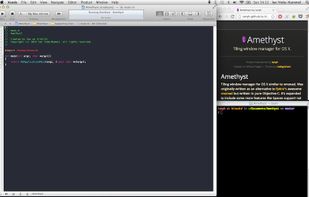



yabai started as a C99 rewrite of chunkwm, originally supposed to be its first RC version.
 Norway


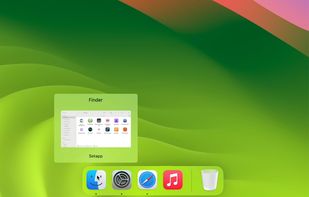
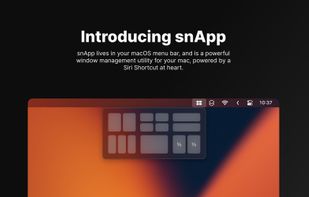
snApp is a powerful window management utility, built for the Mac. At its core, it is powered by the award-winning Siri Shortcut, Snap.
 United Kingdom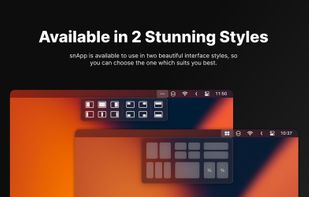


ScreenPlace remembers exactly where every window should be on your Mac and automatically puts it back in its place. Never rearrange or resize a window again because ScreenPlace can handle it for you automatically.
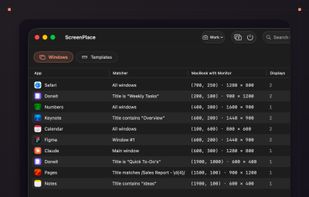
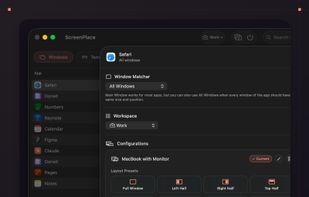
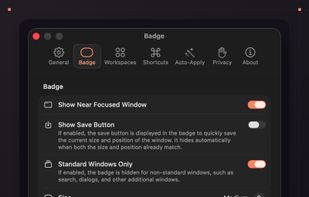
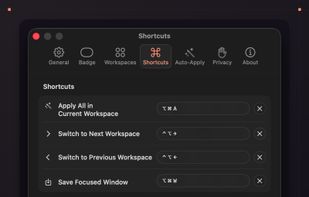


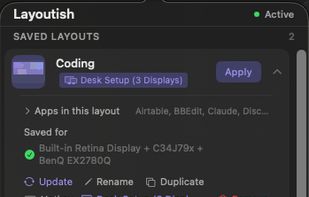
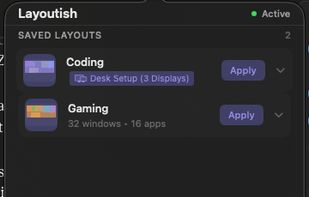
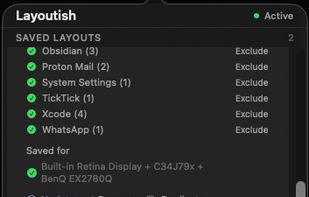
Saves complete macOS window layouts and restores them with one click or hotkey, including multi-monitor and multi-Space setups.
United Kingdom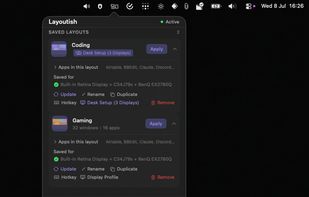


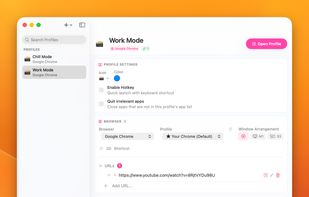
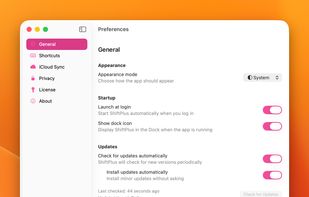
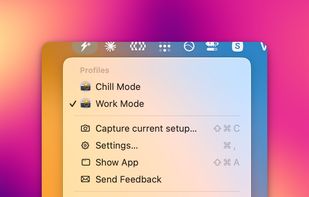
One macOS hotkey to switch entire project contexts: browser profiles (10 browsers), apps, window layouts, terminal env vars, and Spaces - all restored instantly. Native, unsandboxed, with iCloud sync.


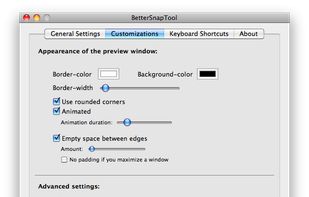
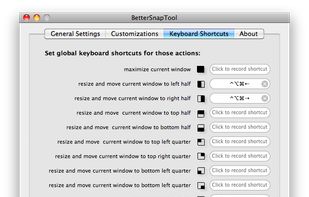
BetterSnapTool is a utility that mimics Windows 7 Aero snap, allowing you to easily manage your window positions and sizes by either dragging them to one of your screens corners or to the top, left or right side of your screen.
 Germany
 EU
EU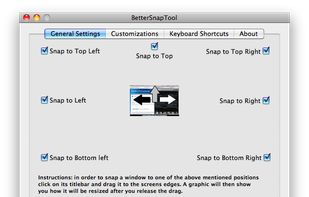




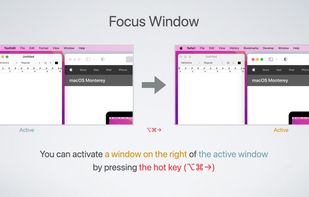
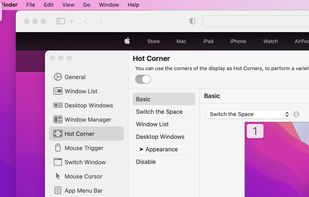
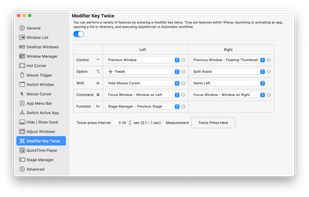
1Piece includes many features to improve the usability of your Mac. Window List that displays the list of all your open windows, a feature that switches the Space or the active window by using Hot Corner, a feature that resize and reposition the window and so on.