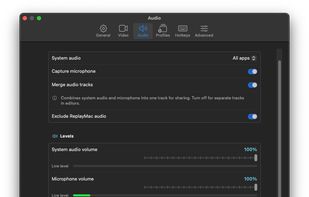


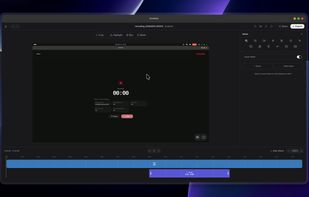
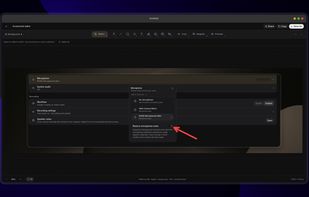
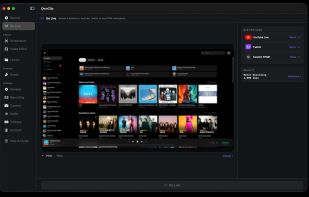
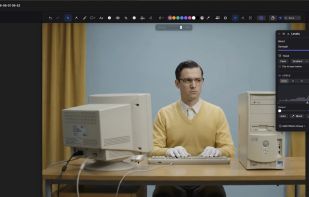
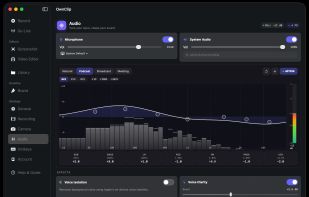
Screenix is a native Linux screen recorder and screenshot editor for tutorials, product demos, quick updates, and visual documentation.
Cost / License
- Paid
- Proprietary
Application typeApplication types
Platforms
- Linux
 France
 EU
EU



Apps similar to Loom include OBS Studio, which is free and open source. Other options are ShareX, OpenScreen, Recordly and GPU Screen Recorder. You're spoiled for choice with Screen Recorders like Loom: we list more than 100 alternatives for Windows, Mac, the web, Linux and Android.
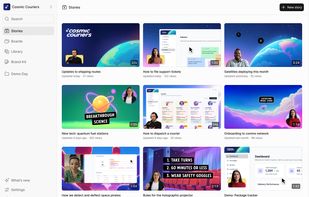
Screenix is a native Linux screen recorder and screenshot editor for tutorials, product demos, quick updates, and visual documentation.
FranceEU
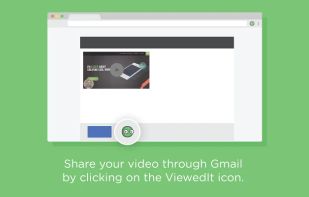
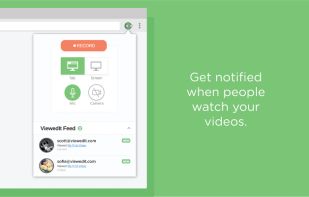
ViewedIt provides a super simple way to record your PC desktop through a Chrome extension. More than that, lets you share your creations then get notified when people watch them.
 Canada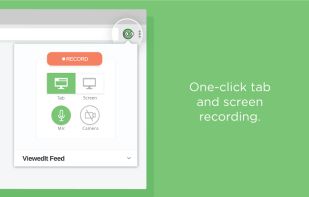



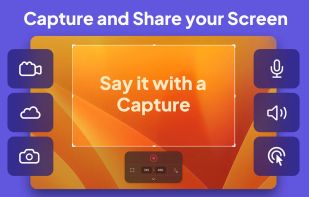
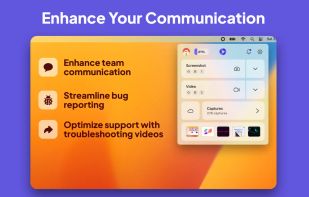
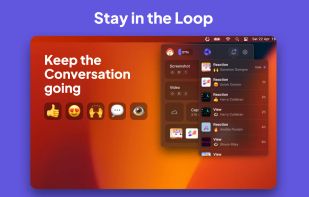
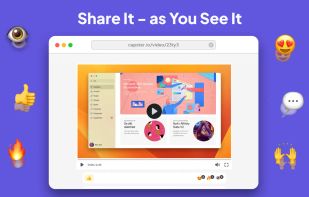
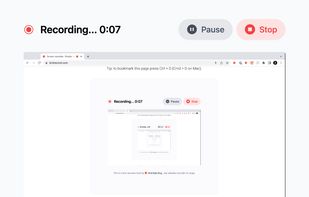
Capster helps you enhance your asynchronous communication with captures of your screen. Record your screen as you demonstrate a feature, idea, or bug, or take a screenshot and annotate it to better convey your point - and instantly share it through the cloud.


 GermanyEU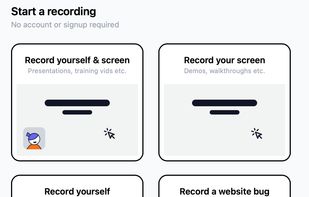


AI-personalized video replies that turn positive cold-email responses into booked meetings


Rally is an AI-powered screen recorder made for product-led teams. Record your screen, annotate screenshots, and create customizable videos to demo your product for both customers and teammates.
 United States


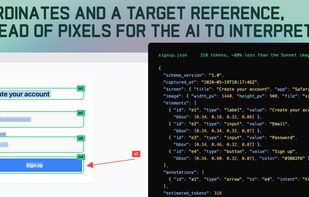
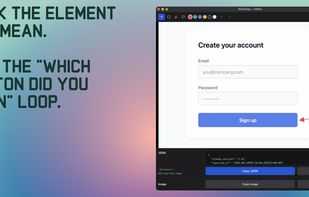
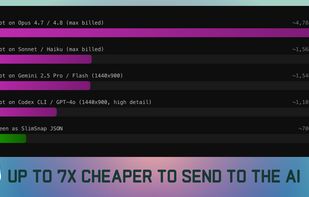
SlimSnap is a Mac app that turns a screenshot into structured JSON instead of an image. It captures the screen, runs OCR locally, and outputs the text, elements, colors, and bounding boxes, so terminal AI coding agents (Claude Code, Aider, Codex CLI) can act on the exact element...


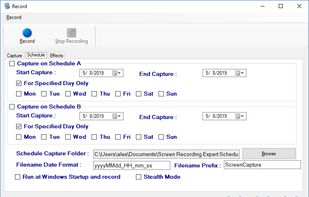
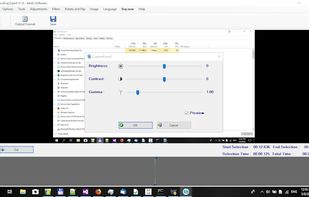
Screen Recorder Expert - Screen recorder with audio and many effects - Screen recorder windows supported - Screen capture on schedule - Cut video, image editing.
 GreeceEU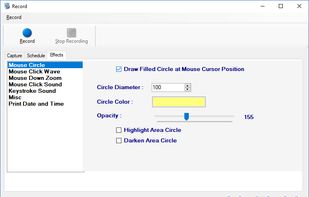



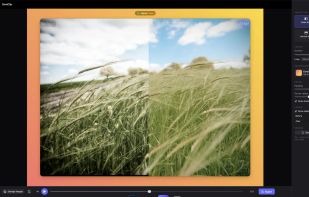
Native macOS screen recorder, screenshot tool, and video editor with on-device AI a one-time purchase, no subscription, nothing uploaded.


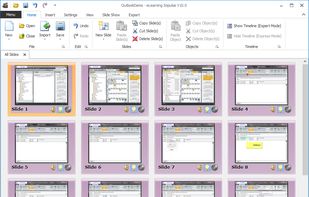
eLearning Impulse uses an intelligent capturing technique for single screenshots that can then be edited as slides. Mouse movements are automatically reproduced. Projects can be exported into various formats for Internet, Intranet or published on DVDs.
 Switzerland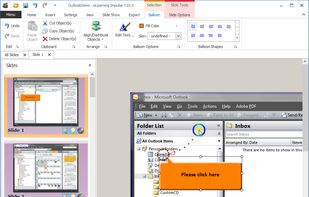


Dropbox Capture lets you take screenshots, recordings, and GIFs of your screen and share them easily with others. You can also add text, arrows, annotations, and watermarks to your captures and store them securely in your Dropbox account.