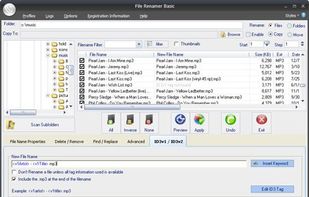
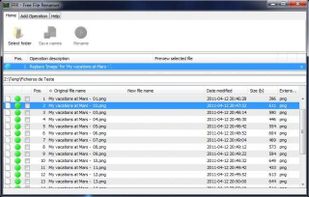
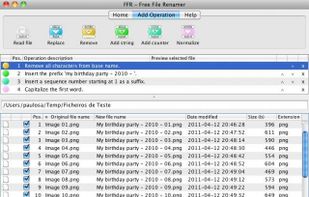
File Renamer - Rename Files. Free utility to rename files easily. Now includes Thumbnail support. Use this utility to preview your pictures before renaming
Cost / License
- Free
- Proprietary
Application typeApplication types
Platforms
- Windows


Apps similar to KRename include Bulk Rename Utility, which is free for personal use. Other options are Ant Renamer, ReNamer, Advanced Renamer and Rename X Pro. File Renamers like KRename are a crowded field, with more than 50 alternatives for Windows, Mac, Linux and the web.
File Renamer - Rename Files. Free utility to rename files easily. Now includes Thumbnail support. Use this utility to preview your pictures before renaming

An easy and effective batch file rename tool. Rename multiple files at once using a wide range of tools.
 Netherlands
 EU
EU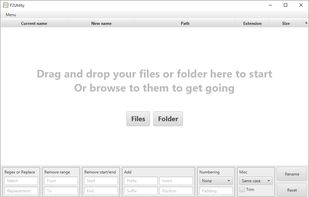
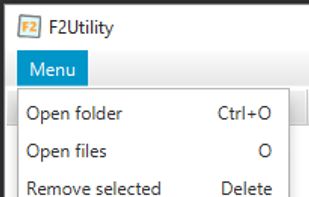
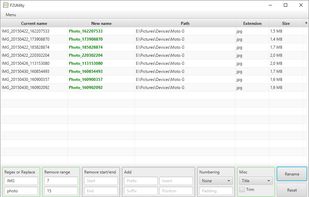
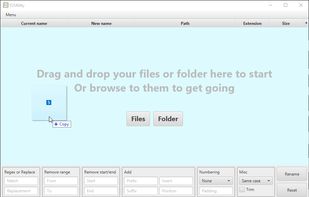


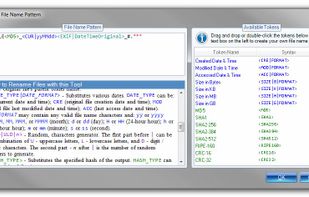
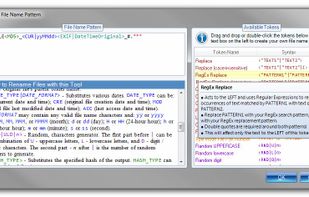
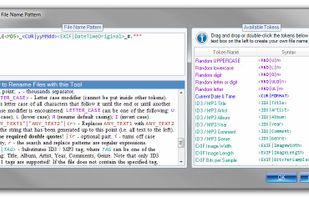
Rename multiple files according to a pattern you specify. Modify original file name by removing/copying its parts, replacing text, or changing letter case. Use dynamic elements like file properties, hashes, MP3 ID3 and EXIF tags, random characters.
 United States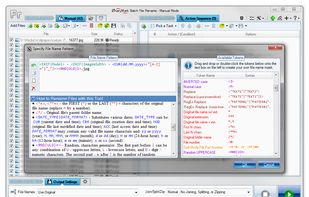


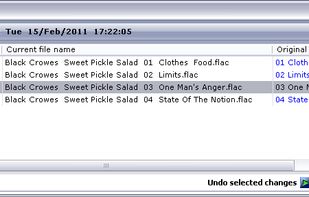
A file renamer which renames many files at once. Has Undo, you can preview changes instantly & use STAR TREK stardate/startime.

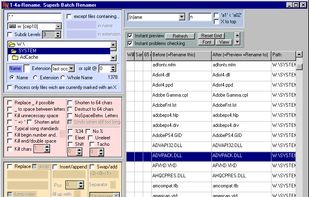


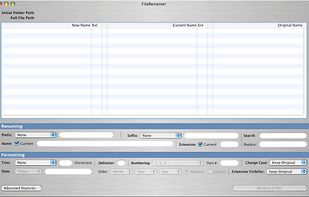
FileWrangler's speed is back to the gold old days; 2.5 GB of data, composed of 11,000 files nested 8 subfolders deep can be renamed in under 30 seconds on a PowerBook.


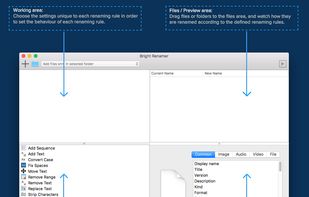
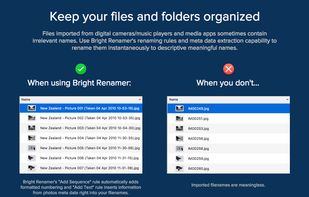
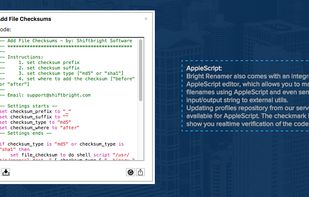
Bright Renamer is an intuitive professional bulk file renaming tool for Mac® users with 12 Renaming Rules, online repositories, realtime preview, hundreds of parameters and support for 157 meta data tags.



Magic File Renamer (MFR) is a powerful multiple file renamer and ID3 tag setter. With MFR you can change names, dates and attributes for files and folders instantly. MFR also let you change text files contents and ID3v1 / ID3v2 tags for MP3 files.
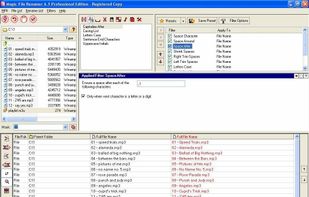
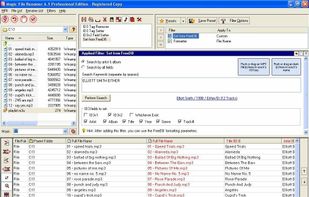
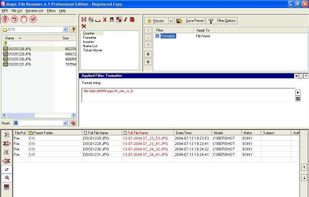




Run Renamer.exe to add a shortcut to the SendTo menu. Then select a set of files to be renamed in Windows Explorer, right click, select SendTo menu, and select Renamer to rename all these files.
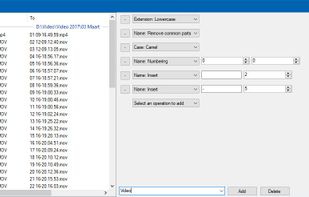


Minimalistic Batch-Rename Tool. Contribute to kerner1000/drrename development by creating an account on GitHub.


 South Korea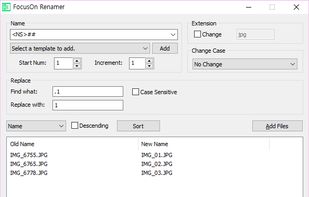


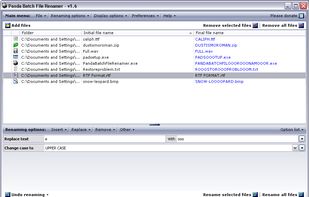
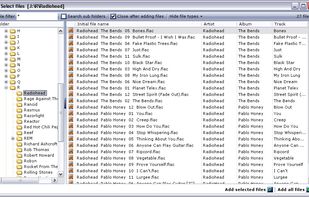
Panda Batch File Renamer is an easy to use utility for changing the names of multiple files.