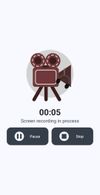
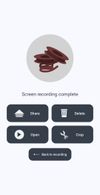
Record your computer screen with audio input from Mic or Speakers. Also shows mouse clicks in addition to the regular cursor. Simple interface with ability to record in AVI or export as swf.
Platforms
- Windows
- PortableApps.com
 United States


Apps similar to Kooha include OBS Studio, which is free and open source. Other options are OpenScreen, Recordly, GPU Screen Recorder and N-Studio. Screen Recorders like Kooha are a crowded field, with more than 100 alternatives for Windows, Mac, Linux, the web and Android.
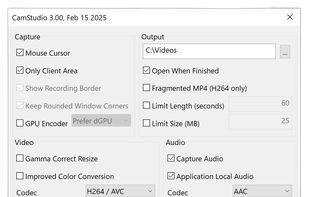
Record your computer screen with audio input from Mic or Speakers. Also shows mouse clicks in addition to the regular cursor. Simple interface with ability to record in AVI or export as swf.
United States
Free, open-source screen recorder for macOS with native menu bar integration, ProRes 422/4444, HEVC, H.264 codecs, alpha channel and HDR support, flexible audio including system and mic, content filtering, privacy features with no tracking, and local file storage.
 Germany
 EU
EU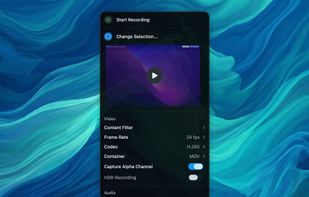


Record macOS screens with smoothed mouse movement, zoomed click highlights, cinematic motion blur, and customizable backgrounds while integrating webcam, microphone, system sound, and easy video editing. Output in HD for instructional and promotional videos.
 PolandEU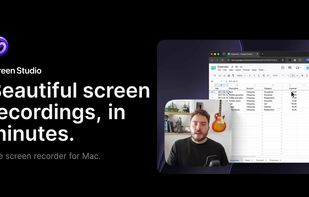
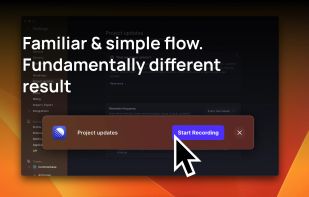
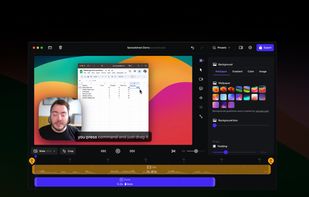


Open-source macOS screen recording app with auto-zoom, cursor effects, and timeline editing — Screen Studio alternative.
 South Korea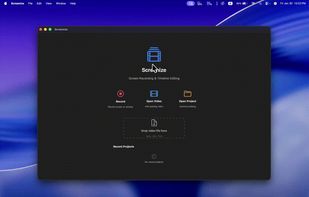
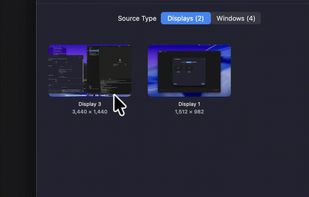
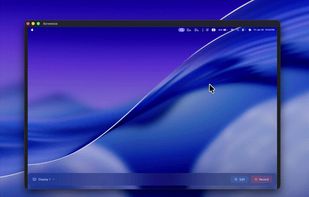


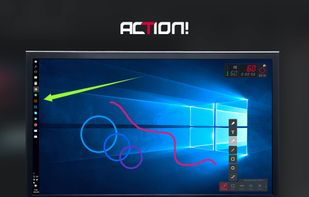
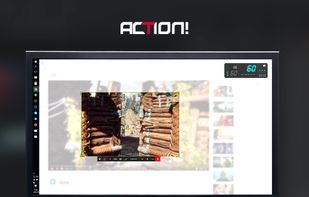
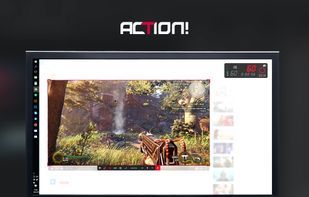
Action! enables HD, 4K, HDR10, and 8K streaming and recording, integrates fps displays, webcams, and live audio commentary. With overlays, monitoring tools, and benchmarking features, it offers a multifaceted solution for gaming capture.
PolandEU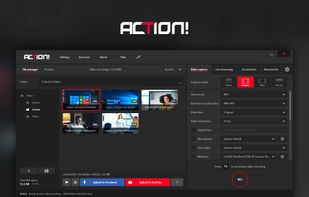


Screen recording app providing native Windows and macOS support, adds AI-driven auto-zoom following actions, motion blur, 3D effects, animated backgrounds, captions, keystroke and click highlights, webcam overlays, and fast 4K or GIF exporting without watermark.
 Bangladesh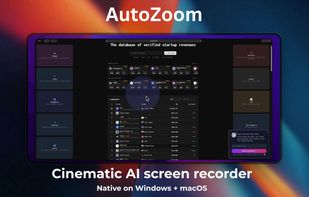


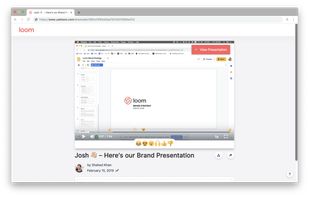
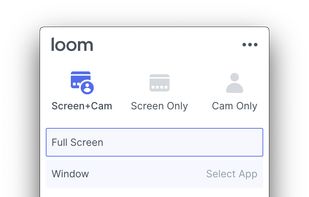
Easy and free screen recorder for Mac, Windows, and Chromebooks. Record your camera and screen with audio directly from your Chrome browser and share the video with your team, friends, and family.
United States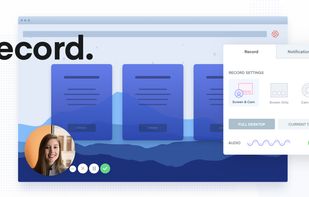


 China
China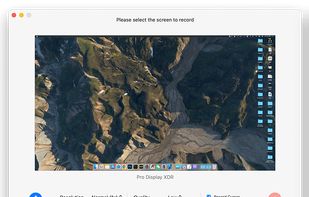
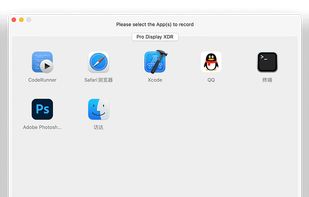
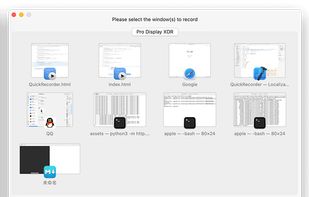
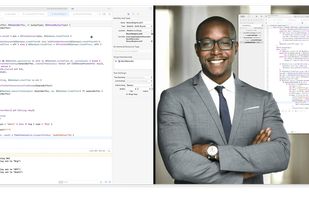


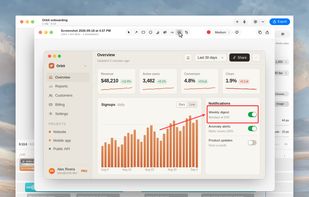
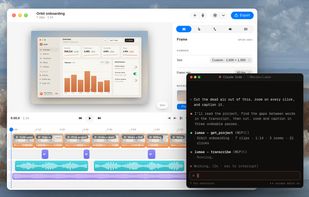
A free native Mac studio for recording displays, windows or areas, then editing with automatic click-based zooms, a redrawn cursor and motion blur. It also creates editable annotated screenshots, transcribes captions locally, records voiceovers, and stitches takes.
 Canada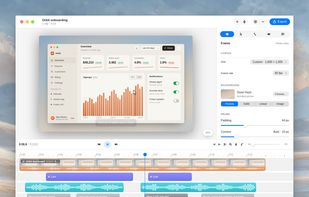


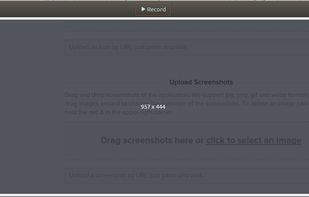
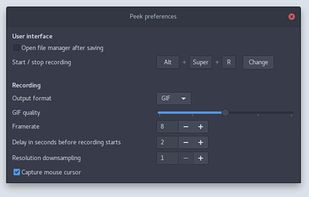
Peek makes it easy to create short screencasts of a screen area. It was built for the specific use case of recording screen areas, e.g. for easily showing UI features of your own apps or for showing a bug in bug reports.
GermanyEU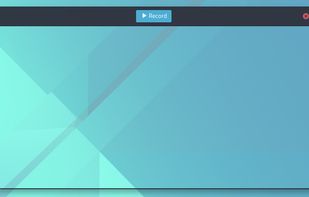



Get to know Game Bar on Windows Open Game Bar to take control of all your favorite gaming activities while playing on your Windows 10/11 device.