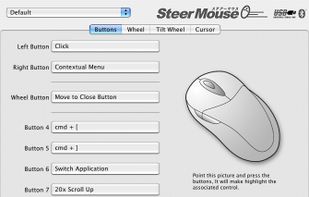
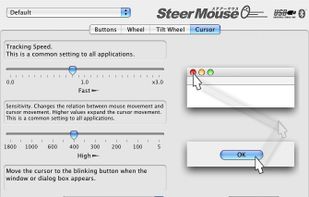
SteerMouse is a utility that lets you freely customize buttons, wheels and cursor speed. Both USB and Bluetooth mice are supported.
Cost / License
- Paid
- Proprietary
Platforms
- Mac
 Japan
Japan



Apps similar to Key Manager include AutoHotkey, which is free and open source. Other options are X-Mouse Button Control, FastKeys, SharpKeys and Karabiner Elements. There's no shortage of Key Mapping Tools like Key Manager, with more than 50 alternatives for Windows, Mac, Linux, Android and the web.
SteerMouse is a utility that lets you freely customize buttons, wheels and cursor speed. Both USB and Bluetooth mice are supported.
Japan
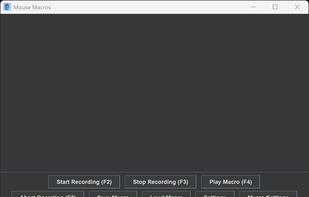
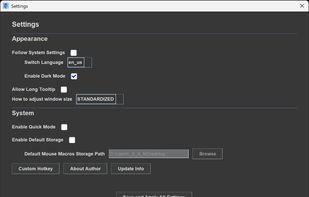
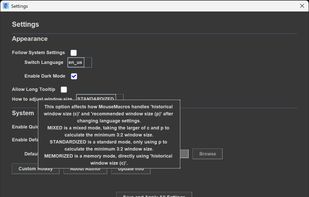
A lightweight Java tool for recording and replaying mouse and keyboard macros with substantial & easy-to-use functions and highly customizable settings which others may not include.


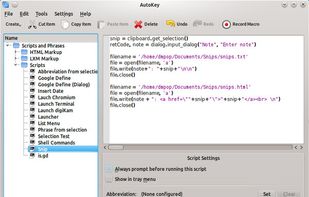
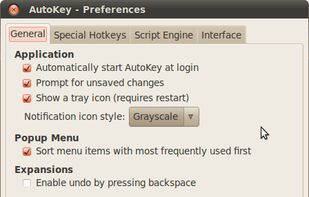
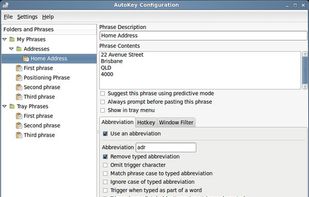
AutoKey is a desktop automation utility for Linux and X11. It allows you to manage collection of scripts and phrases, and assign abbreviations and hotkeys to these. This allows you to execute a script or insert text on demand in any program.


This is a cross-platform software keyboard remapper for Linux, macOS and Windows. A short summary of the features:


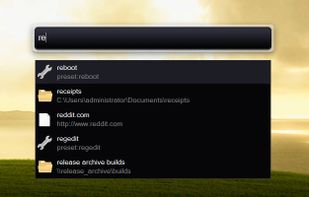
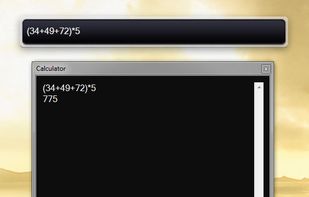
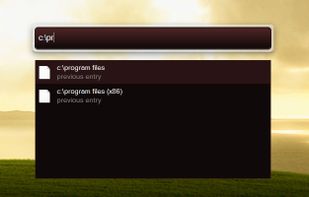
Hotkey-activated desktop toolbar for launching files, folders, and websites, searching online resources, managing notes and reminders, pasting custom text, automating tasks with macros, handling clipboard history, performing calculations, and keeping windows on top.


AlwaysMouseWheel is a small portable Windows program that enables you to scroll in any window (currently under the mouse pointer) using the mouse wheel; even if the window is not focused.
 Germany
 EU
EU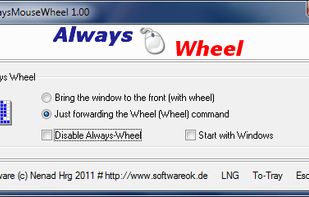


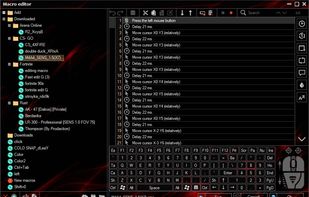
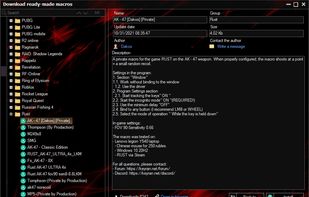
The cutting-edge program for creating and using macros on any mouse and keyboard setup. Whether its suppressing recoil in combat or automating MMO tasks, Keyran has something for everybody. Over 5000 free macros for everyone to use.
 Russia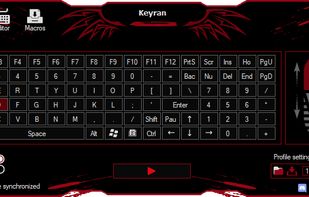


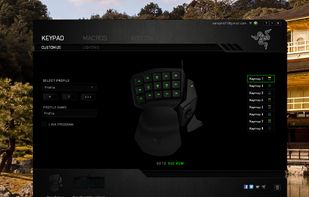
Razer Synapse is unified configuration software that allows users to rebind controls or assign macros to any Razer peripherals and saves those settings automatically in the cloud.
 United States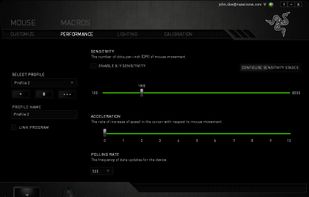


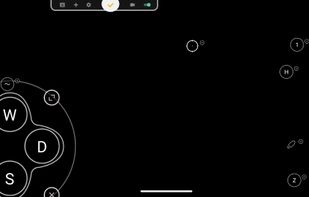
Support Android 12! The activator updated, please download the activator again and activate it on PC.





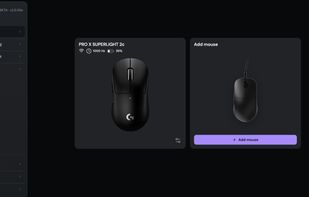
Browser-based control panel for supported gaming mice — change DPI, polling rate, and sensor settings without installing a driver.


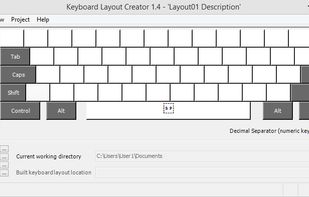
Offers tools for building custom keyboard layouts, editing existing setups, and supporting multilingual input locales. Compatible with Windows 2000 to Windows 7, including 64-bit platforms, and enables packaging for easy installation on multiple machines.
United States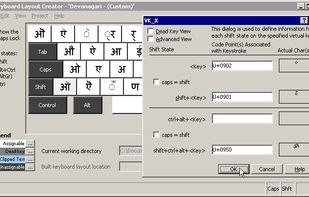


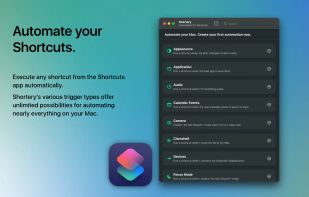
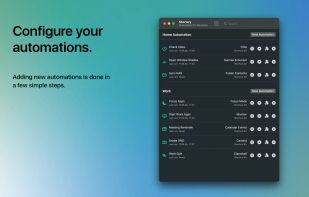
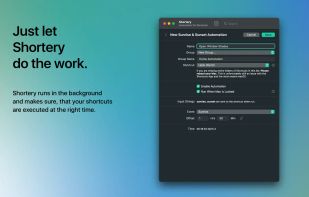
Automates macOS Shortcuts with seven configurable triggers, including application launch or quit, system wake or sleep, scheduled times, login and logout, custom hotkeys, appearance mode changes, and power events, supporting complex automation for daily workflows.
GermanyEU