Beautiful screenshots with stunning backgrounds and powerful annotation tools. Create, edit, and share professional-quality screenshots with ease.
Cost / License
- Pay once
- Proprietary
Application typeApplication types
Since
- Since 2025
 Portugal
 EU
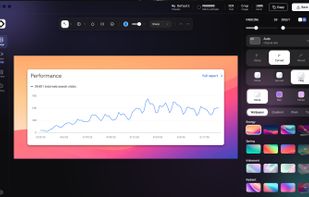


Apps similar to Spectacle include ShareX, which is free and open source. Other options are Greenshot, Flameshot, Snipping Tool and PicPick. You're spoiled for choice with Screenshot Capture Tools like Spectacle: we list more than 100 alternatives for Windows, Mac, the web, Linux and Android.
Beautiful screenshots with stunning backgrounds and powerful annotation tools. Create, edit, and share professional-quality screenshots with ease.
PortugalEU
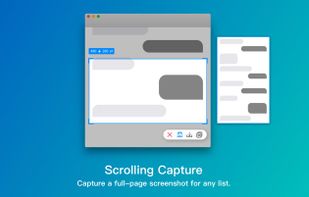
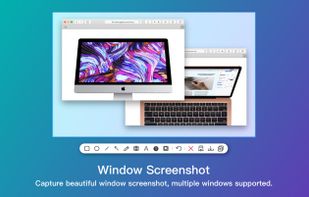
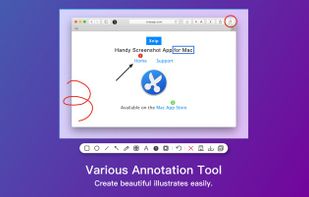
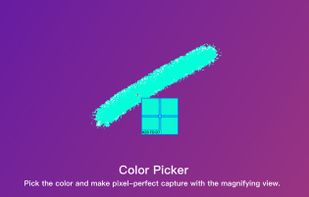
Screenshot app for macOS includes scrolling capture for full-page screenshots, multi-window selection, annotation tools, color picker, shadow effects, object measurement, pixel accuracy, and pinning images—ideal for code, chats, articles, and design references.
 China


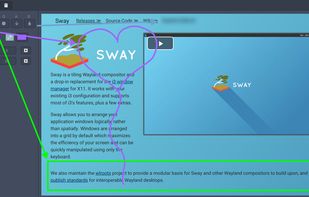
Swappy is a Wayland screenshot editing tool featuring brushes, text, shapes, arrows, and blur. Images can be saved locally or copied directly to the clipboard.
 FranceEU


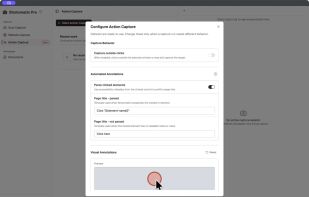
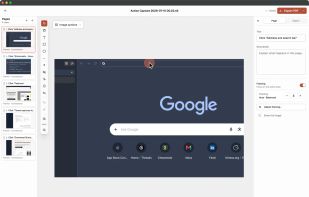
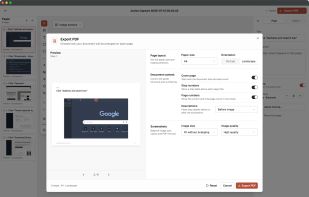
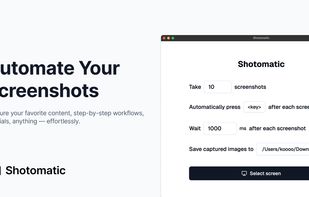
Shotomatic is a Mac app for recording a desktop task as an editable screenshot guide. Action Capture saves the target screen immediately before each accepted click, marks the action, and adds the step to a document.
 South Korea


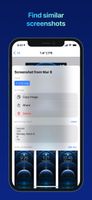
FlyScreen is a powerful screenshot manager for iOS. Search your screenshots, copy text and links, organize by tags, and more.




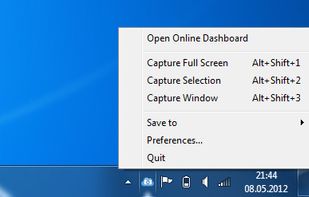
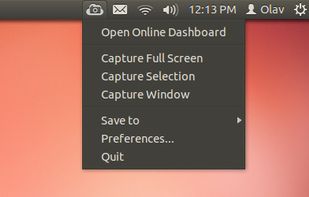
ScreenCloud is an easy to use screenshot sharing application. Take a screenshot using one of the 3 hotkeys or simply click the ScreenCloud tray icon. You can choose where you want to save your screenshot.


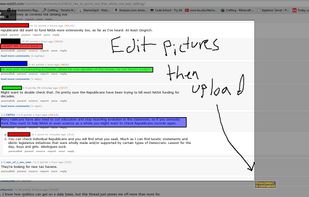


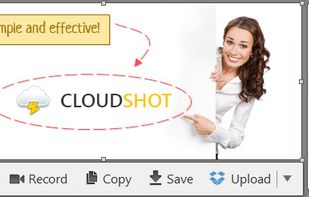
Make a screenshot, add your notes on top and share it instantly. Need to show some action? Record what you do, and share a GIF in a few seconds.


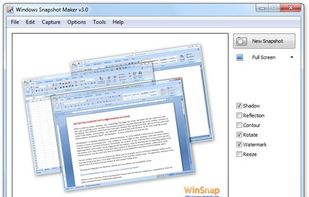
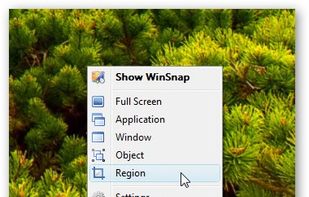
WinSnap is a small enhancement utility for taking and editing screenshots. Standard features include easy capture of non-rectangular windows with customized and transparent backgrounds, simple and automatic canvas transformations, coloring effects, and the addition of eye-candy...
 Russia



A macOS app for capturing, annotating and sharing screenshots. Quickly add comments, highlight what matters or blur any sensitive content. Upload screenshots to Google Drive or Dropbox. Copy screenshots to the clipboard and paste them directly into Slack, Skype, Jira, Trello and...


Glui is the simplest way to capture, annotate and share screenshots.
Key features: • Capture crosshair, window or fullscreen screenshots, or drag and drop existing images. • Annotate with arrow, rectangle, pen and text tool. • Instantly upload to .