


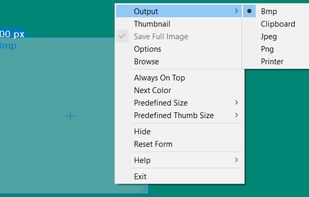
informUp screen capture is a free screen capture software for you to easily take screenshots.
Cost / License
- Free
- Proprietary
Application type
Platforms
- Windows


Apps similar to Spectacle include ShareX, which is free and open source. Other options are Greenshot, Flameshot, PicPick and FastStone Capture. You're spoiled for choice with Screenshot Capture Tools like Spectacle: we list more than 100 alternatives for Windows, Mac, the web, Linux and Android.
informUp screen capture is a free screen capture software for you to easily take screenshots.

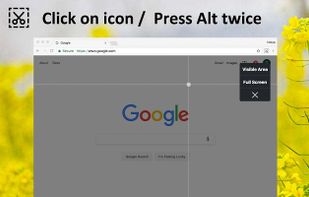
Capture the web page, either part of it or full page. Edit your screenshots in a very user-friendly interface.


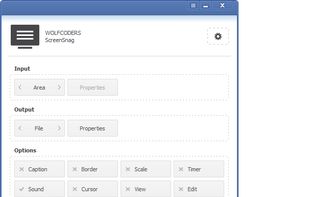
ScreenSnag provides a quick and easy way to take a photo of your computer screen. Capture the entire screen, a region of the screen, a window, or an element on the window with a single hotkey or click. You can also use Timer option to perform captures at intervals that you...
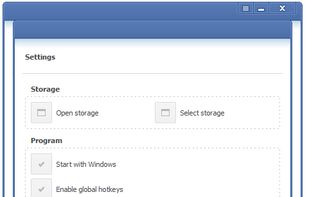
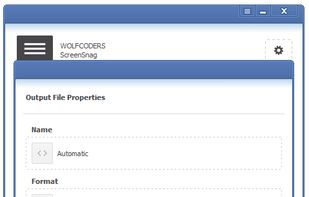


Cropper is a screen capture utility written in C#. It makes it fast and easy to grab parts of your screen. Use it to easily crop out sections of vector graphic files such as Fireworks without having to flatten the files or open in a new editor.



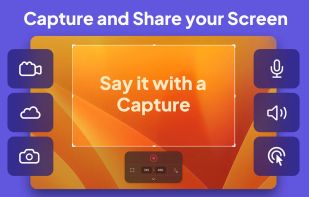
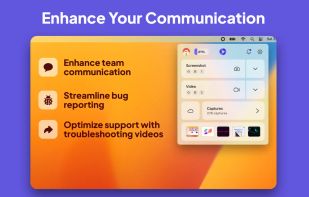
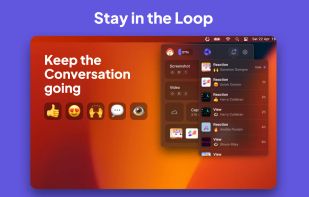
Capster helps you enhance your asynchronous communication with captures of your screen. Record your screen as you demonstrate a feature, idea, or bug, or take a screenshot and annotate it to better convey your point - and instantly share it through the cloud.



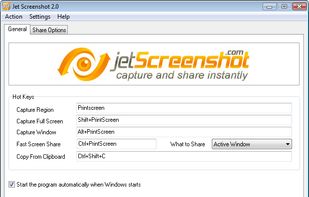
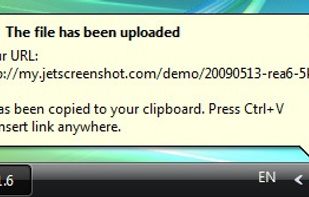
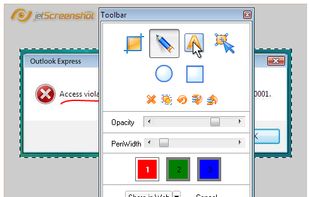
Jet Screenshot is a freeware utility enabling you to share screenshot via the internet in seconds. It allows you to take a screen snap, edit it and send it to the Web, so that you can immediately provide anyone with a link to the image.
 Ukraine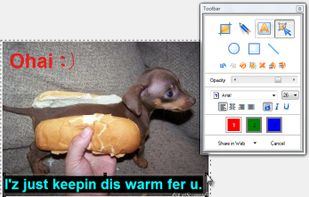


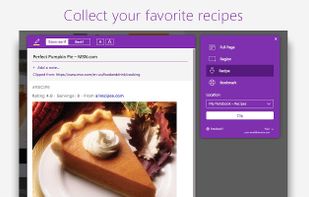
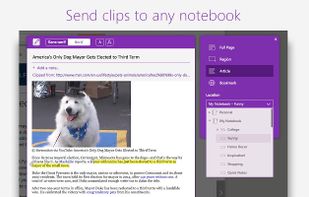
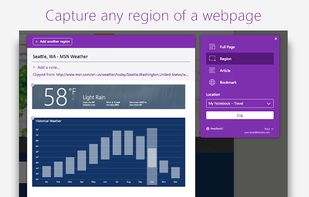
You're busy. OneNote Web Clipper lets you quickly clip all or part of a web page to OneNote, and save it for later. Clip images, pdfs, videos, or a visual bookmark of a page. Best of all, you can access them from any computer, tablet, or phone - even when you're offline.


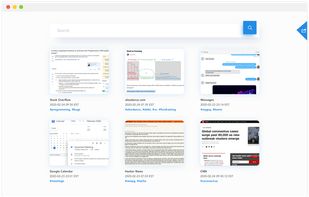
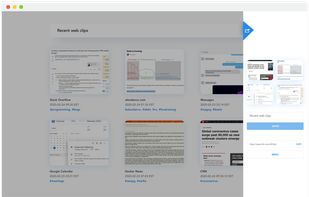
Screenshot organization and smart search, for effortless memory retrieval. Categorized screenshots by keywords, topic, and source -- so that you can find the memory you're looking for.


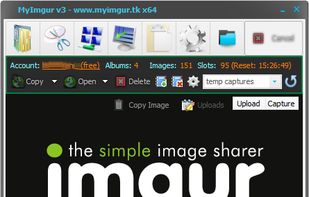
MyImgur is the most handy capture and uploader tool you’ll ever find for Windows computers. Intuitive 1-click actions and simple settings to very quickly capture areas of your screen or specific windows and send them to Imgur for sharing, or select a few files from your computer...

QuickScreenshot is a lightweight and very easy to use application that enables you to take screenshots of your desktop with a few mouse clicks. Just press the wanted screenshot key (or press it multiple times) and your screenshots are done!
 Germany
 EU
EU


