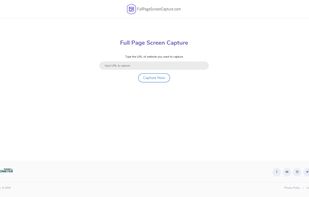
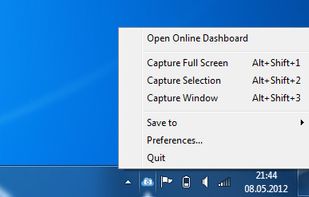
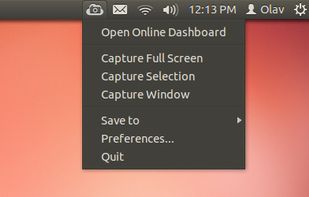
ScreenCloud is an easy to use screenshot sharing application. Take a screenshot using one of the 3 hotkeys or simply click the ScreenCloud tray icon. You can choose where you want to save your screenshot.
Platforms
- Mac
- Windows
- Linux
- Online



Jing has been discontinued. One of the most popular alternatives is ShareX, which is free and open source. Other popular alternatives are Greenshot, SimpleScreenRecorder, FastStone Capture and PicPick. There's no shortage of Screenshot Capture Tools like Jing, with more than 100 alternatives for Windows, Mac, the web, Linux and Android.
ScreenCloud is an easy to use screenshot sharing application. Take a screenshot using one of the 3 hotkeys or simply click the ScreenCloud tray icon. You can choose where you want to save your screenshot.

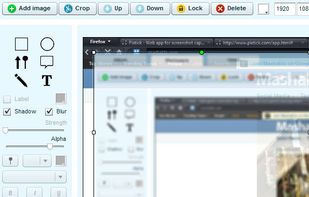
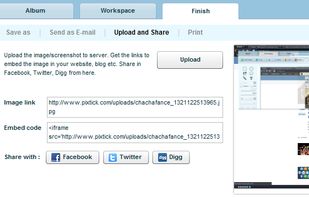
Pixtick, an online application, can capture screenshot from browser. No download or installation required. Its having robust annotation tools to annotate and edit screenshots and images from hard drive or from web.



There exist a lot of screen recorders, but all lack the speed for doing some full screen recording. The speed is just to low or cpu to high.
 Germany
 EU
EU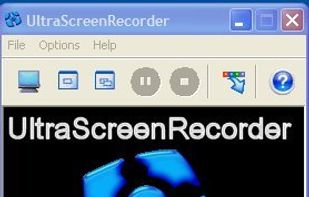


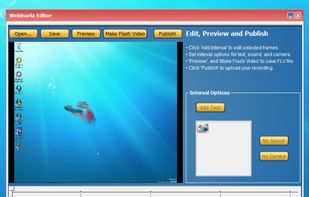
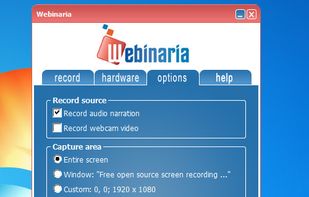
Webinaria is an easy to use screen recording and screen-casting tool. It allows you to record your screen or just a specific window. The integrated editor allows you to annotate your screen-cast before publishing it as a flash video.


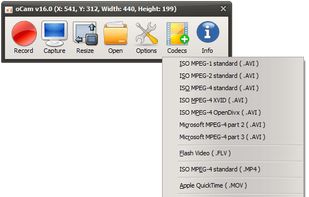
oCam is a video recording program that can record video to be played on the monitor via your PC.
 South Korea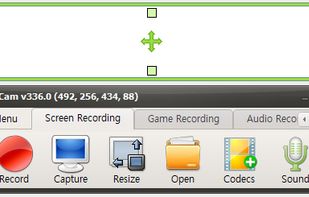


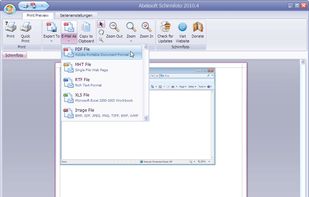
Schirmfoto is the easiest way of creating screenshots. Schirmfoto integrates itself into your Windows system by adding a new button in the title bar of each window. Clicking this icon will create a screenshot for you.
GermanyEU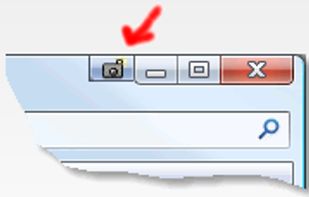


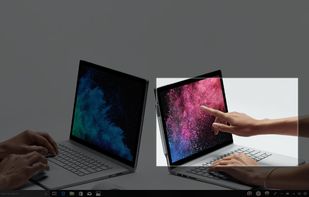
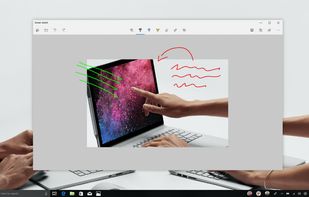
Quickly annotate screenshots, photos and other images with your pen, touch, or mouse and save, paste or share with other apps.


Ybex Clipboard is an easy to use tool and a free web service to capture, annotate and share your screen, texts and images.
 Russia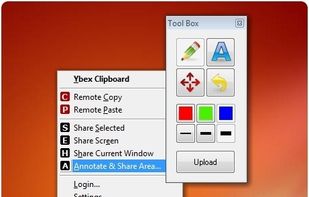


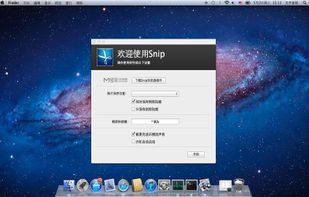
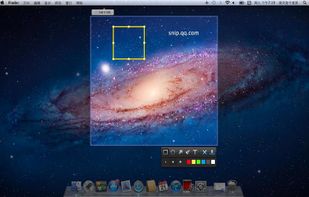
Snip is a screen-capture application that can capture the active window or custom areas. Drag to zoom in/out the screen shot; add labels, texts and handwriting contents of your choice and save it to your device or the clipboard.
 China
China


Record and share screen and voice effortlessly. One-click record and instantly share video with private link.


 United States