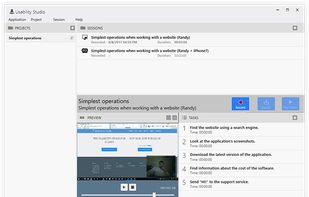
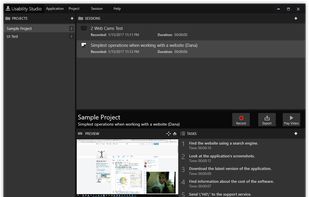
Solution for running affordable usability tests using a web camera. Features:
- Screen recording
- 2 webcam recording
- Stereo mix
- Test scenario
- Customizable Export
- Full screen Preview.



There are many alternatives to Jing for Windows and since it's discontinued a lot of people are looking for a replacement. The best Windows alternative is ShareX, which is both free and Open Source. If that doesn't suit you, our users have ranked more than 100 alternatives to Jing and loads of them are available for Windows so hopefully you can find a suitable replacement. Other interesting Windows alternatives to Jing are Greenshot, Snipping Tool, PicPick and FastStone Capture.
Solution for running affordable usability tests using a web camera. Features:

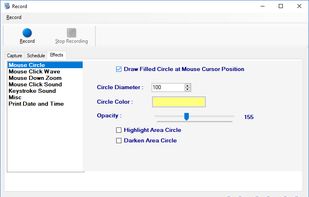
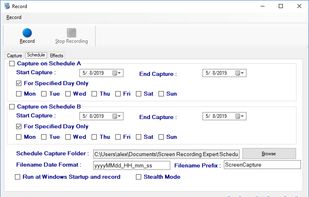
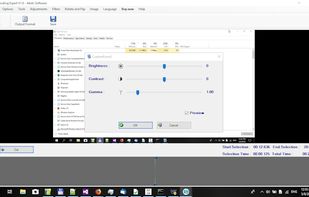
Screen Recorder Expert - Screen recorder with audio and many effects - Screen recorder windows supported - Screen capture on schedule - Cut video, image editing.
 Greece
 EU



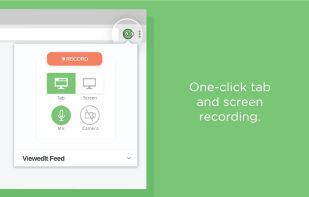
ViewedIt provides a super simple way to record your PC desktop through a Chrome extension. More than that, lets you share your creations then get notified when people watch them.
 Canada





TinyTake is a free screen capture software for Microsoft Windows. With TinyTake, you can capture images and videos of your computer screen, add comments and share them with others in minutes. TinyTake is built by MangoApps and is available for free.
 United States
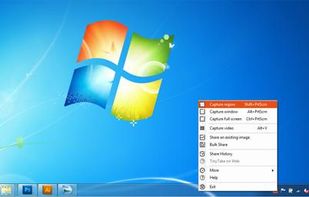

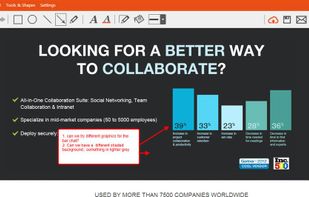
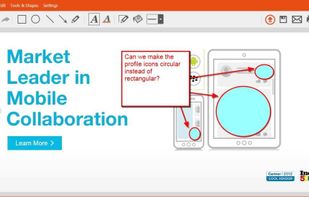


Make a screenshot, add your notes on top and share it instantly. Need to show some action? Record what you do, and share a GIF in a few seconds.


HyperCam v2 is a video capture software that records AVI movies (screencam) directly from your monitor, for software presentations, software training, demos, tutorials, and fun! HyperCam supports text annotations, sound, and screen notes (great for creating automated software...
United States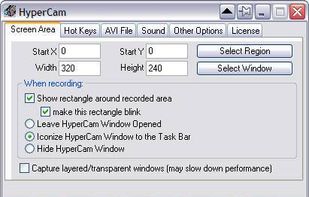

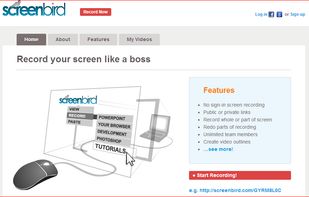
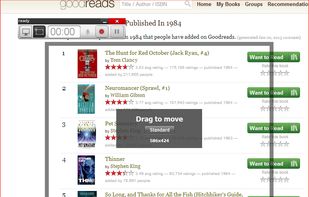
Screenbird is a browser based, no-sign in screen recorder. It's cross platform, and built for collaboration. From there you can push videos to Youtube, or create an outline for it, download a copy for backup.
United States

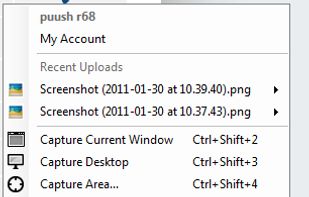
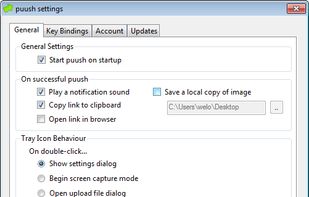
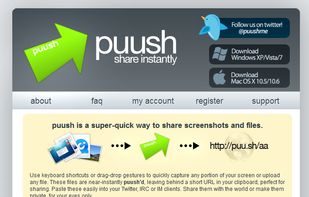
puush is a super-quick way to share screenshots and files. Quickly capture any portion of your screen, upload any file, and share them with a short URL automatically placed in your clipboard. Share them with the world or make them private, for your eyes only.
 Australia


Screen Grab Pro Is a freeware screen capture tool. It features One click grab of any screen for ease of use, Timer operation, Current window selection list and more. Screen Grab Pro copies a bitmap to clipboard ready for pasting in your favorite Picture Editor.


Screen capture in real time and send instantly to any destination: clipboard, file, graphic editor, studio, e-mail, web, Windows Instant Messenger, ICQ, printer/fax.


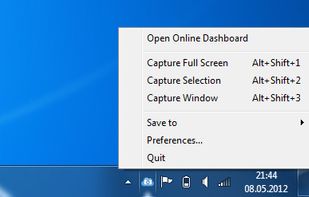
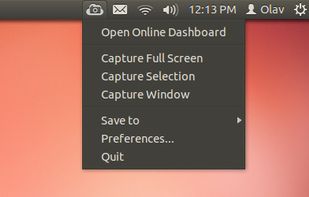
ScreenCloud is an easy to use screenshot sharing application. Take a screenshot using one of the 3 hotkeys or simply click the ScreenCloud tray icon. You can choose where you want to save your screenshot.