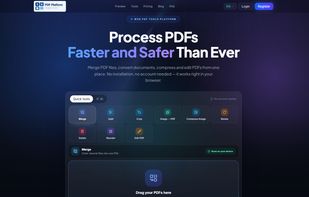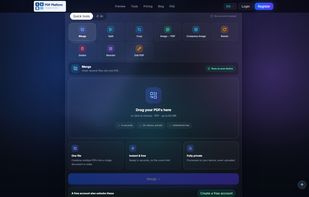


Browser-based PDF editor that reflows content structurally when you edit — with tagged, accessible (PDF/UA-ready) export.
 United States




Apps similar to iLovePDF include PdfCraft, which is free and open source. Other options are Stirling PDF, PDF24 Creator, BentoPDF and Adobe Acrobat DC. There's no shortage of PDF Editors like iLovePDF, with more than 100 alternatives for the web, Windows, Mac, Android and iPhone.
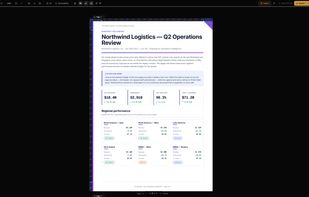
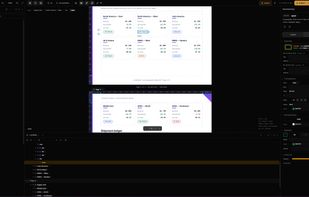
Browser-based PDF editor that reflows content structurally when you edit — with tagged, accessible (PDF/UA-ready) export.
United States
KeptPDF is a set of PDF tools that run in the browser. Files are processed on your own device, so a sensitive document is not uploaded to a server to be edited.
United States
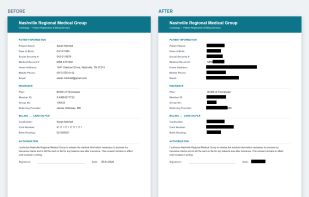

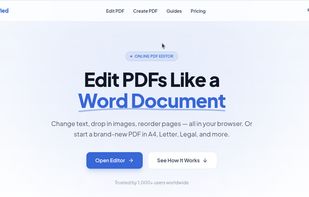
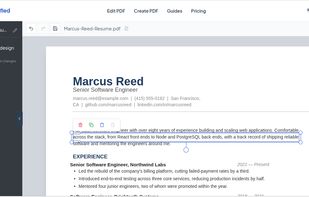
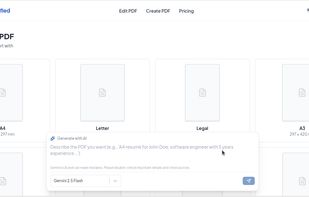
PDFSimplified is an online PDF editor. Edit text in PDF files, create PDFs from scratch or from a prompt, and edit or translate pages with AI.

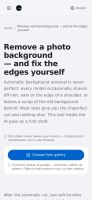
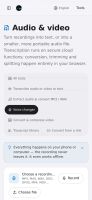
Most "free online converters" are upload services: your file goes to their server, gets converted there, and comes back. OneClick Convert is the other way round. The converter is downloaded into your browser and runs there, so the file never leaves your phone or laptop...
 Jordan


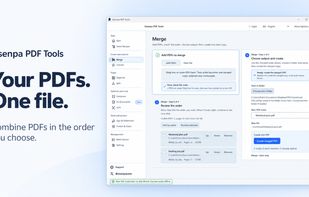
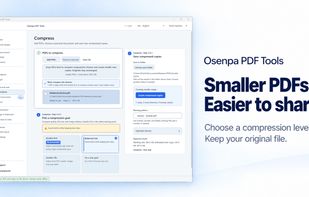
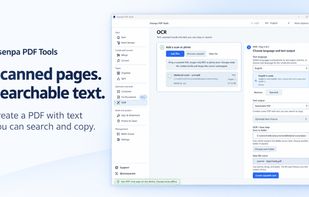
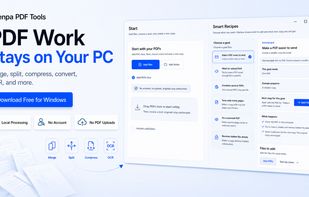
Free Windows PDF toolkit for merging, splitting, organizing, compressing, converting and OCR, with visible signatures, password controls and metadata cleanup.


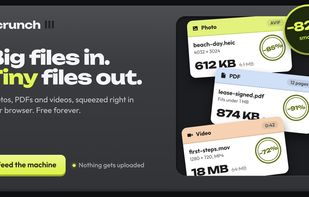
Scrunch is a free, open-source web app that shrinks photos, PDFs and videos entirely on your own device. Files are never uploaded to a server, and once the page has loaded it keeps working with Wi-Fi off.
 Canada

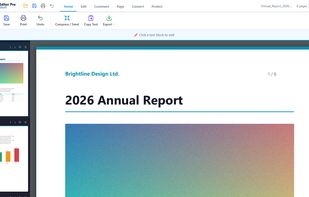
Offline Windows PDF editor: edit text in place, merge, compress, OCR, sign, convert, and send PDFs to Kindle as EPUB. One-time $9.99.
 Türkiye
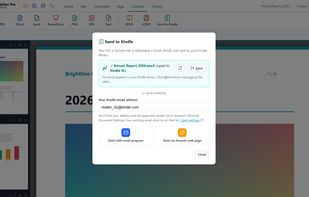
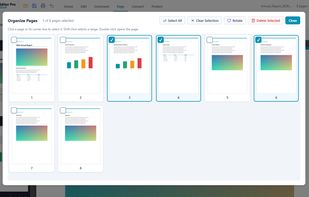
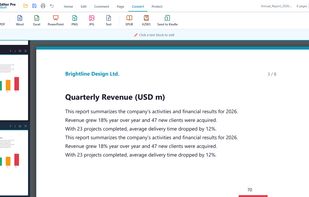

Files.co PDF Suite for your desktop. 15 PDF tools as a native app, with its own viewer, tabs and annotations. Every operation runs on your computer — no uploads, no accounts, no internet required.
 Spain
 EU


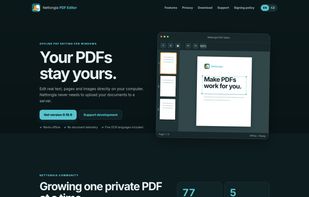
Nettongia PDF Editor is a free and open-source PDF editor for Windows that processes documents locally without uploading them to a server. It allows users to edit existing text, add and modify images, reorder, rotate or delete pages, create and insert signatures, search...
 CzechiaEU

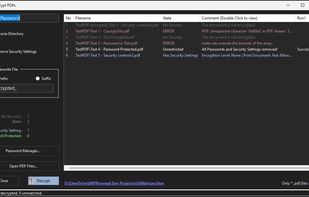
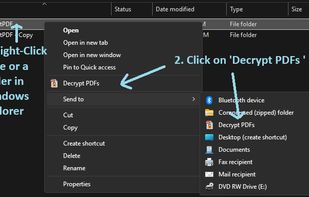
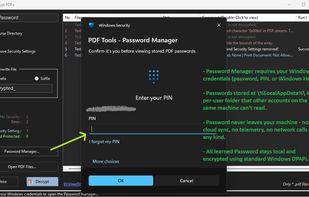
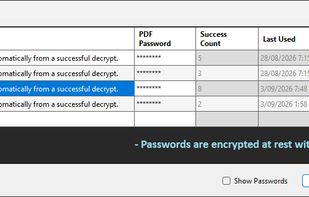
If you deal with encrypted PDFs, you need this - bulk password removal for Windows Explorer that learns and auto-tries your passwords.


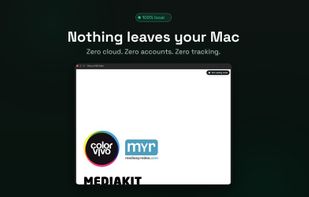
DipperPDF is a free, open-source macOS app for everyday PDF jobs that keeps your documents on your Mac. It works offline after installation, requires no account, and does not upload files to a cloud service.
 India
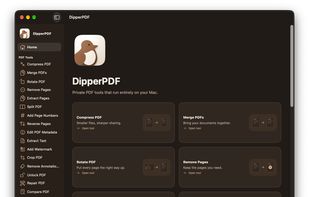
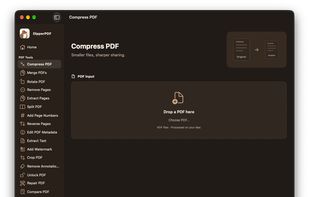
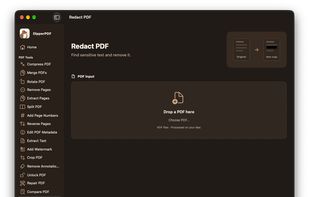
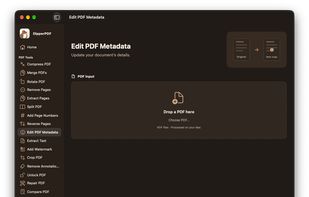

Word, Excel, PowerPoint and images, OCR scanned documents into searchable PDFs, edit existing text, sign, annotate, add watermarks or page numbers, encrypt, unlock, repair and flatten, extract embedded images or plain text, convert a web page to PDF, and scan paper documents...
Türkiye