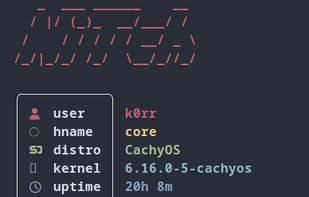
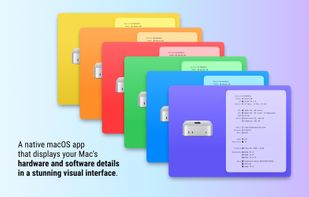
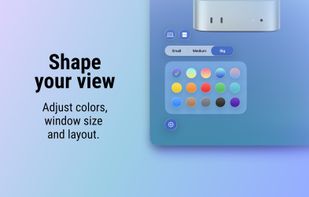
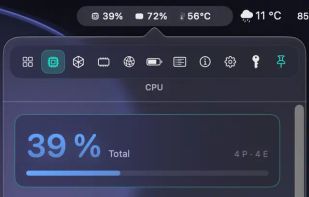
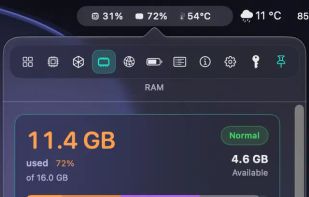
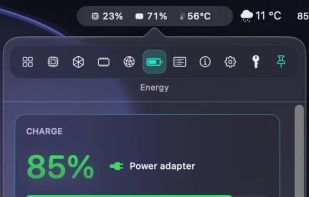
A native macOS app that presents your system in a beautiful, visual way. Perfect for screenshots — or just to admire your awesome setup.
Cost / License
- Free
- Proprietary
Application type
Platforms
- Mac
 Poland
 EU
EU





One of the most popular alternatives to HWiNFO (32/64) is CPU-Z, which is free. Other popular alternatives are Speccy, Libre Hardware Monitor, GPU-Z and AIDA64. System Information Utilities like HWiNFO (32/64) are a crowded field, with more than 100 alternatives for Windows, Linux, Mac, Android and iPhone.
A native macOS app that presents your system in a beautiful, visual way. Perfect for screenshots — or just to admire your awesome setup.
PolandEU
Live CPU, GPU, RAM, and thermal data directly in your macOS menu bar. Native for Apple Silicon, private by design, and built for fast first-glance insight.
 GermanyEU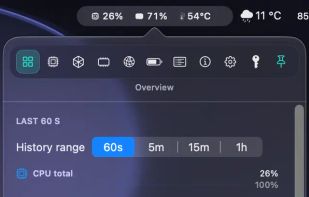


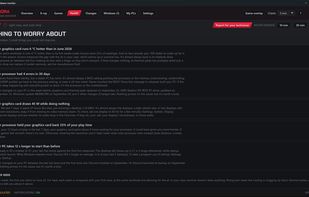
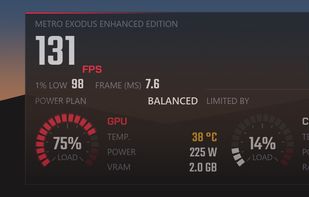
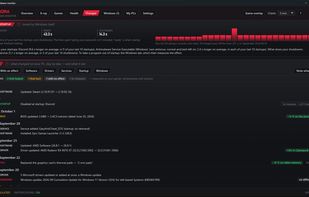
Aurora is a free hardware monitor for Windows 10 and 11. It shows temperatures, fans, drives, network and in-game FPS live on one dashboard, and explains in plain words whether the PC is doing well, what to do and what changed.
 Canada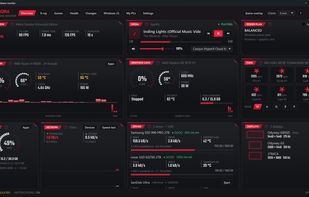


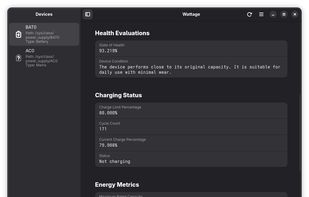
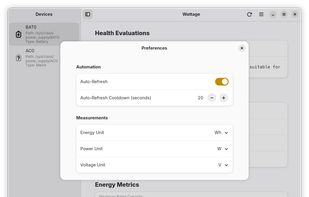
Wattage is an application designed for monitoring the health and status of your power devices. It displays quick data regarding battery capacity, energy metrics, and device information through a clean, modern GTK 4 + libadwaita interface.
 United States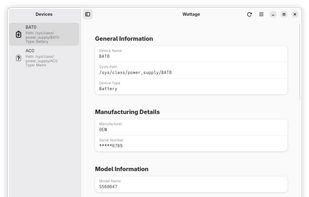


Lightweight Windows hardware monitor that displays CPU and GPU temperatures in the system tray, with a customizable OSD and built-in FPS counter.
 RomaniaEU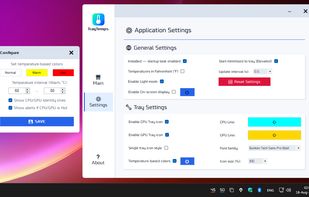
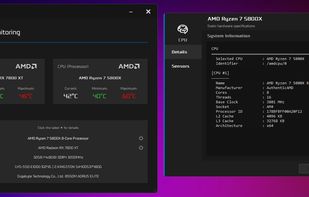
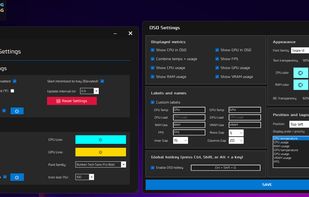


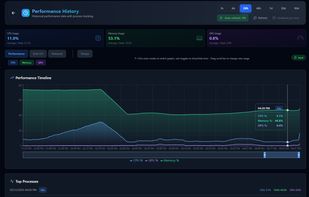
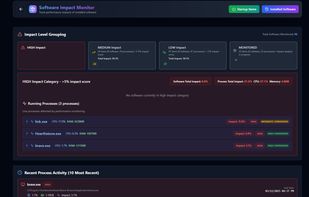
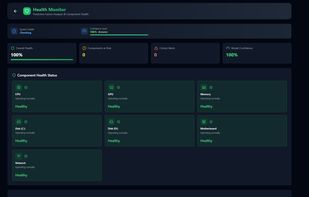
AI-powered hardware monitoring for Windows. Real-time system health, predictive alerts, and smart diagnostics. Free for home use.



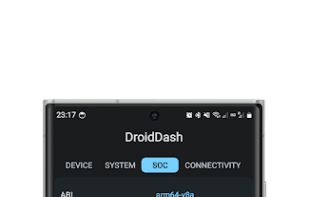
Dashboard for Android, is a software designed specifically for the Android platform, designed to provide you with detailed information about your device.
 China
China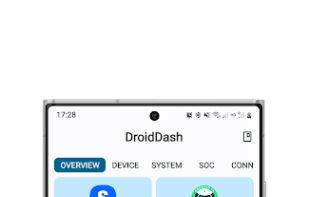
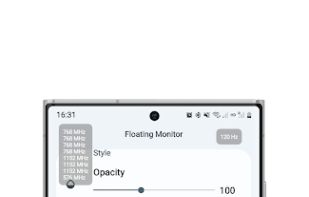


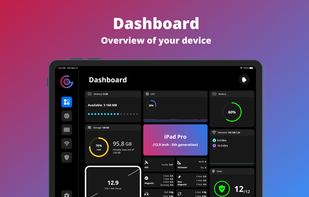
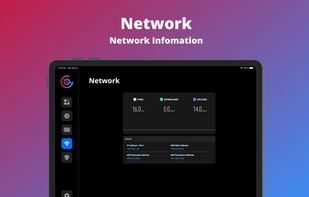
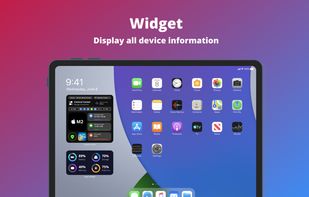
Unlock your device's full potential with G-CPU Info! Monitor performance, track battery health, analyze system specs, and benchmark-all in one beautiful, easy-to-use app.
 Vietnam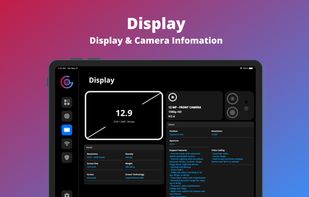


HWdetails is a free Windows PC information tool that displays detailed hardware, operating system, device, storage, network, and Wi-Fi data, with options to export reports as TXT or XML files.
 CyprusEU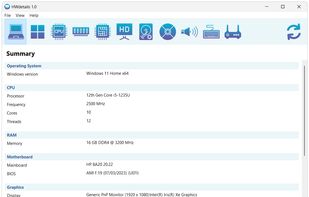


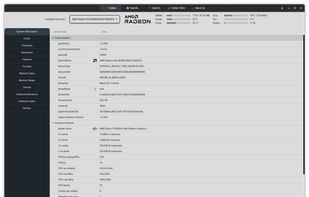
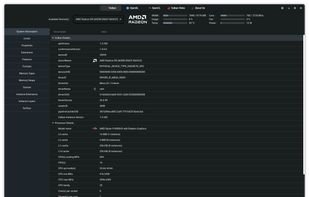
This project aims to capture all the important details of glxinfo, vulkaninfo and clinfo in a GUI. The project is being developed using python 3 pygobject with GTK4. All the important details are extracted using glxinfo/vulkaninfo/clinfo with the combination of grep, CAT, AWK...


Analyze installed apps, permissions, Wi-Fi details, sensors, device activity, hardware components, and system behavior in a clear and structured way.
 India
India