Secure Shell is an xterm-compatible terminal emulator and stand-alone ssh client for Chrome. It uses Native-Client to connect directly to ssh servers without the need for external proxies.
 United States





Apps similar to Hatch for Mac include FileZilla, which is open source with a free version. Other options are Spacedrive, Cyberduck, ForkLift and Transmit. You can choose from more than 10 SSH Clients like Hatch for Mac for Mac, Windows, Linux, iPhone and iPad.
Secure Shell is an xterm-compatible terminal emulator and stand-alone ssh client for Chrome. It uses Native-Client to connect directly to ssh servers without the need for external proxies.
United States
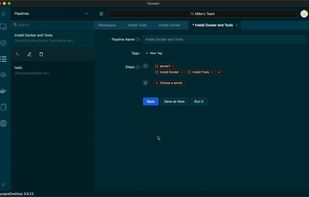
Oysape is a cutting-edge SSH client and terminal solution, tailor-made for DevOps and CI/CD workflows. It simplifies server management by allowing users to maintain a list of servers, and execute customizable Tasks on selected servers dynamically.


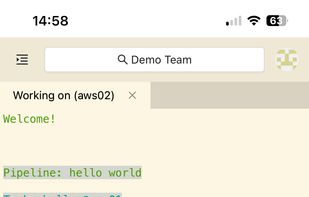


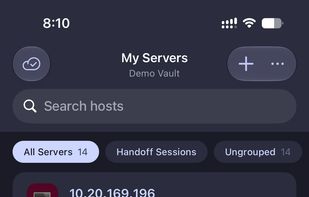
Tempest is a powerful SSH, RDP, VNC, S3, WebDAV, SFTP, FTP, Telnet, Serial, RCON, and Mosh client for Android — built for developers, sysadmins, and DevOps engineers who manage servers on the go.
United States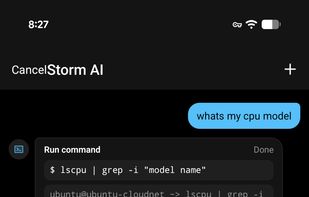
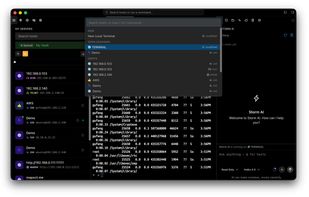
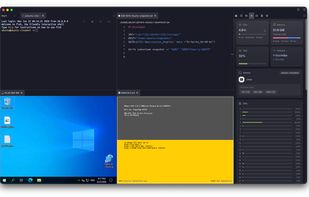


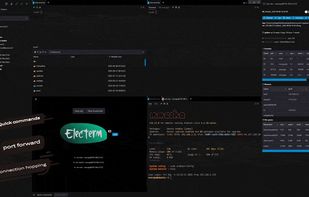
electerm is a terminal/ssh/sftp client(linux, mac, win) based on electron/node-pty/xterm/antd and many other libs, it works like a combination of guake and xshell.
 China


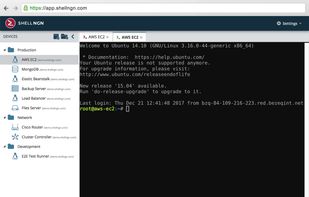
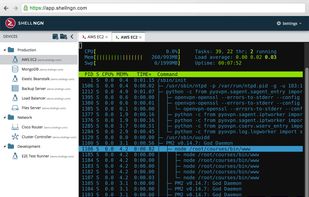
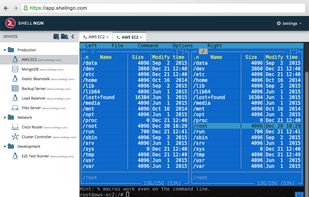
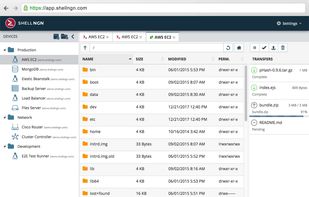
Shellngn is a cloud based SSH client with SFTP and Telnet support. Manage your servers anywhere you are, with a professional and feature-rich SSH and SFTP Client.
 United Kingdom


With SSH Client, you can secure remote servers, protect your data, and strengthen your online presence. SSH Client can seamlessly integrate with iOS and Mac devices for efficient and secure remote management. Fortify your online presence as robust, secure, and efficient.





With convenient and powerful user interface, ShellCraft significantly improve your efficiency. ShellCraft implements the standard SSH/Telnet protocol, it can simply connect to various servers. The session management function make you managing sessions easily, connecting to...


Putty is one of the Best Terminal Emulators available today. It Supports different types of Network Protocols such as SSH, FTP, SCP, Telnet etc. In Windows it is used as SSH Client to connect to Your Linux server or for some other purpose.



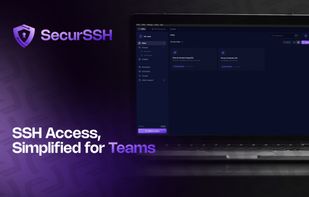
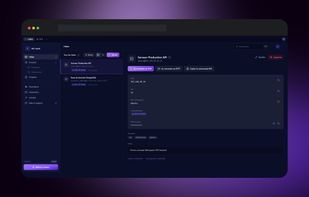
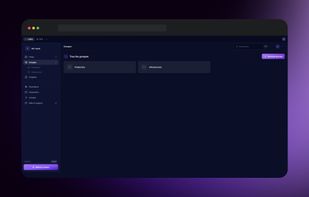
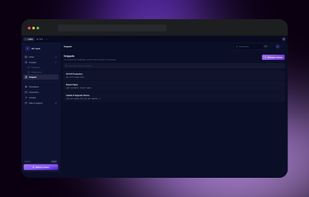
SecurSSH centralizes SSH credentials, keys, and server access in a zero-knowledge encrypted vault with granular team permissions, live session sharing, and a built-in SFTP manager.
 France
 EU