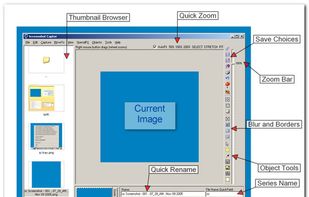
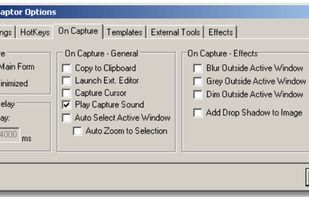
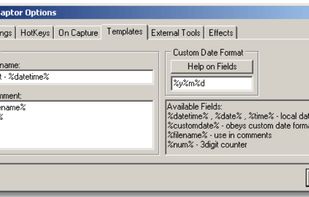
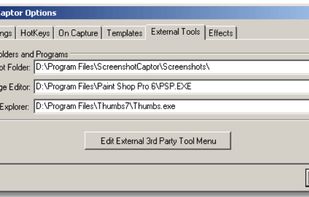
Screenshot Captor is a program for taking screenshots on your computer. Its different from other screenshot utilis in several notable ways:
 United States



+7





The best Screenshot Capture alternative to Greenshot is ShareX, which is both free and Open Source. If that doesn't suit you, our users have ranked more than 100 alternatives to Greenshot and loads of them are Screenshot Capture Tools so hopefully you can find a suitable replacement. Other interesting Screenshot Capture Tool alternatives to Greenshot are Flameshot, Snipping Tool, PicPick and macshot.
Screenshot Captor is a program for taking screenshots on your computer. Its different from other screenshot utilis in several notable ways:
United States
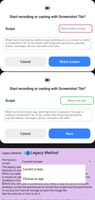
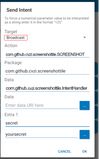
Screenshot Tile offers a variety of features designed to enhance your experience when taking and managing screenshots. One of the key benefits of our app is the ability to customize storage location, format, and notification settings to suit your preferences.
 Germany
 EU



Easy Screenshot is an easy to use screen capture tool. Simply press one of the context menu items to capture entire or a portion of your screen.
United States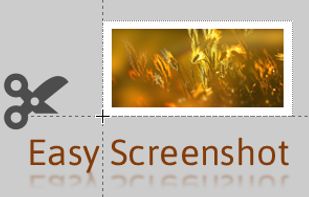

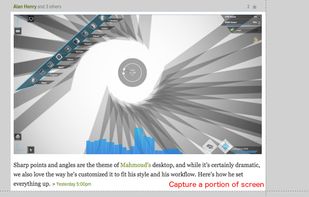


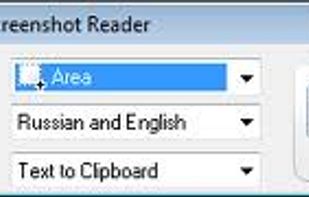
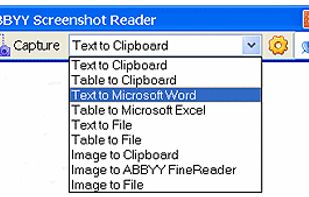
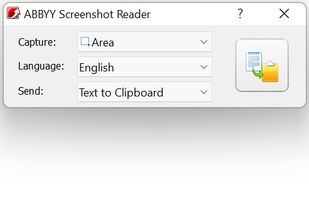
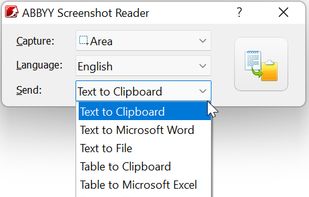
Screenshot Reader is a smart OCR-screenshot application for capturing text and images from any area on your PC screen and extracting text from them or just saving as an image. Prize: 9.99 USD.
 Russia


This extension is able to capture 100% of both the vertical and horizontal content appearing on any webpage on the Internet.


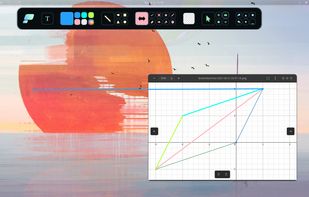
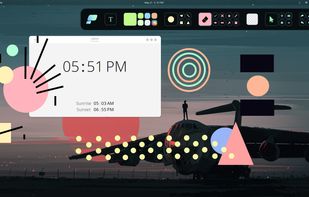
Pensela is an screen annotation tool that can also take screenshots available cross-platform.


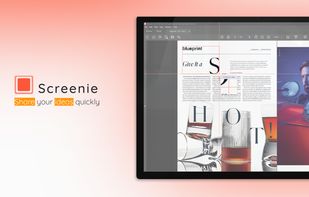
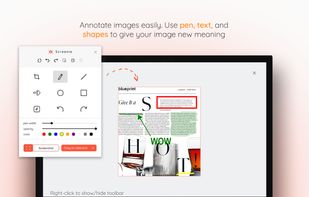
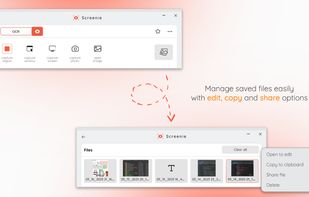
💥 Capture and share your ideas quickly and easily with Screenie - the ultimate screenshot tool for designers, developers, and anyone who needs to share information efficiently. Simply take a snap, annotate it, and copy it to the clipboard in seconds.
 Canada
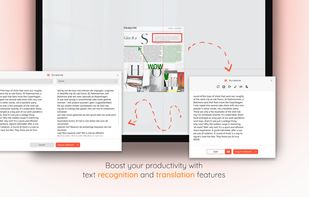


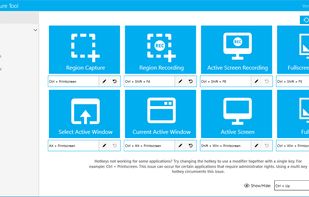
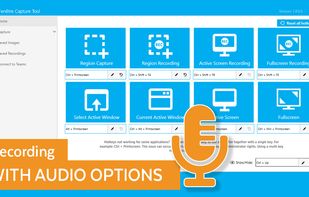
The Fenêtre Capture Tool for making professional screenshots and screen recordings. With advanced functions and abilities that other free capture tools don't offer.
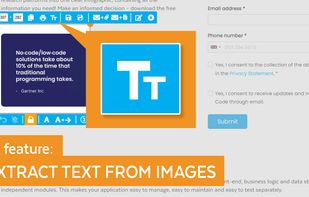
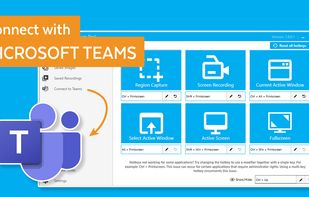


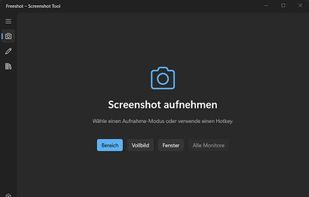
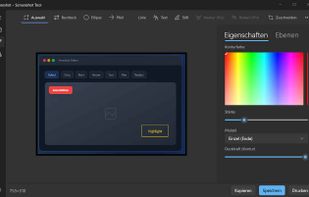
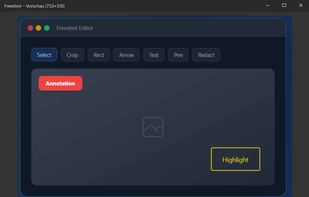
Freeshot is a free, lightweight and modern screenshot tool for Windows. Capture any region, window or full screen in under 100 ms, edit instantly with shapes, text & highlighter, organize everything in a clean library and print intelligently – 100 % free, no ads, no registration.
 Switzerland


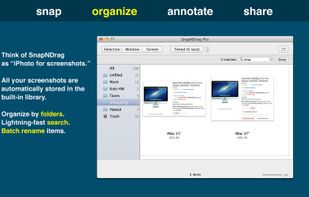
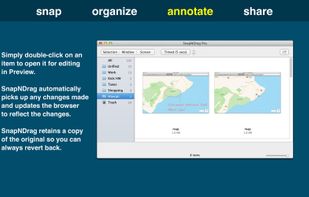
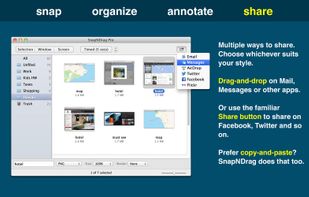
SnapNDrag makes taking screenshots super easy. Click, select and the screenshot is added to your library. SnapNDrag maintains a library of all the screenshots you have ever taken. Think of it as iPhoto for screenshots.
United States


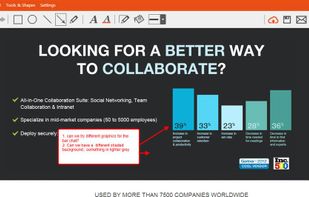
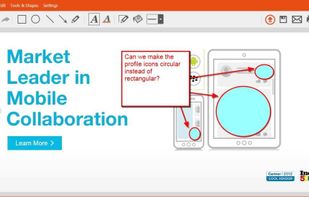
TinyTake is a free screen capture software for Microsoft Windows. With TinyTake, you can capture images and videos of your computer screen, add comments and share them with others in minutes. TinyTake is built by MangoApps and is available for free.
United States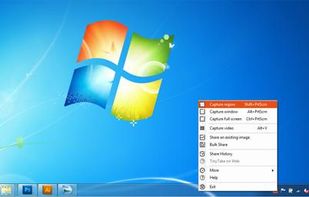



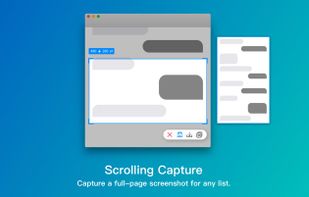
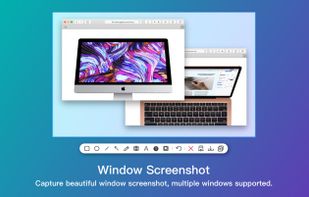
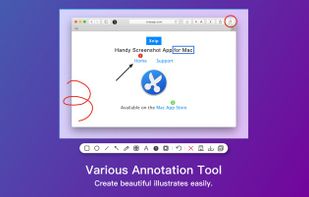
Screenshot app for macOS includes scrolling capture for full-page screenshots, multi-window selection, annotation tools, color picker, shadow effects, object measurement, pixel accuracy, and pinning images—ideal for code, chats, articles, and design references.
 China