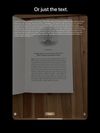
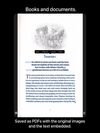
Scan Thing is the quickest way to capture and save anything around you. Scan Thing is available on iOS, iPadOS, and MacOS.
Cost / License
- Freemium
- Proprietary
Application typeApplication types
Platforms
- iPhone
- iPad
- Mac
 United States





FreeOCR has been discontinued. Similar apps include OSS Document Scanner, which is free and open source. Other options are MakeACopy, Tesseract, Adobe Acrobat DC and ABBYY FineReader PDF. Document Scanners like FreeOCR are a crowded field, with more than 50 alternatives for Windows, the web, iPhone, Mac and Android.
Scan Thing is the quickest way to capture and save anything around you. Scan Thing is available on iOS, iPadOS, and MacOS.
United States
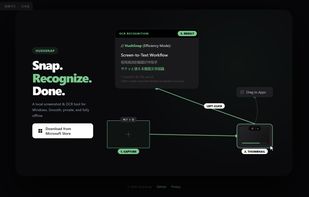
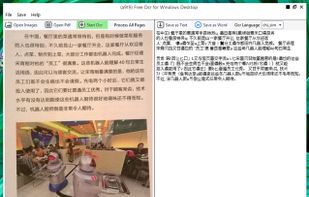
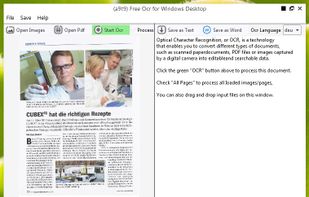
A lightweight, privacy-focused Windows tool for offline OCR and screen capture with seamless drag-and-drop workflow.


 Spain
Spain EU
EU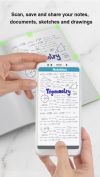
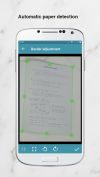
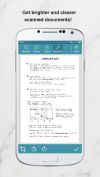


The Adobe Scan scanner app turns your device into a powerful portable scanner that recognizes text automatically (OCR) and allows you to save to multiple file formats including PDF and JPEG.
United States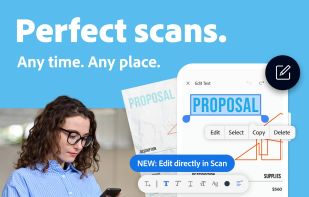


The app is 100% FREE, with NO ads and NO data collection. Donations are possible to support the project.
 ItalyEU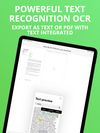


 India
India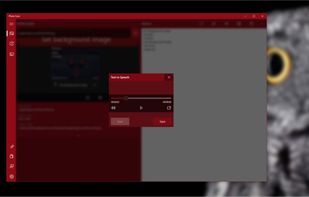



 GermanyEU

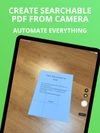
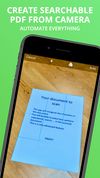
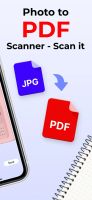
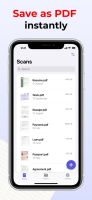
Meet Scanit, a simple yet powerful scanner app that lets you quickly scan any kind of documents and convert them into PDF’s.
 Israel


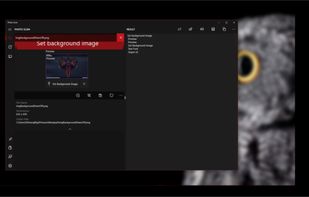
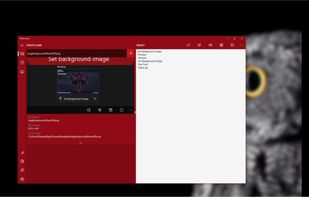
OCR software and web service to extract text from image files and PDF. The application is available as online OCR web app, OCR API, or simple to install Windows store application.
GermanyEU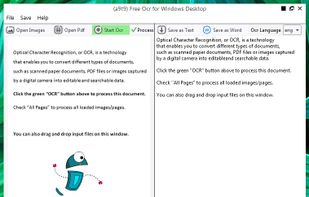


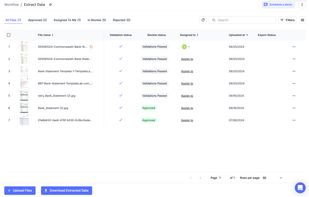
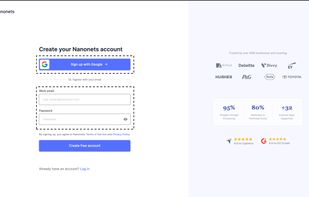
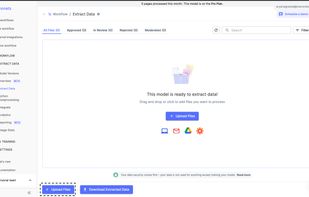
Nanonets is an LLM based OCR solution that that automates document processing and data extraction workflows. With models that do not rely on pre-defined document templates, Nanonets helps companies automate document-heavy business processes like accounts payable, order...
United States

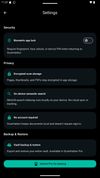
Privacy-first document scanner for Android. Scan, organize, and export multi-page PDFs with AES-256 encryption, biometric lock, and searchable PDF support. No ads, no cloud required.
United States
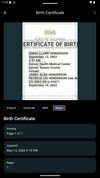


Main point of this app is to scan or select existing PDF documents simply using intent or chooser. Other apps require payment to access their api/sdk or simply don't have a possible way to do it. So they rely on switching between an app ,file chooser and a scanner.