Cost / License
- Free
- Proprietary
Application type
Platforms
- Online
 United States


Apps similar to Free Snipping Tool include ShareX, which is free and open source. Other options are Greenshot, Flameshot, FastStone Capture and Snipping Tool. Screenshot Capture Tools like Free Snipping Tool are a crowded field, with more than 100 alternatives for Windows, Mac, the web, Linux and iPhone.
United States
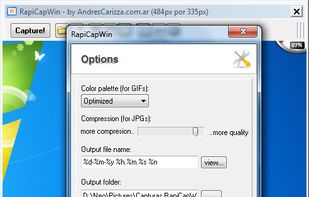
RapiCapWin is a very easy to use tool to take screenshots.
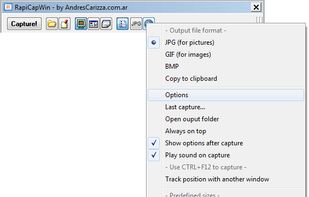
The program presents three classical modes of capture, full screen, the active windowand a rectangular area.
 Germany
 EU
EU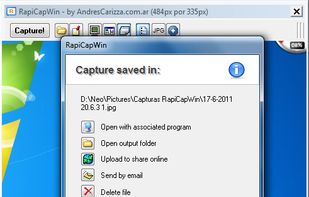


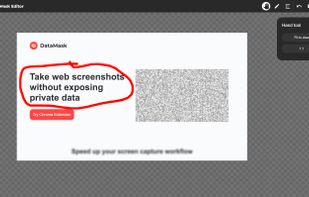


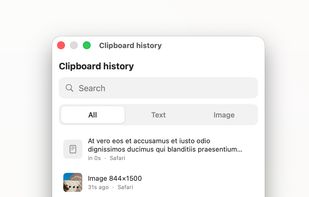
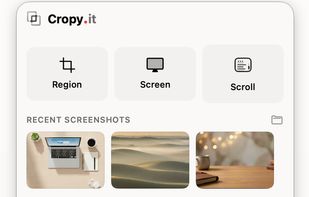
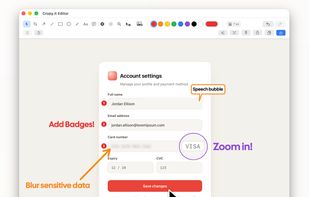
Captures regions, windows, full screens and scrolling pages, then provides arrows, shapes, text, numbered badges, blur, pixelation and pixel-precise cropping. OCR copies image text, while pinned snippets and searchable local clipboard history retain text and images.
GermanyEU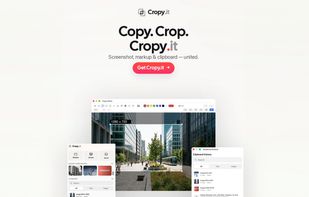


Screen Grab Pro Is a freeware screen capture tool. It features One click grab of any screen for ease of use, Timer operation, Current window selection list and more. Screen Grab Pro copies a bitmap to clipboard ready for pasting in your favorite Picture Editor.


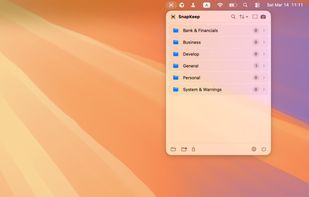
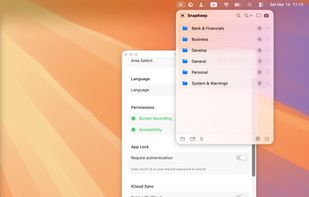
SnapKeep is a native, local-first screenshot manager designed for users who are tired of cloud-dependent tools and messy desktops.


Easy, free and full-featured screenshot application to capture, edit, cloud store and share your screenshots effortlessly.


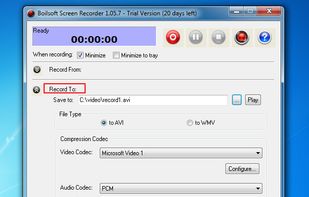
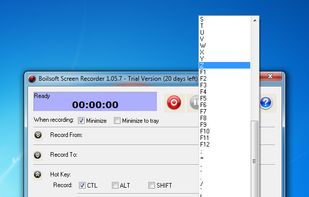
Boilsoft Screen Recorder is a screen-recording software helps to capture screen activities and record video to avi, wmv from microphone, line-in, or speakers for screen sharing.
 China
China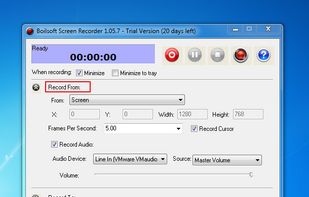


A modern screenshot utility. Simple yet configurable. Powerful features: Send Snips to your Phone, Upload to Facebook. Drag and Drop images, Snip Types: Manual Size, Window/Region Capture, Fixed Size and Fixed Ratio. That and so much MORE...

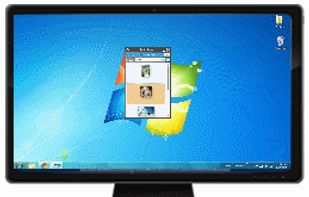

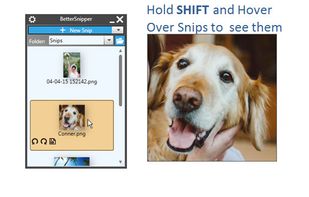


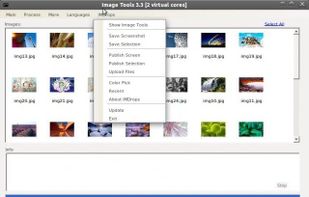
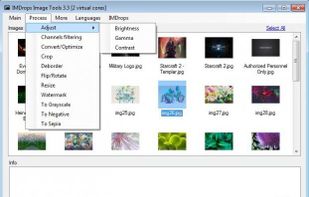
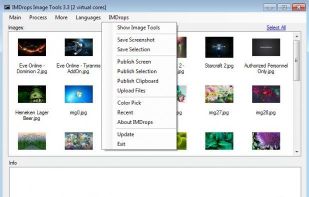
Image Tools is a screen capture, file sharing and image processing tool. It features multi-threaded batch image resizing, conversion, cropping, flipping/rotating, watermarks, decolorizing (grayscale, negative, sepia), and optimizing.