


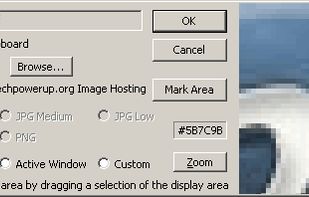
TPUCapture is an easy to use screenshot utility with a small memory footprint that resides in the system tray.
Cost / License
- Free
- Proprietary
Application type
Platforms
- Windows
 United States


Apps similar to Free Snipping Tool include ShareX, which is free and open source. Other options are Greenshot, Flameshot, FastStone Capture and Snipping Tool. Screenshot Capture Tools like Free Snipping Tool are a crowded field, with more than 100 alternatives for Windows, Mac, the web, Linux and iPhone.
TPUCapture is an easy to use screenshot utility with a small memory footprint that resides in the system tray.
United States
GNOME Screenshot is a utility used in the GNOME desktop environment for taking screenshots. It was part of the GNOME Utilities (gnome-utils) package, but was split into its own package for the 3.3.1 version in 2011.
United States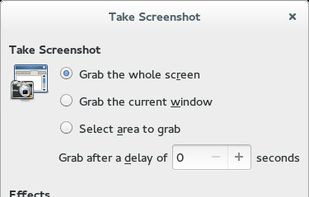


QuickScreenshot is a lightweight and very easy to use application that enables you to take screenshots of your desktop with a few mouse clicks. Just press the wanted screenshot key (or press it multiple times) and your screenshots are done!
 Germany
 EU
EU


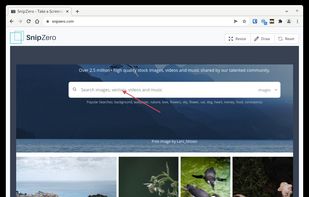
SnipZero is a convenient zero-install screenshot app that lets you take screenshots right from your web browser. No installation required. You can select any application window or browser tab as source.
GermanyEU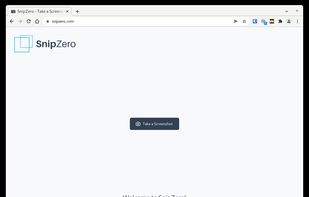


Screen Capturer allows you to instantly capture any area of the screen to a file or email.
United States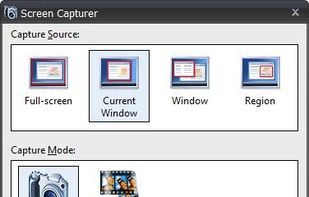


This is just a screen-capture toy, nothing more. If you don't know how to take screenshots with the system functions, use this tool :-).
 Serbia


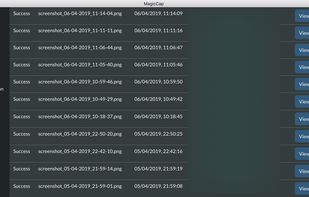
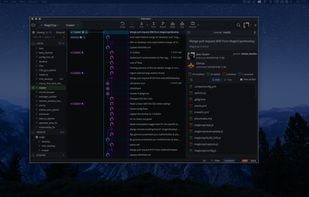
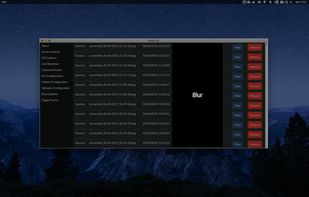
MagicCap is an image/GIF capture suite for Mac and Linux featuring screenshot manipulation options such as blurring.


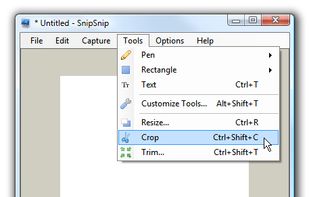
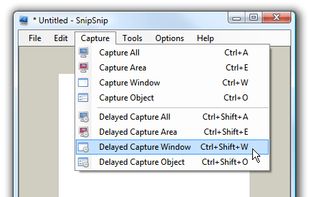
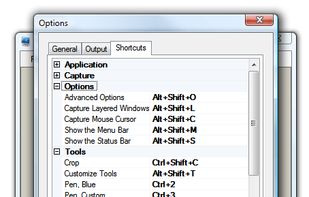
SnipSnip is a screen capture utility, designed for easy capture of some or all of your screen(s). It also allows you to do simple tasks like resizing, cropping and drawing on the capture.


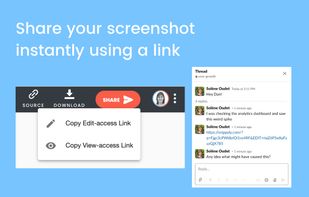
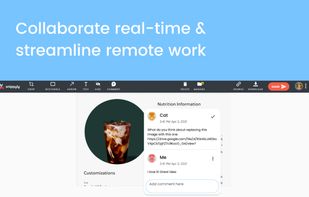
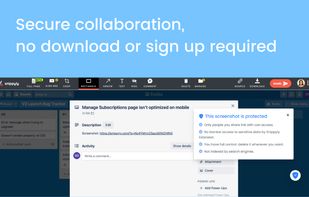
Snippyly is a Chrome extension to take full-page screenshots, annotate and collaborate real-time with anyone around the world.
Eliminate endless back and forth with your team or customers through instantly shareable screenshots. No sign-up required.
United States


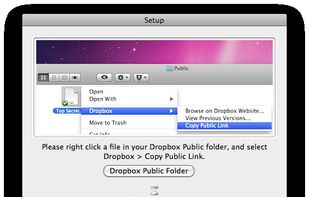
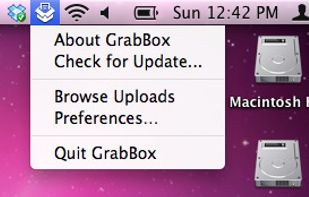
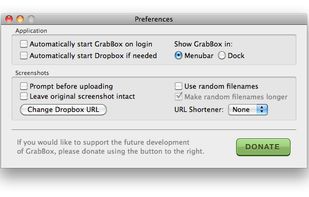
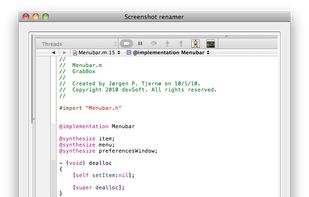
GrabBox is a utility that reacts to the screenshots you take. It automatically copies the screenshots to your Dropbox Public folder, and then copies the URL to the clipboard – ready to share with friends or strangers!




Bug Shooting is the perfect tool for software developers as well as testers. Bug Shooting provides you an easy way to create screen captures and attach them to items of your bug tracking or issue management system, e.g.


