


The most powerful disk space sizing and analysis utility there is! Answering the Who/What/Where/When of your Disk Space.
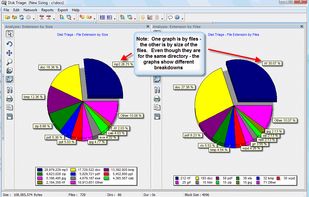


Apps similar to FolderSizes include WinDirStat, which is free and open source. Other options are WizTree, Baobab Disk Usage Analyzer, Filelight and SD Maid SE. Disk Usage Analyzers like FolderSizes are a crowded field, with more than 50 alternatives for Windows, Mac, Linux, Android and the web.
The most powerful disk space sizing and analysis utility there is! Answering the Who/What/Where/When of your Disk Space.

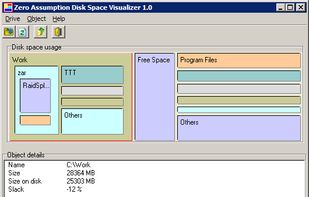
Disk Space Visualizer digs for a free disk space. This freeware program was created to simplify "garbage collection" procedures. In a typical usage the hard drive space is slowly filled up by the useless data. This may include temporary files, rarely used software, and.

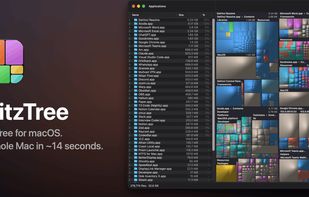
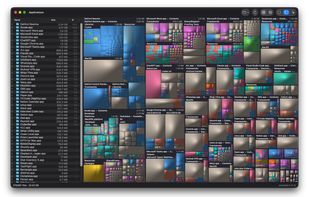
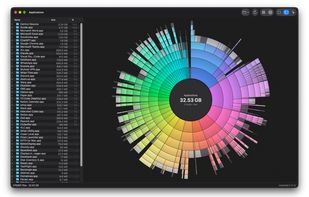
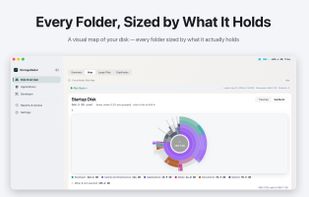
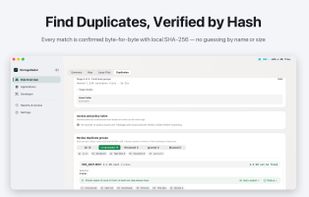
Native macOS disk analyzer that scans folders and space, presenting file-type treemaps or ring charts beside a Finder-style outline. It can reveal items, send them to Trash after confirmation, flag caches and build output, and offer an optional read-only JSON CLI.
 Canada


 Indonesia


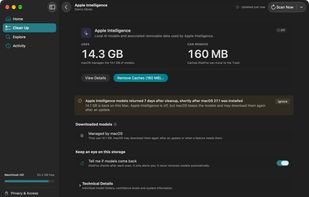
DiskFox is a Mac storage app that keeps a history of your disk, so it can show what grew, when and the likely cause.
 United Kingdom
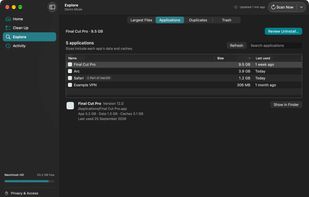
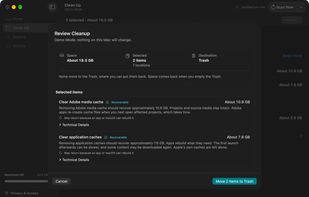
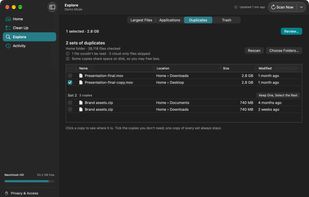


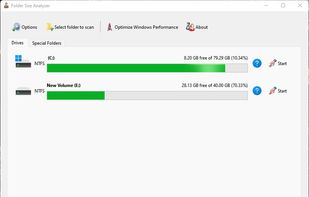
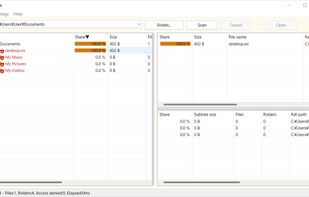
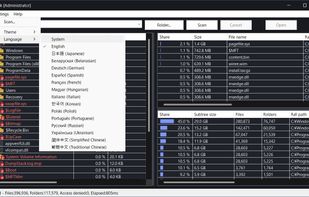
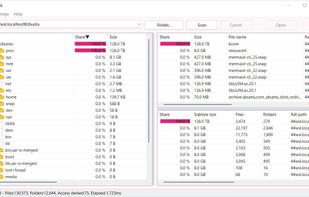
A native Windows application for quickly analyzing disk usage and finding the files and folders that consume the most space.
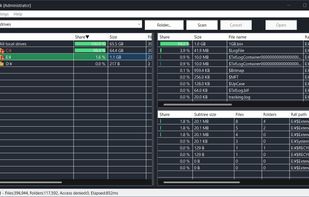


MacDirStat is a free, open-source disk space analyzer for macOS, inspired by WinDirStat. It scans a drive or folder and draws every file as a color-coded rectangle sized by its disk usage, so the biggest files and folders stand out at a glance.
 United States
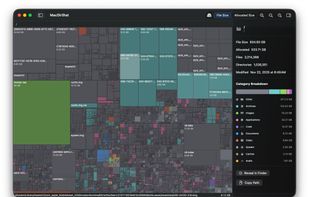

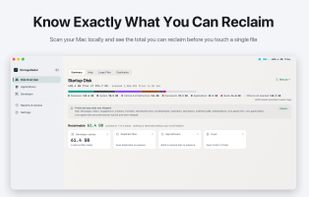
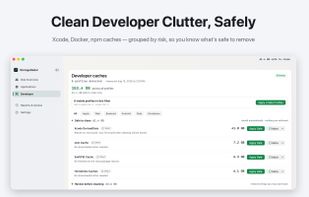
Disk space analyzer for Mac: see what fills your disk, from Xcode caches to app leftovers, and remove only what you approve.
 Thailand


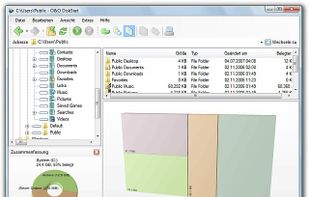
O&O DiskStat is a high-power tool for analyzing the used disk space on your storage volumes. With an easy-to-use interface based on the design of the Windows Explorer, you can take a closer look at the file and folder structure of your internal and external drives.
 Germany
 EU


Disk Recon is a disk space utility that reveals all the crucial information that you need to find out where all your disk space has gone and how you can recover it.
 NetherlandsEU
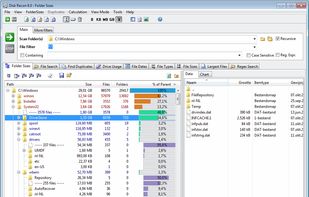
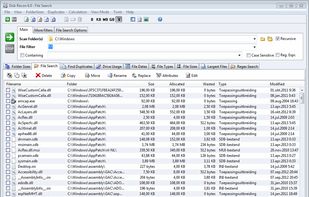
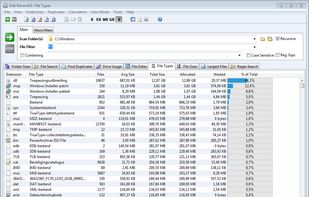
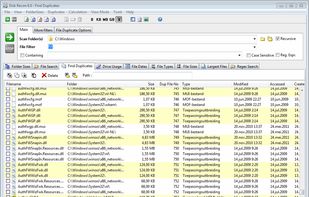


Help you to view at a glance all the folders, files inside them and the space occupied by them on your system
 China


