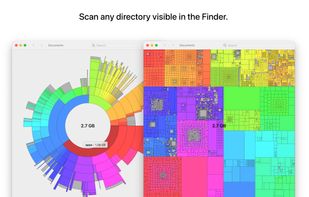
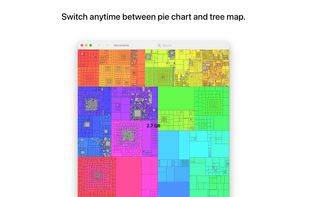
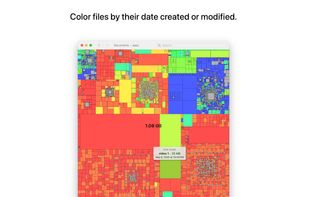
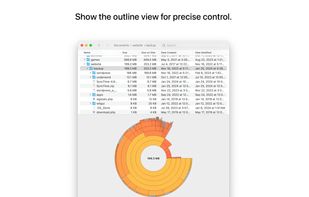
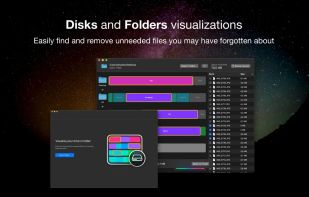
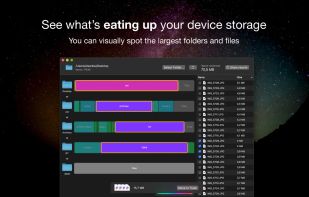
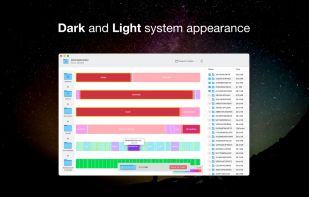
Inspect your disk and find the files that occupy the most space or that haven’t been modified in a long time.
Cost / License
- Paid
- Proprietary
Application type
Platforms
- Mac
 Germany
 EU
EU



+4


Apps similar to FolderSizes include WinDirStat, which is free and open source. Other options are WizTree, Baobab Disk Usage Analyzer, SD Maid SE and Filelight. Disk Usage Analyzers like FolderSizes are a crowded field, with more than 50 alternatives for Windows, Mac, Linux, Android and the web.
Inspect your disk and find the files that occupy the most space or that haven’t been modified in a long time.
GermanyEU
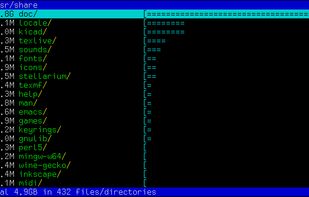
Duc is a collection of tools for inspecting and visualizing disk usage.
Duc scales quite well, it has been tested on systems with more than 500 million files and several petabytes of storage.
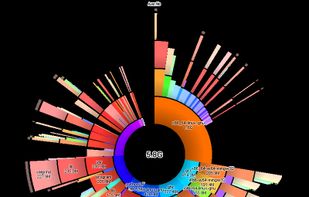
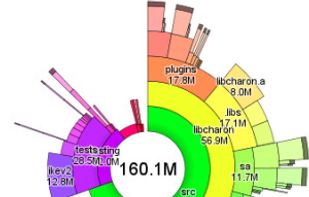

A fast, native disk space analyzer for macOS, Windows and Linux that maps your storage as an interactive sunburst and helps reclaim wasted space.
 Ukraine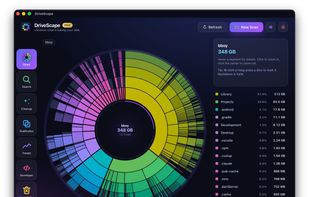
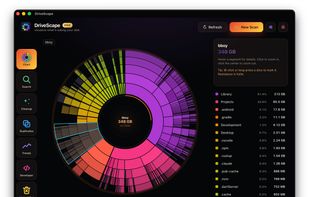
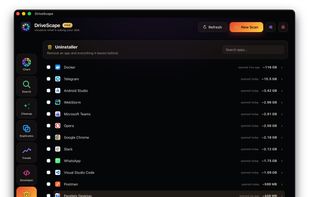
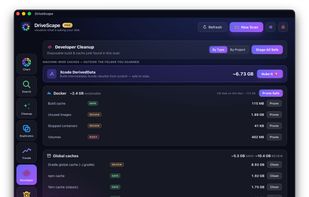


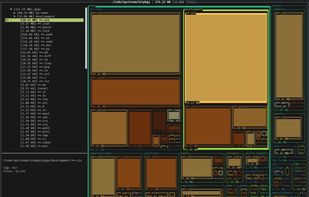
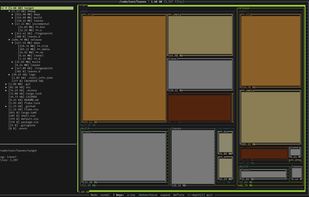
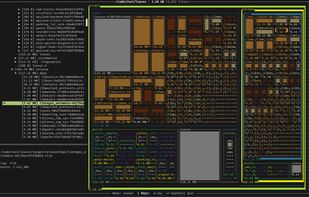
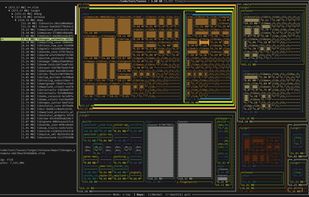


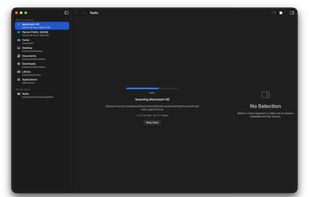
A fast, native macOS disk space analyzer that helps you find where your storage is going. Scan any folder or volume, explore results with an interactive sunburst chart and file browser, and clean up — all without leaving the app.
 United States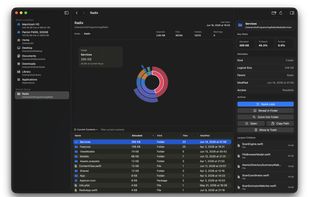


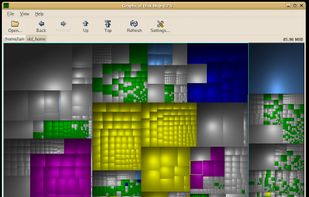
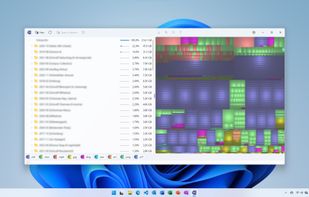
GdMap is a tool which allows to visualize disk space. Ever wondered why your hard disk is full or what directory and files take up most of the space? With GdMap these questions can be answered quickly. To display directory structures cushion treemaps are used which visualize a...


 GermanyEU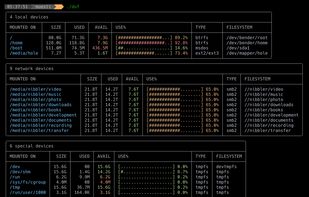



 CzechiaEU

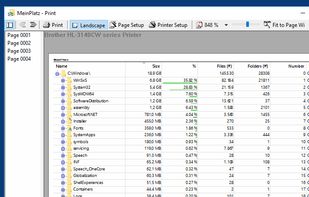
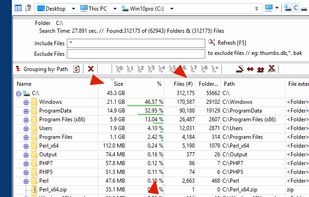
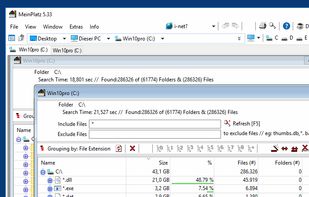
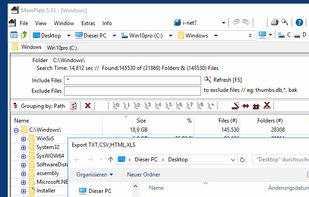
MeinPlatz "My-Place" offers an easy and fast way to scan the hard disk for lost disk space. With analysis on a percentage basis and grouping by folders, file types, size or date. It has also a nice print and export function.
GermanyEU