Cost / License
- Free
- Open Source
Application type
Platforms
- Android
- F-Droid


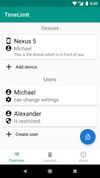


Apps similar to Focus Firewall include Mindful : Focus & Screen Time, which is free and open source. Other options are Orkana, LeechBlock, Cold Turkey and Reef Wellbeing. There's no shortage of Anti Procrastination Tools like Focus Firewall, with more than 50 alternatives for Mac, Android, iPhone, Windows and iPad.

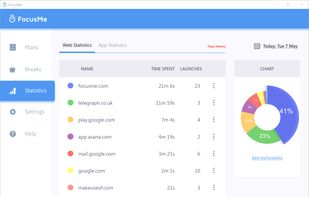
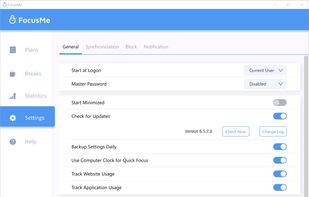
Block distractions on Windows, Mac, and Android with FocusMe's Blacklist, Whitelist, Time Tracker, Scheduler, Pomodoro Timer, and security features like Password Protection and Forced Mode to boost productivity by customizing user feedback-based settings.
 United States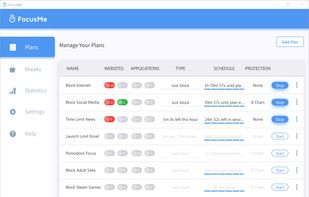


Break free from phone addiction. Taps are too easy. That’s why Recode makes you scan a real barcode or QR to take a break from blocking. A tiny hurdle for your phone, a giant leap for your focus.


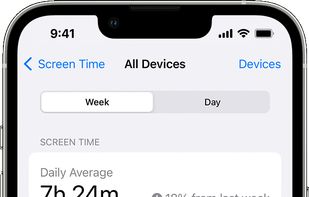
With Screen Time, you can access real-time reports about how much time you spend on your iPhone, iPad, and Mac, and set limits for what you want to manage.
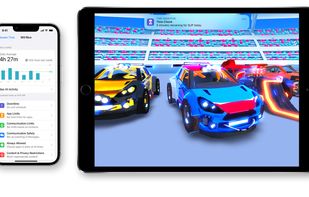


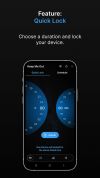
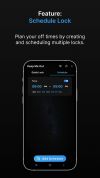
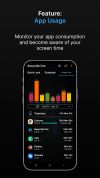
KMO controls phone addiction and boosts productivity by curtailing screen time. It enables phone locking, app usage monitoring, and digital detoxing. Features include:


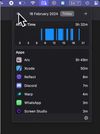
ScreenTime+ is an automatic time tracking app for mac. It helps you to see where you're spending your time on Mac via the menu bar.
United States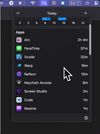


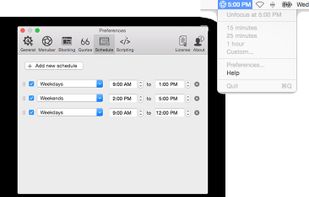
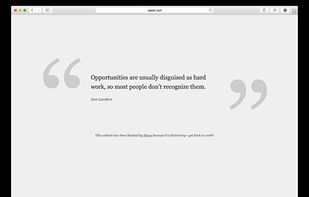
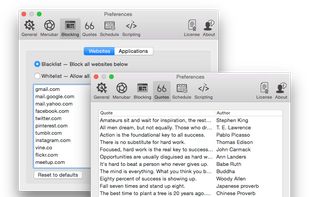
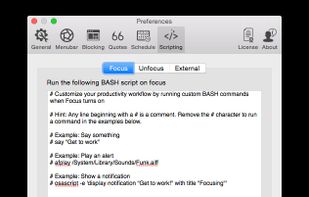
Focus is a Mac app that blocks distracting websites and applications so you can get peace of mind, and get some work done!.

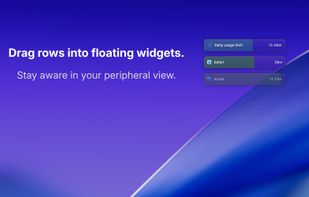
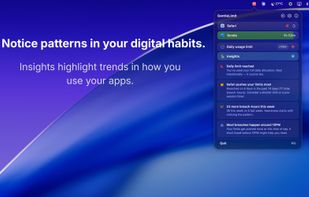
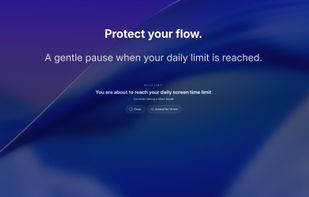
Your digital day, distilled. Real-time awareness with floating widgets in your peripheral view. No hard blocking. No guilt. Just gentle awareness.
 India
India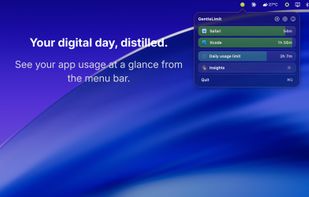


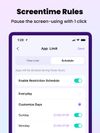
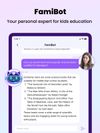
FamiSafe lets parents control screen time, track real-time location and detect inappropriate content on kids' devices.
 China
China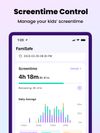


 United Kingdom
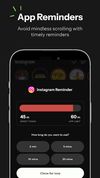
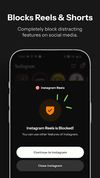


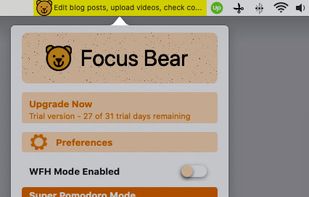
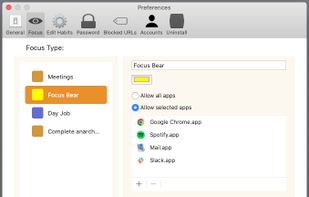
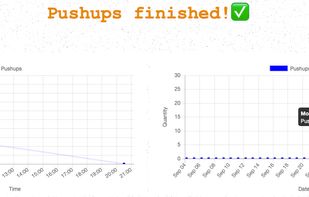
Make healthy habits and deep work the path of least resistance. Focus Bear blocks distractions on your computer and smart phone so you can get the right things done on your tech devices.
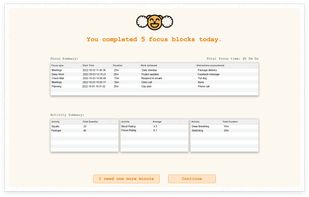


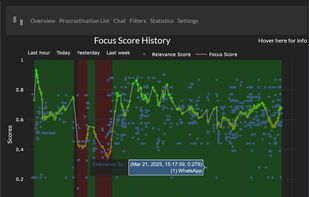
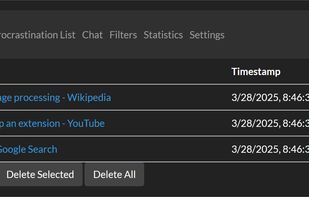
Evaluates tab content meaning for task relevance, calculates live focus scores, and activates interventions like tab blocking, chatbot assistance, nudging, and procrastination lists. Features a dashboard to review browsing focus trends and distraction history.