


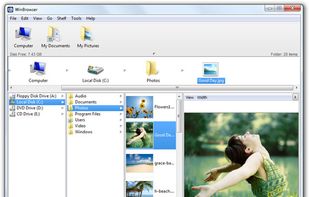
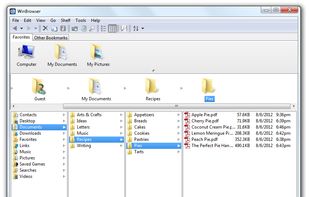
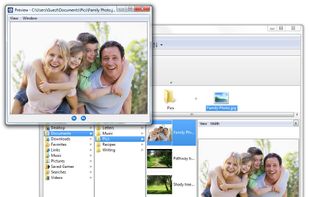
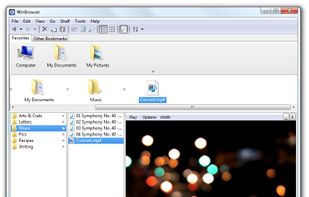
WinBrowser features a multi-column interface as used on the Macintosh resulting in the most elegant file manager available for Windows today.
Platforms
- Windows



+5


Apps similar to fman include Double Commander, which is free and open source. Other options are Files, Spacedrive, Total Commander and Dolphin File Manager. File Managers like fman are a crowded field, with more than 100 alternatives for Windows, Mac, Linux, iPad and iPhone.
WinBrowser features a multi-column interface as used on the Macintosh resulting in the most elegant file manager available for Windows today.

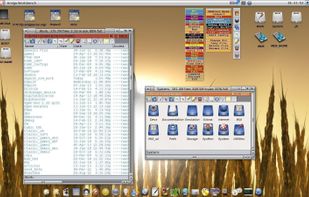
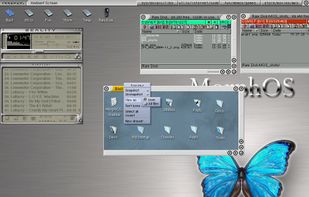
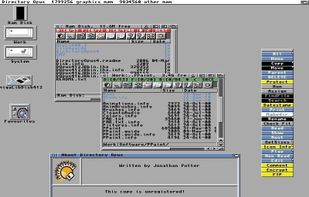
Dopus5 (short for Directory Opus 5) is a well-known Workbench clone for AmigaOS-based computer systems. It features file manager functionality and has been a popular Amiga software title for many years.

Dos Navigator Open Source Project is dedicated for development of the popular file shell Dos Navigator (DN) through collective efforts of an open group of programmers.
 United States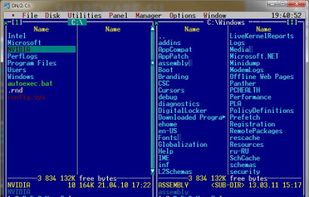

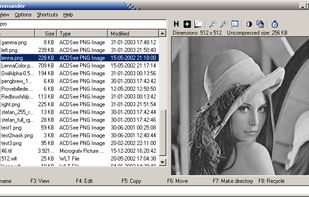
File management utility and image viewer. The program has an effective split screen interface with two directory views or a directory view and a file viewer.
 Denmark
 EU
EU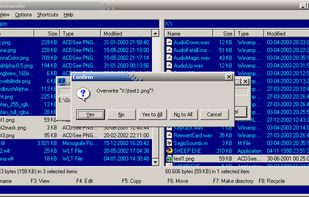

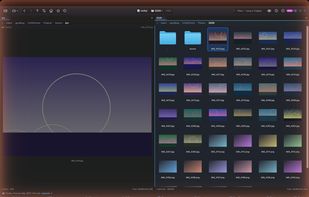
A keyboard-first dual-pane file manager for macOS, pairing Total Commander-class functionality with AI search that runs entirely on your own Mac.
 South Korea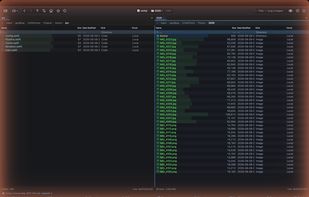
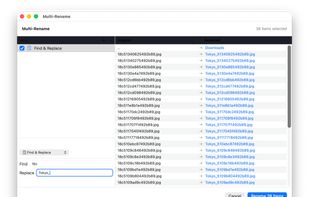
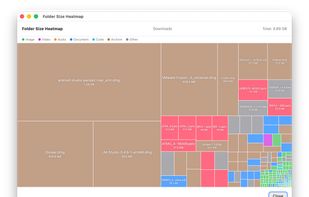


PowerDesk Professional is the easiest file management software for organizing & managing your files, digital photos, & MP3 files. File manager Windows.


Fyctory is a modern file Manager. The main purpose of this application is to be a tool to work with your files, combining functionality, performance and quality.
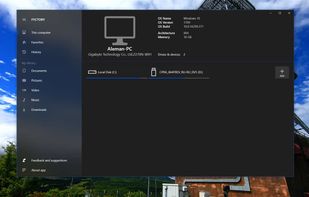
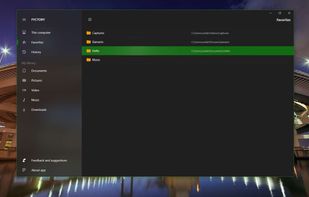
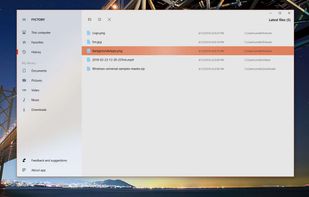
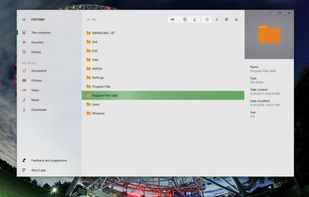


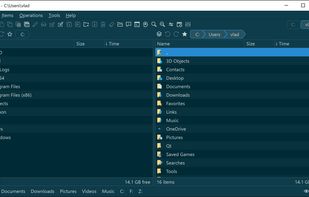
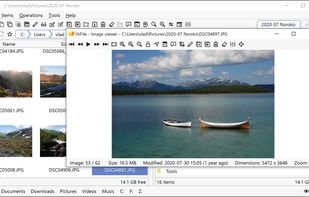
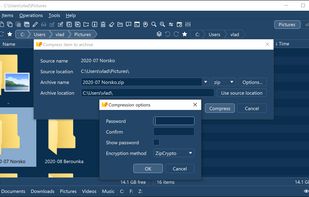
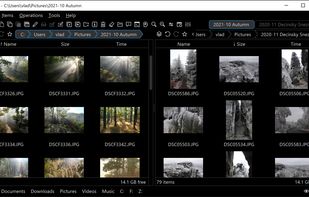
HiFile is the next evolution of file managers. Its mission is to boost your productivity every time you are working with your files or folders. It aims to be better in every aspect - more practical, more versatile, more efficient, more elegant, more customizable, more fun.


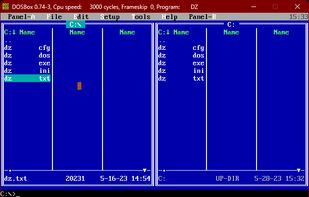
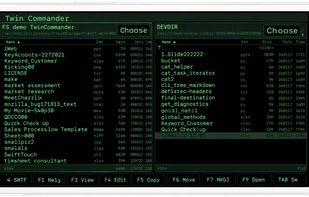
The Doszip Commander is an LFN-aware TUI file manager (NC clone) with built-in Zip and UnZip for DOS and Windows.

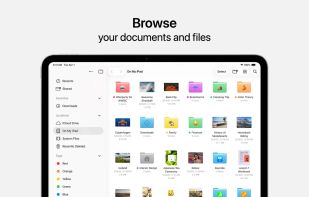
Access and organize your files no matter where they’re located — on your device, in the cloud, on an external drive or file server— with Files. The Recents view displays the files you’ve been working on lately in high-resolution thumbnails.
United States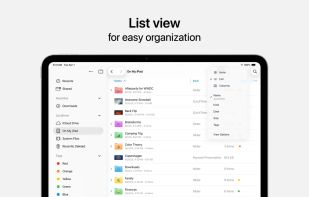
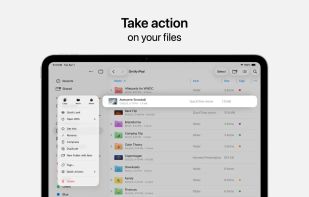
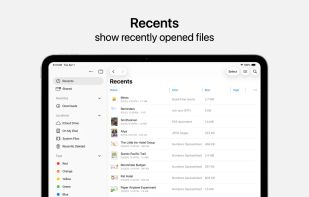


File Explorer Pro is a free, secure tool that helps you find file faster, manage files easily, powerful file manager with a clean, and intuitive interface. You can easily find how many files & apps you have on your device at a glance instantly.




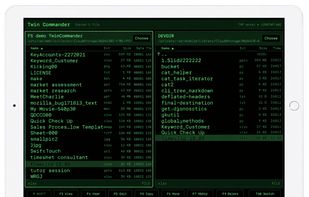
Finally, the classic two-pane file navigator for iPhone & iPad — the workflow generations of great programmers grew up with, now rebuilt for modern iOS.


 France


