NewSoftwares LLC is committed to providing strong, effective solutions in information security to its immediate customers and long-term partners & clients.
Cost / License
- Paid
- Proprietary
 United States
Platforms
- Windows


File Locker (Image and Video Hider) has been discontinued. Similar apps include VeraCrypt, which is free and open source. Other options are Cryptomator, TrueCrypt, Axcrypt and LUKS. You're spoiled for choice with Disk Encryption Tools like File Locker (Image and Video Hider): we list more than 100 alternatives for Windows, Mac, Linux, Android and iPhone.
NewSoftwares LLC is committed to providing strong, effective solutions in information security to its immediate customers and long-term partners & clients.

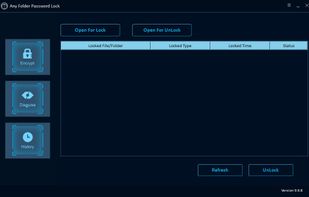
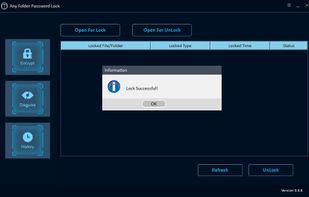
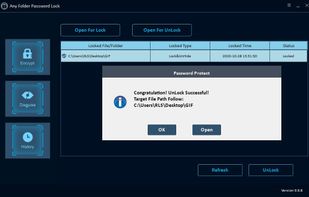
Free Folder Password Lock is data encryption software. It can be used to lock, hide and disguise files like Text, Word, Excel, PPT, documents, images, videos, audio files and archive files and folders. You are allowed to encrypt files and folder on local computer and even...
 China
China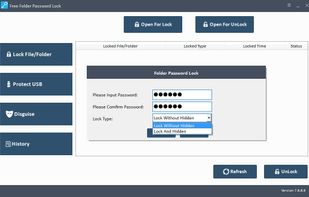


Mirage Colloid is a free Windows folder hider that disguises folders as special system folders and hides them from view. Fast operation, no encryption required, and optional startup password protection.
 Japan
Japan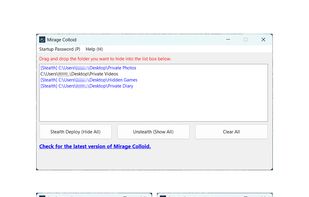


Keeping your personal data safe on USB Flash Drive doesn't have to be difficult. Free Password Protect USB Flash Drive Software can lock, hide, disguise and password-protect files, email attachments, and folders on your USB Flash drive of any brands, such as SanDisk, Lexar...
China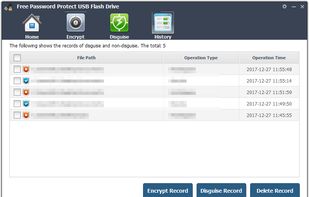


DriveLock File Protection lets you encrypt your files with state-of-the-art encryption using AES-256.
 Germany
 EU
EU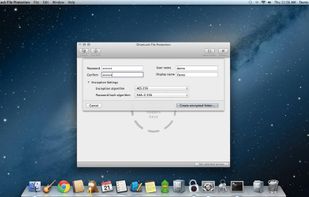
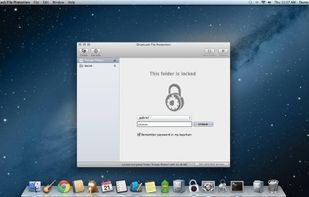


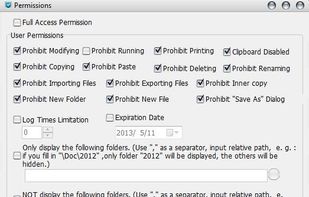
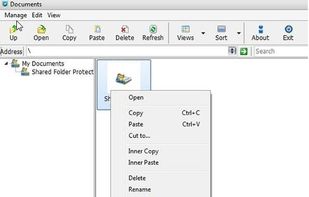
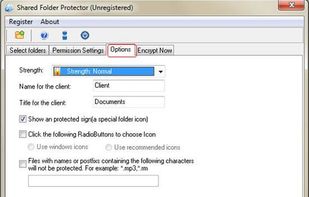
Shared Folder Protctor is designed for for corporate usage, help you to protect your shared folder on netword and on removable device. Users can browser the documents but not able to copy and modify them that lets you prevent illegal copying of your files.
China


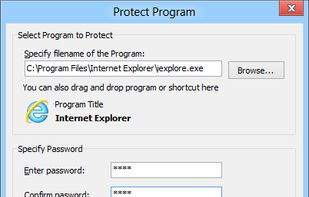
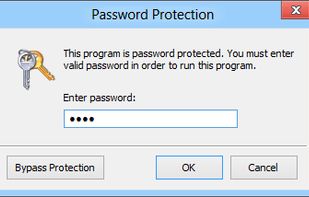
Program Protector is a tool for password protecting programs on Windows systems. You can easily password protect any Windows application. Program Protector is very easy to use and does not require any special computer knowledge.
 LatviaEU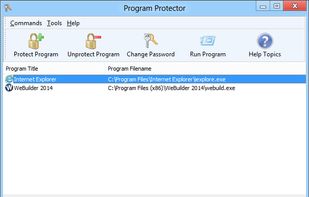


A simple right-click, you can encrypt files in seconds - without any prior technical knowledge.
GermanyEU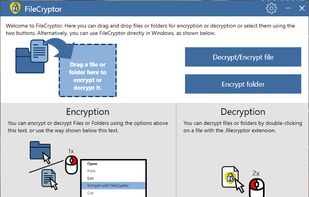


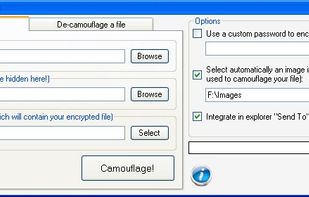
Want to save a copy of your personal file on a usb pendrive but you are worried that, in case of theft, someone will be able to access your data?
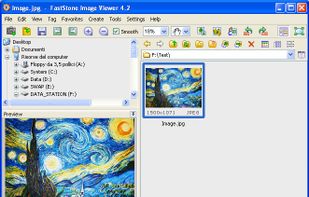

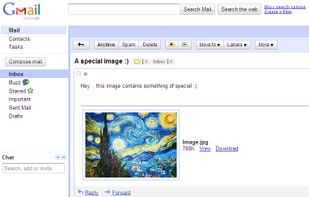


Lightweight freeware offering instant, unlimited-size folder encryption and password protection for Windows, blocking access and copying, working on local, USB, and flash drives, with right-click shortcuts, no registration, and rapid restore in seconds.
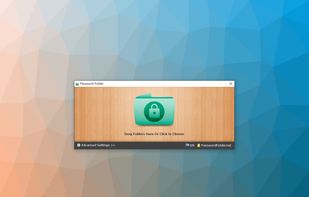
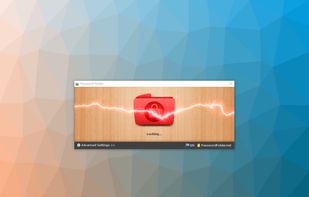


Lock, hide and disguise files, folders, local hard drives, external drives like USB flash drive, Pen drive, SD memory card and external hard drive. Password protect your privacy safe, quick and reliable.