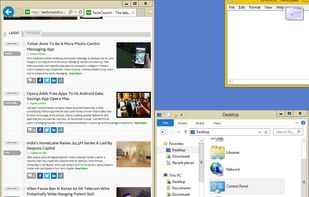
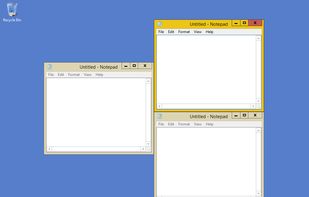
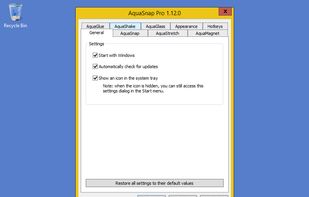
Optimize your desktop environment with this management tool offering window docking, snapping, multi-monitor support, and keyboard shortcuts for enhanced productivity.


Fenestrae is described as 'Window layouts that follow your monitors. Save your window positions once, restore them automatically when you reconnect the same screens. Snap, align, and arrange with a precision overlay. $25/year, 7-day free trial, Windows 11' and is an app. There are five alternatives to Fenestrae for Windows, Mac and PortableApps.com. The best Fenestrae alternative is Microsoft PowerToys, which is both free and Open Source. Other great apps like Fenestrae are SnapZones, AquaSnap, Magnet and WindowTop.
Optimize your desktop environment with this management tool offering window docking, snapping, multi-monitor support, and keyboard shortcuts for enhanced productivity.


Open-source utilities for Windows include FancyZones for window management, PowerRename for bulk renaming, and Keyboard Manager for custom shortcuts. Ad-free, supports multi-monitor setups, no registration needed, lightweight resource usage, and works offline.


Organize windows with ease using SnapZones. Enjoy magnetic snapping, predefined and custom layouts, multiple display configuration, and seamless transitioning between workspaces. SnapZones auto-starts at login, ensuring streamlined productivity for macOS users in any environment.


Every time you multitask with many apps open, you need all the windows arranged accordingly. Magnet makes this process swift and easy.


Boost your multitasking with Always-on-Top, Interactive Picture-in-Picture & Crop, Opacity & Click-Through, Anchors, Dark Mode and more!.