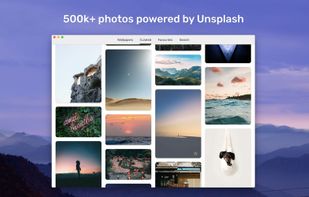
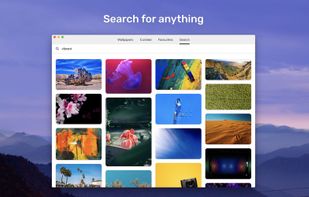
Thousands of stunning high-resolutions photos from Unsplash on your Mac. Enjoy new artistic wallpapers everyday with this small application, which lives in your menu bar.
 Russia


+1


FCorp My Desktop has been discontinued. Similar apps include ShareX, which is free and open source. Other options are Greenshot, Snipping Tool, PicPick and FastStone Capture. There's no shortage of Screenshot Capture Tools like FCorp My Desktop, with more than 100 alternatives for Windows, Mac, Linux, the web and Android.
Thousands of stunning high-resolutions photos from Unsplash on your Mac. Enjoy new artistic wallpapers everyday with this small application, which lives in your menu bar.
Russia
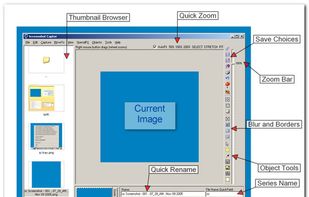
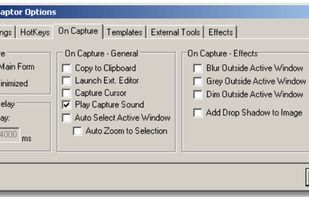
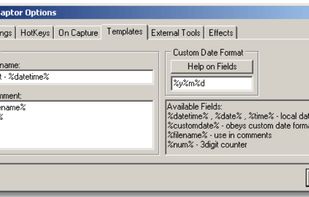
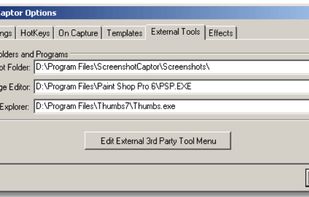
Screenshot Captor is a program for taking screenshots on your computer. Its different from other screenshot utilis in several notable ways:
 United States


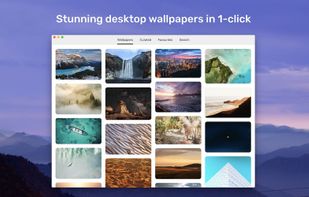
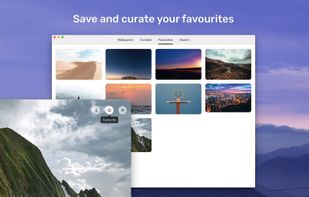
Choose from thousands of stunning photos taken by amazing photographers from around the world and set them as your desktop background in a single click.
 United Kingdom


WinSetView provides an easy way to set, change and manage the File Explorer default folder views or templates.
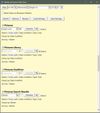
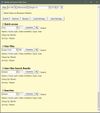
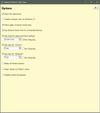


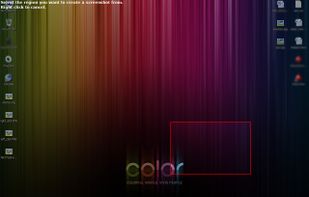
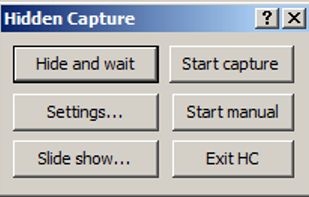
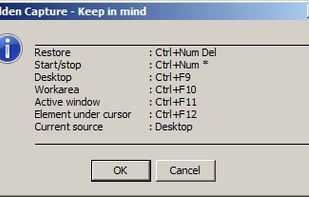
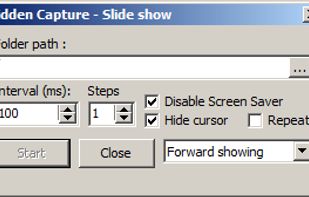
Grab screenshots in a stealth mode, and start the capturing process at a user-defined time with the help of this simple to use and efficient software tool.


Muzei is a live wallpaper that gently refreshes your home screen each day with famous works of art. It also recedes into the background, blurring and dimming artwork to keep your icons and widgets in the spotlight.
United States




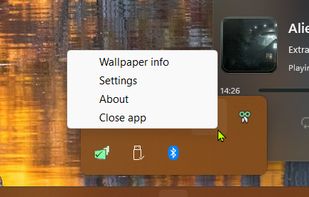
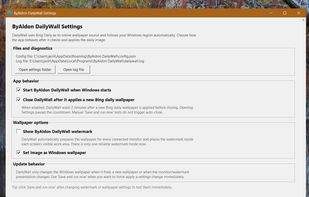
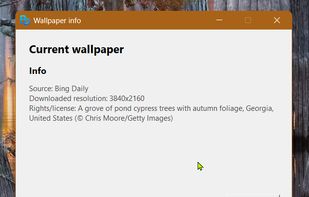
ByAldon DailyWall is a free, open source, privacy focussed and lightweight Windows wallpaper changer that downloads the daily Bing wallpaper, saves it locally, and can set it as your desktop background.
 Netherlands
 EU


 China

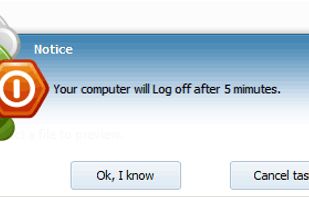

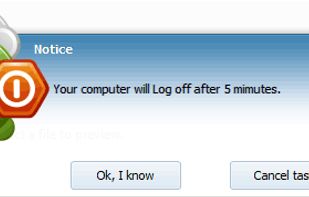


Hotshots is a screenshot tool with some editing features. It is particularly suitable for writing documentation (as used in the following chapters) but you can use it to highlight some details on a map image or what ever you want.


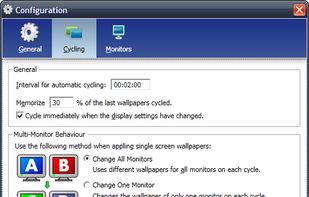
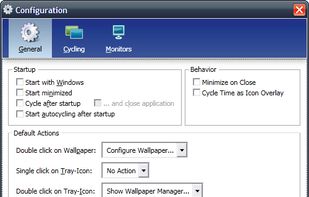
Wallpaper Manager is a wallpaper cycling and management tool especially designed for multiscreen systems.




It lets you customize almost any part of Windows according to your taste. Like if you want the start button to look different, you can use CustomizerGod to change it from the Windows logo to something fun like a candy or a minion's face.


Taking screenshots with Shotty is so natural and easy, you just have to try it. Edit them in minimalistic editor and the upload them with one click. Focusing on simplicity and usability, this tool is probably the most intuitive screenshot utility out there.
 GermanyEU