The Open Hardware Monitor is a free open source software that monitors temperature sensors, fan speeds, voltages, load and clock speeds of a computer.
Platforms
- Windows
- Mono
 Germany
 EU
EU

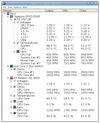


Apps similar to fancontrol include Open Hardware Monitor, which is free and open source. Other options are SpeedFan, CoreCtrl, GtkStressTesting and fan-control. You can choose from more than 10 System Information Utilities like fancontrol for Windows and Linux.
The Open Hardware Monitor is a free open source software that monitors temperature sensors, fan speeds, voltages, load and clock speeds of a computer.
GermanyEU
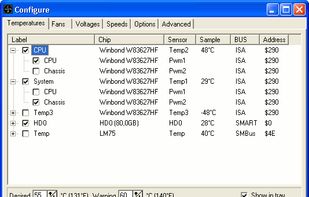
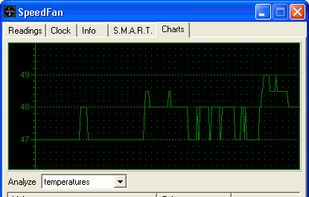
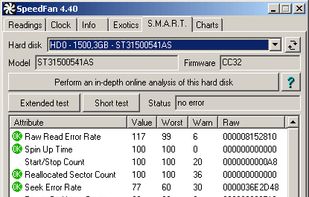
SpeedFan is a program that monitors voltages, fan speeds and temperatures in computers and controls the fans if possible.
 ItalyEU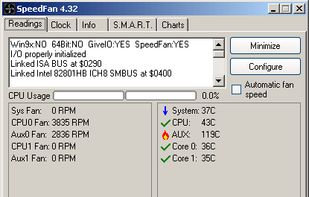


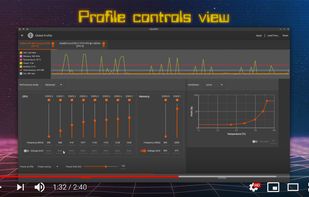
CoreCtrl is a Free and Open Source GNU/Linux application that allows you to control with ease your computer hardware using application profiles.


GST is a GTK system utility designed to stress and monitor various hardware components like CPU and RAM.
ItalyEU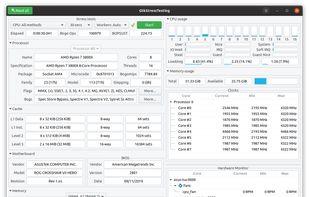


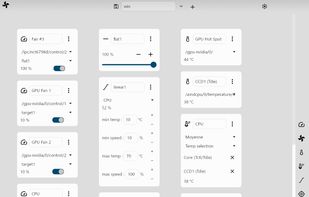


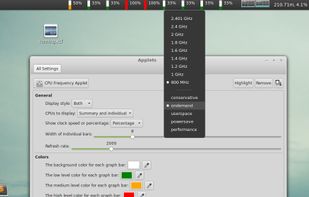
cinnamon-cpufreq-applet - Port of Gnome 3 CPUFreq applet to Cinnamon - with some fixes.

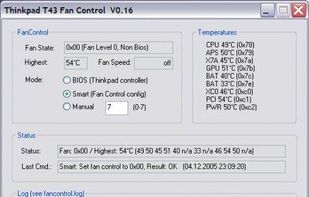
Solution to the cooling fan noise annoyances Thinkpad T4x (T40/T41/T42/T43) notebook series. Allows the user to control fan activity based on the system temperature. Win XP Visual C++ project controls the fan via port IO to the embedded controller.

eeectl is a tiny yet powerful program for Asus EEE PC 700 series, it runs on Windows® and allows you to control & overclock your EEE PC on the fly.


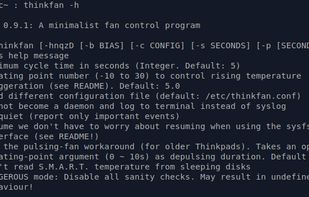
Thinkfan is a simple, lightweight fan control program. Originally designed specifically for IBM/Lenovo Thinkpads, it now supports any kind of system via the sysfs hwmon interface (/sys/class/hwmon). It is designed to eat as little CPU power as possible.


Aurora is a free hardware monitor for Windows 10 and 11. It shows temperatures, fans, drives, network and in-game FPS live on one dashboard, and explains in plain words whether the PC is doing well, what to do and what changed.
 Canada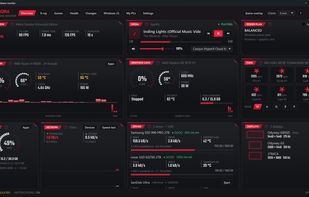
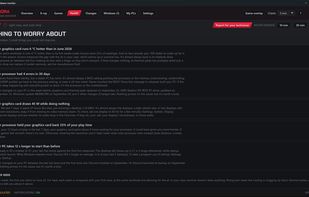
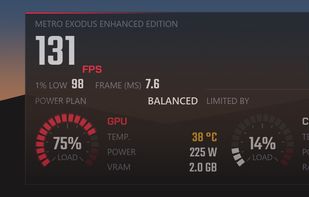
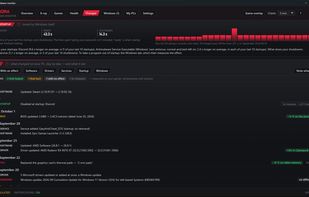


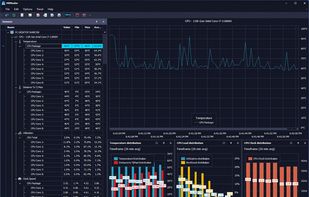
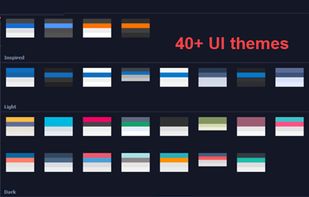
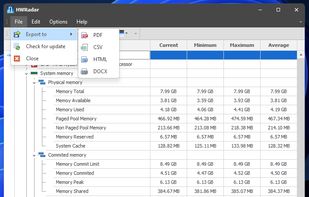
Delivers real-time insights on CPU, GPU, and memory performance using a customizable interface with over 40 themes, docking panels, and various export formats including PNG, PDF, CSV, DOC, and HTML. Features diverse CPU charts and visualization options for detailed analysis.
 United States