


Move and resize windows on macOS with keyboard shortcuts. Rectangle is a window management app based on Spectacle Wndow Manager, written in Swift (programming language).
 United States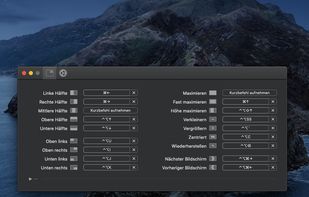


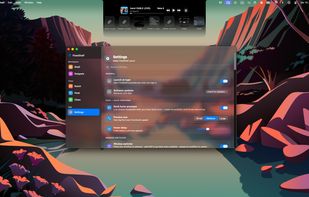
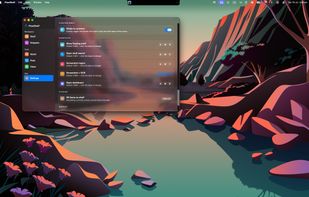
Embark is described as 'These are all features I personally use frequently, unified through right-click mouse gestures and double-tap hotkeys — so the whole experience feels like adding an extra productivity layer on top of macOS that you can invoke effortlessly' and is a Window Manager in the os & utilities category. There are more than 10 alternatives to Embark for Mac and Homebrew. The best Embark alternative is Rectangle, which is both free and Open Source. Other great apps like Embark are Loop - Window Management, LaunchMe, LaunchOS and Magnet.
Move and resize windows on macOS with keyboard shortcuts. Rectangle is a window management app based on Spectacle Wndow Manager, written in Swift (programming language).

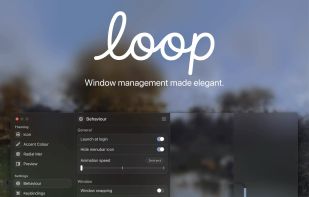
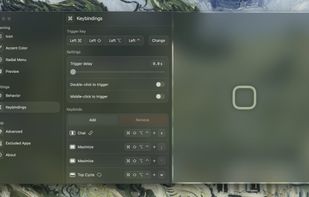
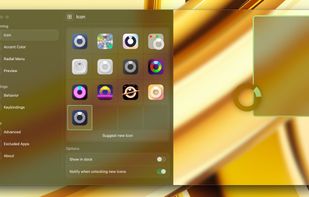
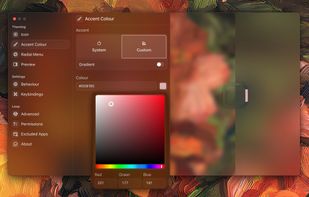
Loop is a macOS app that simplifies window management for you! You can effortlessly choose your window direction using a radial menu triggered by a simple key press, and customize it according to your preferences with personalized colors and settings.


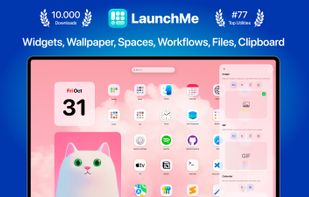
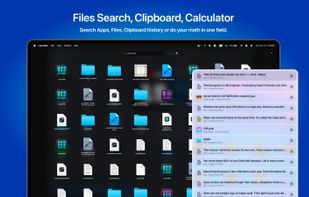
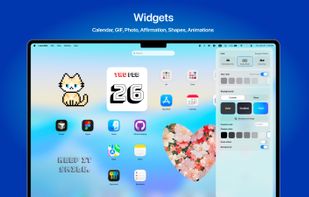
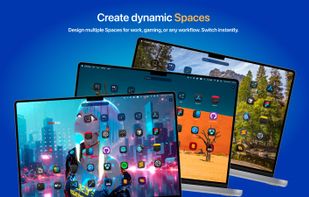
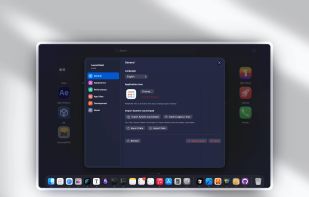
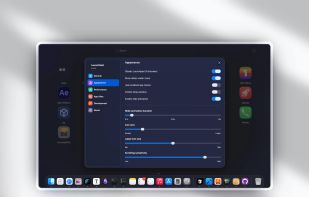
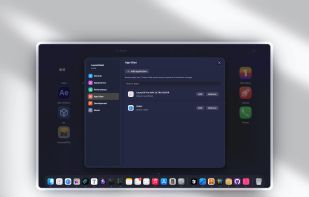
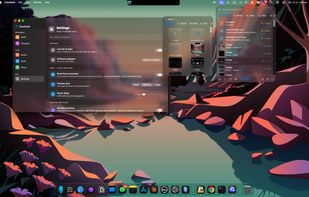
Modern app and workspace manager with app and file customization, dynamic and live wallpapers, intuitive drag & drop, clipboard, calculator, gesture invocation, multi-screen support, file navigation, workflow automation, layout saving, hot corners, and app grouping.


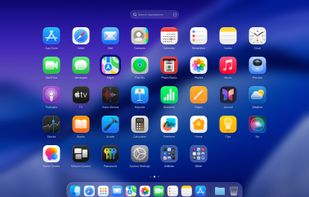
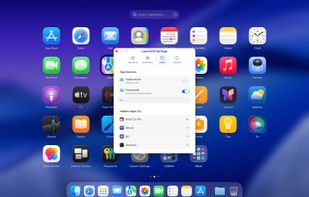
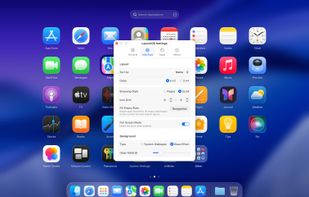
Replicates the native Launchpad for macOS, offering a familiar launcher interface with adjustable icon grid, vertical scrolling mode, customizable settings panel, and right-click shortcut operations, alongside unique options for efficient app organization.


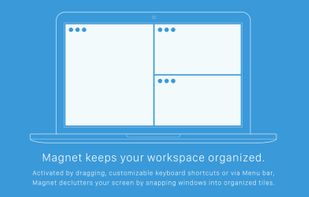
Every time you multitask with many apps open, you need all the windows arranged accordingly. Magnet makes this process swift and easy.

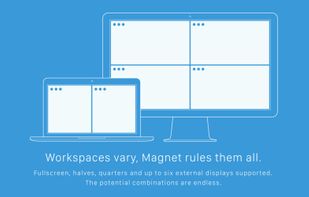


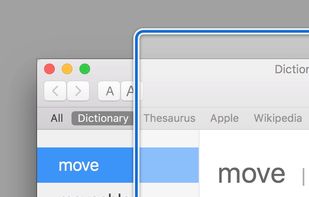
Moom makes window management as easy as clicking a mouse button—or using a keyboard shortcut, if you're one of those types of people.


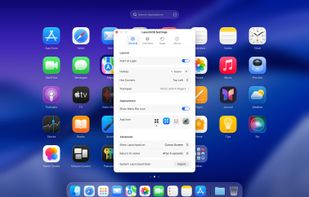
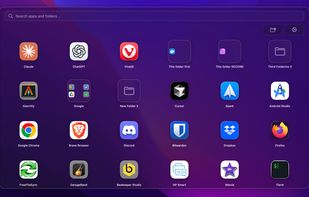
Lightweight macOS launcher replacing lost Launchpad grouping and icon rearrangement from macOS 26, with customizable shortcuts, smart search, drag-and-drop, folder support, visual customization, backup and restore, quick close, and a Pro version with extras.


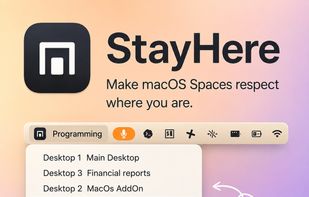
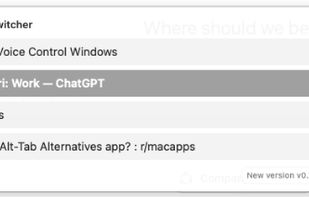
Lightweight macOS tool enabling custom Space names, visible indicators, change alerts, Dock click protection, window switching limited by Space, and keyboard shortcuts for seamless navigation, enhancing workspace separation, clarity, and predictable context use.





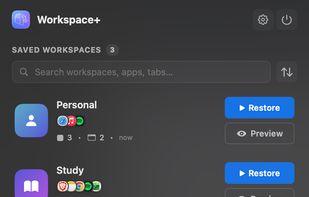
Workspace+ is a workspace manager for macOS that captures and restores your entire work environment — all your apps, windows, files, browser tabs, and their exact positions — with a single click or keyboard shortcut. How it works:


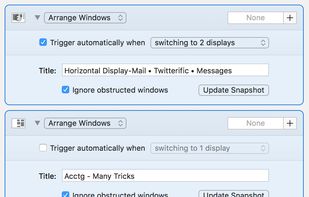
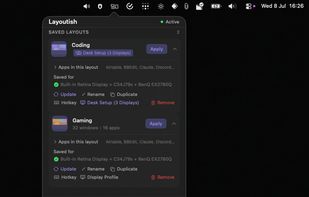
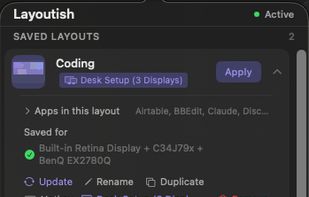
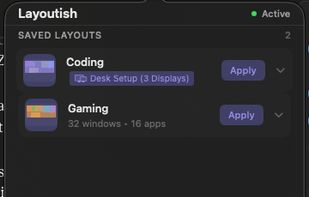
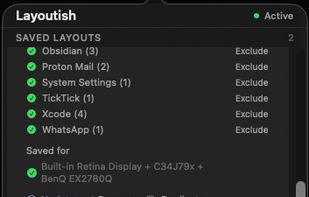
Saves complete macOS window layouts and restores them with one click or hotkey, including multi-monitor and multi-Space setups.

FlowShelf a free Mac app that turns your notch into a Dynamic Island and gives everything you copy, drop, or screenshot a temporary home.


 China
China


 Czechia
 EU
EU


 Austria


 Germany


 Poland


 Canada


 United Kingdom


 Australia


