Easy Screen Capture and Annotation Alternatives

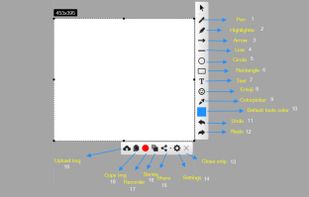
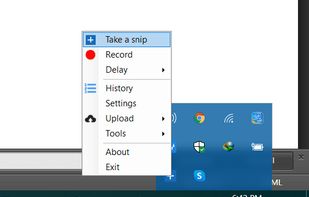
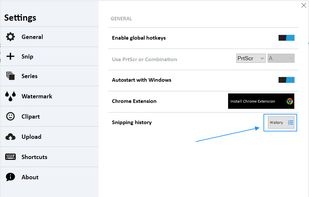
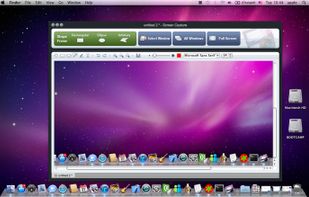
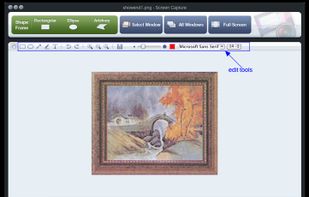
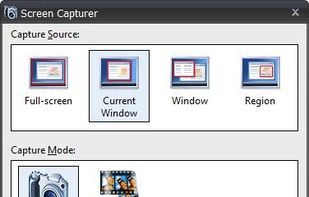
Easy Screen Capture and Annotation is described as 'Lets you capture and annotate any part of the screen. The main goal of the product is to speed up the capture and editing process saving you valuable time by automating repetitive tasks' and is a screenshot capture tool in the photos & graphics category. There are more than 100 alternatives to Easy Screen Capture and Annotation for a variety of platforms, including Windows, Mac, Web-based, Google Chrome and Linux apps. The best Easy Screen Capture and Annotation alternative is ShareX, which is both free and Open Source. Other great apps like Easy Screen Capture and Annotation are Greenshot, PicPick, Snipping Tool and FastStone Capture.

Copy a direct link to this comment to your clipboard
Easy Screen Capture and Annotation alternatives page was last updated

Alternatives list

  1. InstantShot! icon
     1 like
    Copy a direct link to this comment to your clipboard

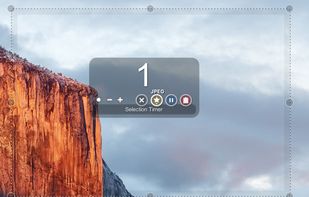
    InstantShot! offers classical screenshot functionality for capturing the whole screen, a portion of it or a window and also the option to make timed screenshots or to make delayed captures over time. It offers a wide range of preferences and options to fit everyone's needs.

    Cost / License

    • Free
    • Proprietary

    Application type

    Platforms

    • Mac
     
  2. ScreenTray icon
     2 likes
    Copy a direct link to this comment to your clipboard

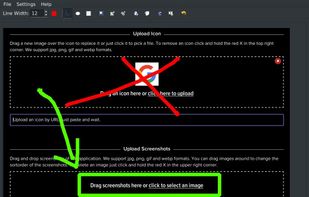
    A macOS app for capturing, annotating and sharing screenshots. Quickly add comments, highlight what matters or blur any sensitive content. Upload screenshots to Google Drive or Dropbox. Copy screenshots to the clipboard and paste them directly into Slack, Skype, Jira, Trello and...

    Cost / License

    • Freemium (Pay once)
    • Proprietary

    Application type

    Platforms

    • Mac
     
  3. SimpleCap icon
     1 like
    Copy a direct link to this comment to your clipboard

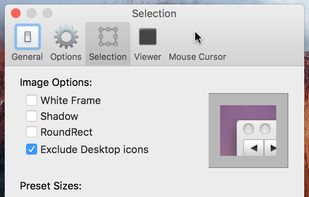
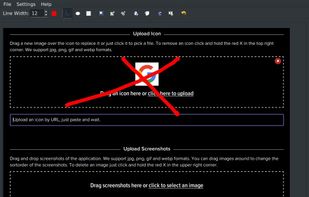
    Small and free screenshot app for Mac that offers custom area and resolution presets, and much more.

    Cost / License

    • Free
    • Open Source

    Application type

    Alerts

    • Discontinued

    Platforms

    • Mac
     
  4. qscreenshot icon
     1 like
    Copy a direct link to this comment to your clipboard

    Simple creation and editing of screenshots.

    Cost / License

    • Free
    • Open Source

    Application type

    Alerts

    • Discontinued

    Platforms

    • Mac
    • Windows
    • Linux
     
  5. Abduction icon
     1 like
    Copy a direct link to this comment to your clipboard

    Right click on any web page, frame or iframe, click "Save Page As Image..." and then resize the selection around the piece you want to save.

    Cost / License

    • Free
    • Open Source

    Application type

    Alerts

    • Discontinued

    Platforms

    • Mac
    • Windows
    • Linux
    • Firefox
     
  6. SnapaShot icon
     1 like
    Copy a direct link to this comment to your clipboard

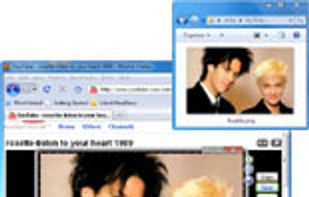
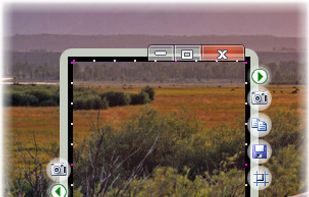
    The smallest free tool for taking screenshots of different size. Just open SnapaShot, resize it's window to fit the area you want to save, and press "save it" button.
    Cost / License

    • Freemium
    • Proprietary

    Application type

    Platforms

    • Windows
     
  7. Copy a direct link to this comment to your clipboard

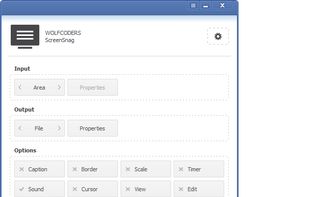
    ScreenSnag provides a quick and easy way to take a photo of your computer screen. Capture the entire screen, a region of the screen, a window, or an element on the window with a single hotkey or click. You can also use Timer option to perform captures at intervals that you...

    Cost / License

    • Free
    • Proprietary

    Application type

    Platforms

    • Windows
     
  8. TPUCapture icon
     1 like
    Copy a direct link to this comment to your clipboard

    TPUCapture is an easy to use screenshot utility with a small memory footprint that resides in the system tray.

    Cost / License

    • Free
    • Proprietary

    Application type

    Platforms

    • Windows
     
  9. TeenyGrab icon
     1 like
    Copy a direct link to this comment to your clipboard

    TeenyGrab is a free alternative to TinyGrab. TinyGrab is a popular application for quickly uploading screenshots, and sharing them. The only problem is, the full version (with features such as uploading to a custom FTP server) costs $$$.

    Cost / License

    • Freemium
    • Proprietary

    Application type

    Platforms

    • Windows
     
  10. Copy a direct link to this comment to your clipboard

    Onde Screen Capture for Mac is currently the most professional and powerful screen grabbing utility running on Mac OS, by which you can easily capture any part on your Mac desktop such as rectangular or ellipse region, freehand region, full screen, active window or all windows...

    Cost / License

    • Freemium
    • Proprietary

    Application type

    Platforms

    • Mac
     
  11. Copy a direct link to this comment to your clipboard

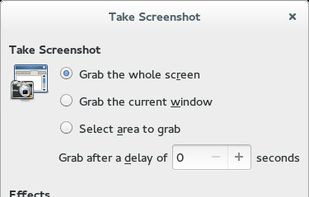
    GNOME Screenshot is a utility used in the GNOME desktop environment for taking screenshots. It was part of the GNOME Utilities (gnome-utils) package, but was split into its own package for the 3.3.1 version in 2011.

    Cost / License

    • Free
    • Open Source

    Application type

    Platforms

    • Linux
    • FreeBSD
    • GNOME
     
  12. SnipSnip icon
     2 likes
    Copy a direct link to this comment to your clipboard

    SnipSnip is a screen capture utility, designed for easy capture of some or all of your screen(s). It also allows you to do simple tasks like resizing, cropping and drawing on the capture.

    Cost / License

    • Free Personal
    • Proprietary

    Application type

    Platforms

    • Windows
     
You are at page 7 of Easy Screen Capture and Annotation alternatives