


Cost / License
- Free Personal
- Proprietary
Since
- Since 2009
 Canada
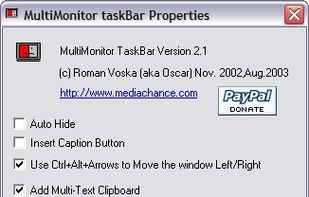

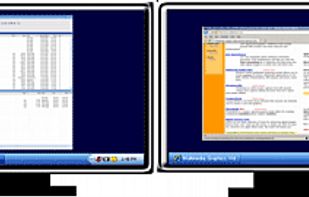


Apps similar to Dual Monitor Tools include DisplayFusion, which has a free version. Other options are Actual Multiple Monitors, Ultramon, NVIDIA RTX Desktop Manager and SwitchResX. You're spoiled for choice with Window Managers like Dual Monitor Tools: we list more than 25 alternatives for Windows, Mac and Linux.
Canada
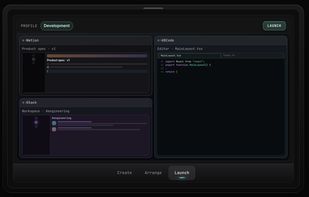
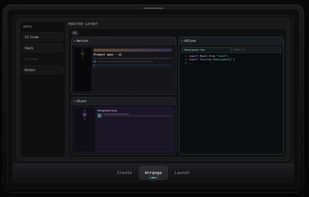
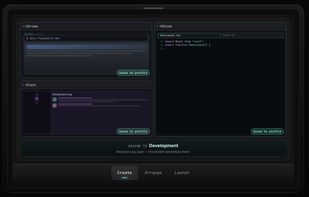
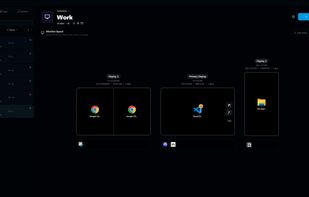
Save per-monitor app layouts on Windows—built from what's running or from scratch—then switch the whole workspace in one click.
 United States


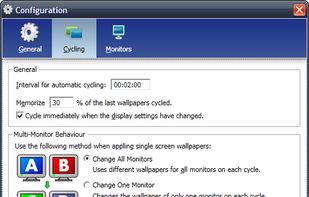
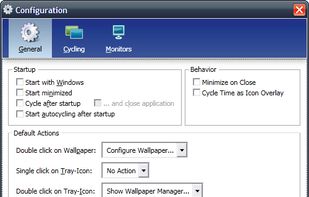
Wallpaper Manager is a wallpaper cycling and management tool especially designed for multiscreen systems.




A 'God Mode' desktop manager with a built-in AI agent that runs 100% locally on your machine—no cloud, no data leaks, total sovereignty.
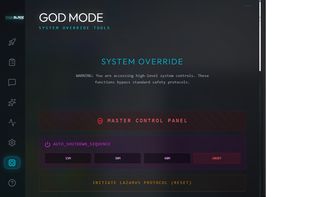
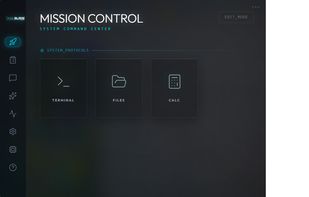
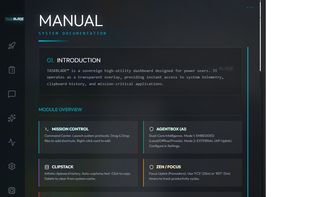
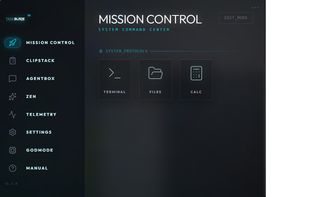


Displayflow is a comprehensive, high-performance display management utility for Linux, designed to give users granular control over hardware settings and monitor brightness through both a Command Line Interface (CLI) and a background Hotkey daemon.


Adds the missing feature to disable a monitor on your Mac!
Easily disable, enable or change the resolution of a monitor!.


Annoyed again because one of your apps is offscreen? Do you have to struggle with keyboard shortcuts, to bring it back or do they not work again? Borderline moves all windows back into the screen bounds.
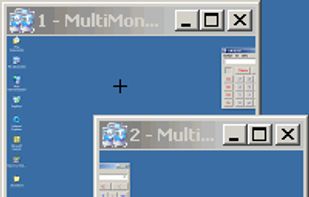
DFMirage is "cutting edge" video driver mirroring technology for the Windows. It is a driver for virtual video device managed at DDML level of the graphics system that exactly mirrors the drawing operations of one or more physical display devices.

Windows tray utility that saves sessions with each app window’s position and monitor, then restores them when displays are docked, removed or changed. It reuses open windows to avoid duplicates; Pro adds monitor-based session switching, hotkeys and continuous capture.
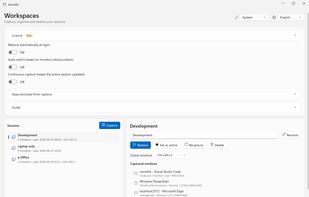
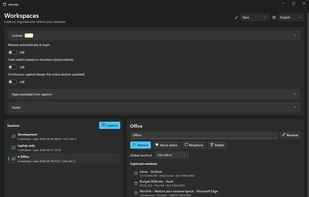
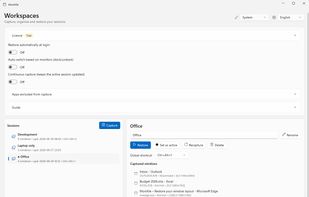


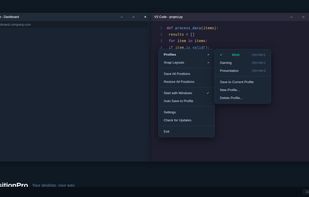
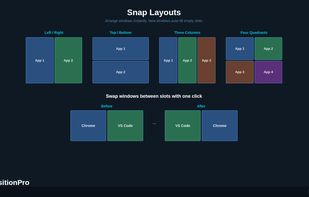
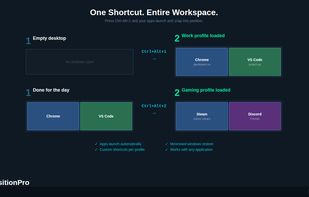
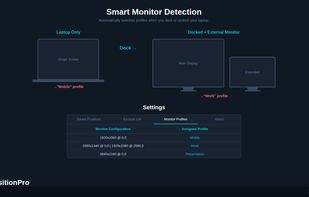
Save, restore and manage window positions on Windows 10 & 11. Create desktop profiles, auto-detect monitors, snap layouts, and switch workspaces with hotkeys. One-time $9.99 purchase.

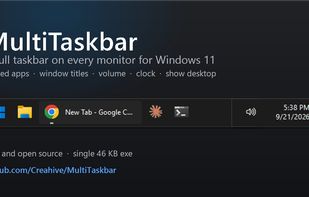
Free, open-source taskbar for your second monitor on Windows 11: pinned apps, window titles, volume, clock and show desktop on every screen.
United States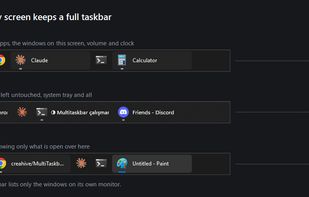


 Germany
 EU


