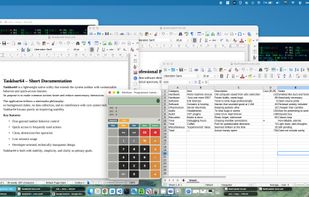
TaskBar64 is a lightweight macOS utility that displays open application windows as individual taskbar buttons with their titles.
 Hungary
 EU


Apps similar to DockDoor include BetterCmdTab, which is free and open source. Other options are Modoki, AltTab, DockProfiles and Macscope. You're spoiled for choice with Window Managers like DockDoor: we list more than 50 alternatives for Mac, Windows and Linux.
TaskBar64 is a lightweight macOS utility that displays open application windows as individual taskbar buttons with their titles.
HungaryEU
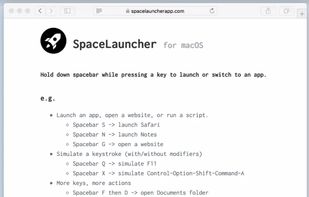
With SpaceLauncher for macOS, you can launch or switch to an app by pressing a pre-defined key while holding down spacebar.


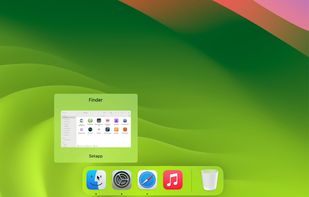
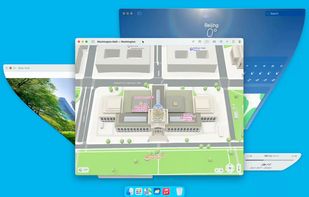


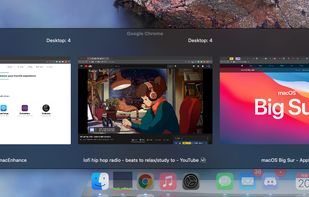
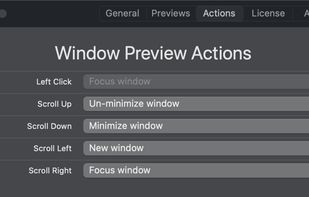
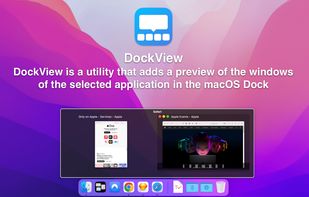
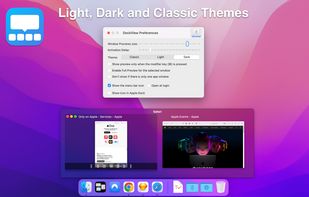
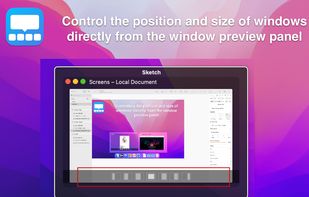
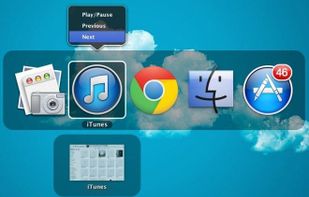
DockView is a macOS utility that shows live previews (thumbnails) of an application’s open windows when you hover over its icon in the Dock. You can quickly switch, minimize, or close windows directly from that preview panel — all without altering the system Dock itself.
 Ukraine

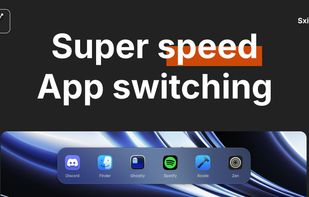
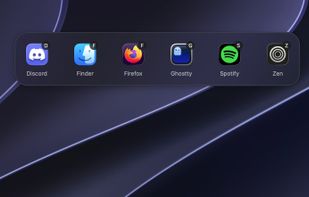
Sxitch is a powerful and native app switcher for MacOS. You pick the app you want to switch to based on the apps name. Simply type "z" and switch to Zen. Or press ctrl + q and then "G" to quit ghostty. Don't want to see finder in the app switcher?
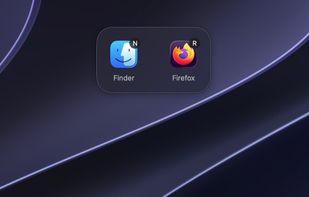
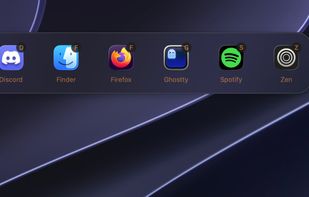


HyperSwitch provides a compelling alternative to HyperDock for keyboard junkies.

MultiDock 2 gives your Mac extra panels for the apps, files, and folders you use together. Keep a separate panel for each project and switch between sets of shortcuts with tabs.
Ukraine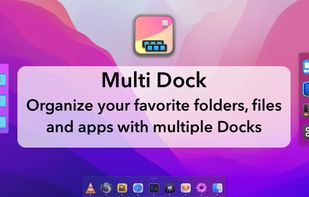
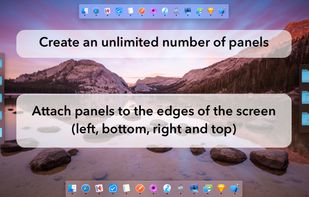


Did you ever wish your Dock could do more or handle more of your apps and files? DockShelf lets you place unlimited docks around your desktop so you never run out of space again for your commonly used files, folders and applications!

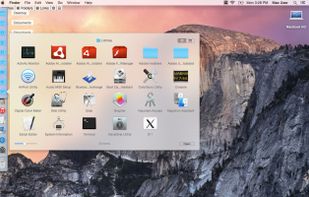
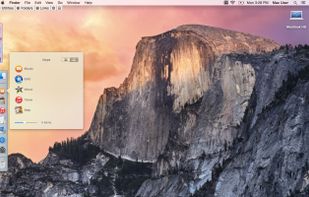
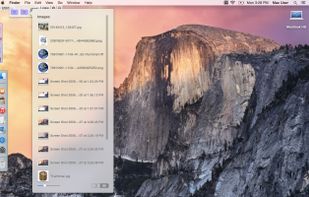


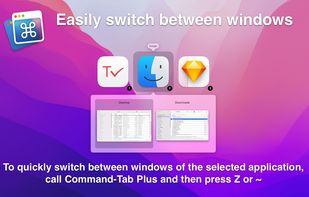
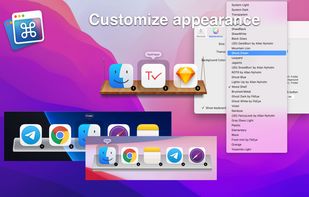
Command-Tab Plus is a keyboard-centric application and window switcher for Mac, offering a powerful alternative to the built-in macOS switcher. It boosts productivity with features like quick app switching, isolated workspaces (Spaces), hiding inactive apps, and customizable ...
Ukraine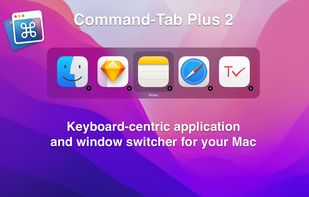
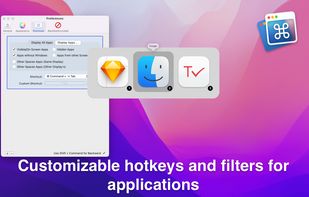


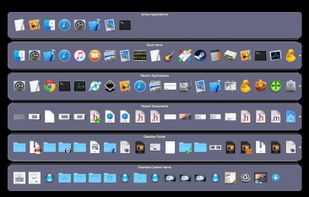
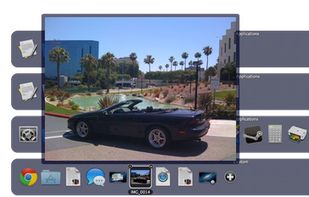
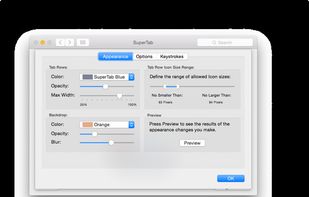
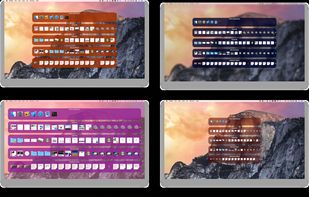
When you press Command-Tab on your Mac, Apple provides you with a simple App Switcher: So now, with SuperTab installed, pressing Command-Tab gives you a whole lot more:


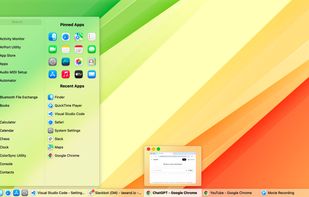
Windows-style taskbar for macOS which simplifies multi-tasking and working with many apps and windows as an effective Dock replacement.


 United States