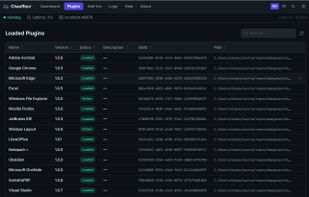
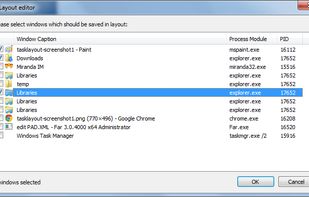
TaskLayout is a small portable layout manager which allow saving/restoring of desktop layout (a set of specified apps/windows with corresponding position on screen) in a single click/hotkey.
 United States
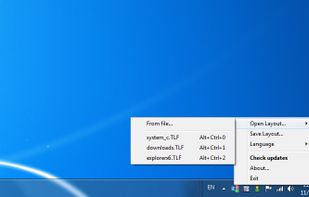



The best Window Manager alternative to DisplayFusion is Rectangle, which is both free and Open Source. If that doesn't suit you, our users have ranked more than 50 alternatives to DisplayFusion and many of them are Window Managers so hopefully you can find a suitable replacement. Other interesting Window Manager alternatives to DisplayFusion are AquaSnap, SnapZones, Actual Window Manager and Ultramon.
TaskLayout is a small portable layout manager which allow saving/restoring of desktop layout (a set of specified apps/windows with corresponding position on screen) in a single click/hotkey.
United StatesAnnoyed again because one of your apps is offscreen? Do you have to struggle with keyboard shortcuts, to bring it back or do they not work again? Borderline moves all windows back into the screen bounds.

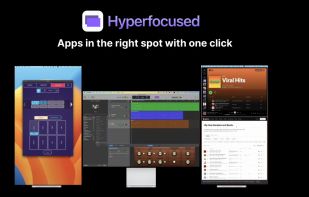


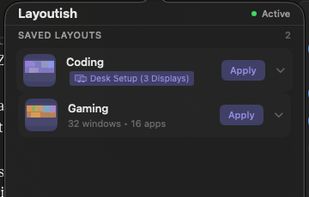
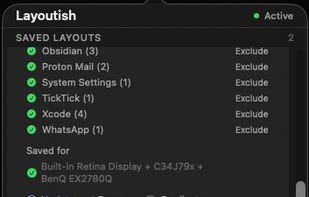
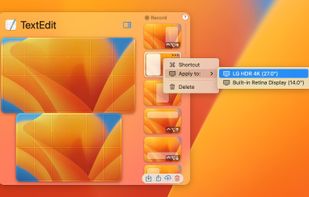
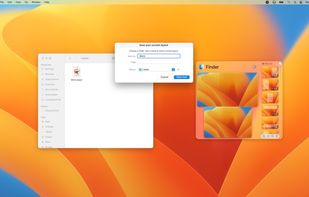
Saves complete macOS window layouts and restores them with one click or hotkey, including multi-monitor and multi-Space setups.
 United Kingdom
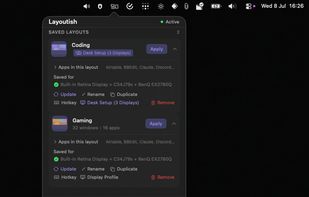
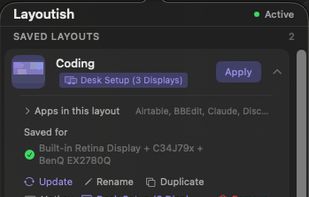


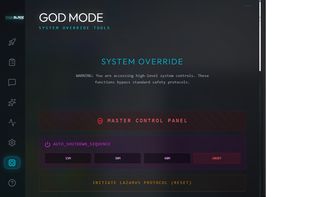
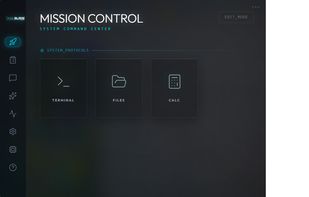
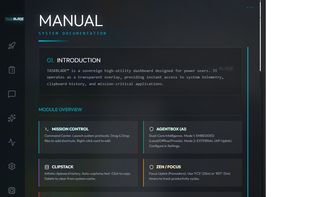
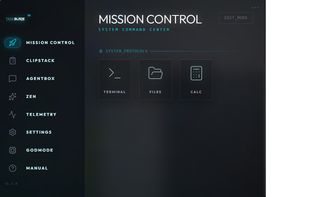
A 'God Mode' desktop manager with a built-in AI agent that runs 100% locally on your machine—no cloud, no data leaks, total sovereignty.


 Germany
 EU


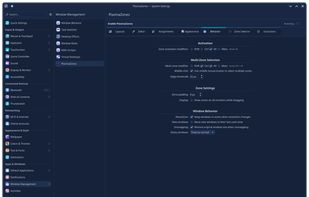
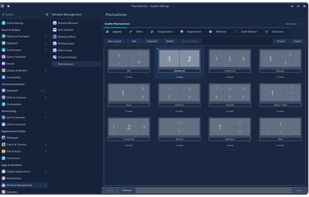
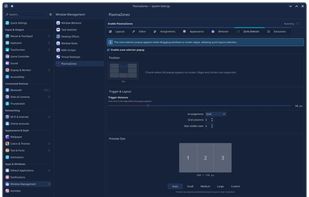
Window management tool enabling creation of custom zones, drag-and-snap, keyboard shortcuts, automated window assignments, layout editor with templates, GPU overlays, multi-monitor layouts, virtual desktop and activity support, plus KCM integration for easy configuration.
United States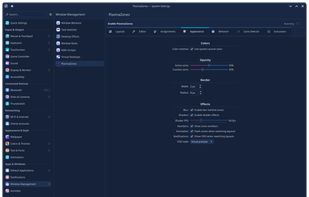

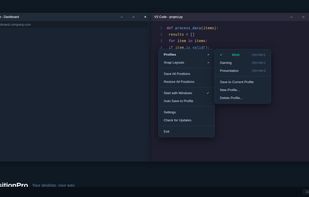
Save, restore and manage window positions on Windows 10 & 11. Create desktop profiles, auto-detect monitors, snap layouts, and switch workspaces with hotkeys. One-time $9.99 purchase.
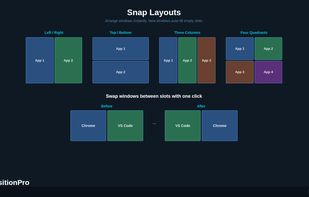
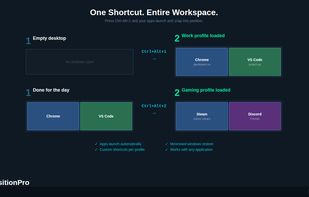
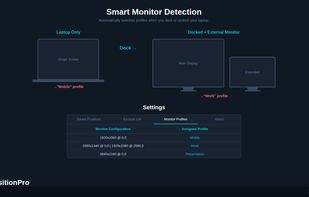


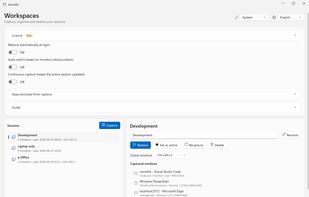
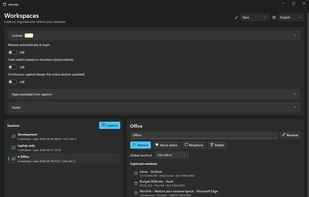
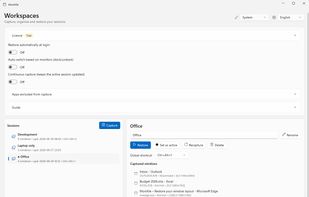
Windows tray utility that saves sessions with each app window’s position and monitor, then restores them when displays are docked, removed or changed. It reuses open windows to avoid duplicates; Pro adds monitor-based session switching, hotkeys and continuous capture.

Plonk is a menu bar app for macOS that bundles a window manager with nine additional desktop utilities, so one icon replaces a stack of single-purpose tools.
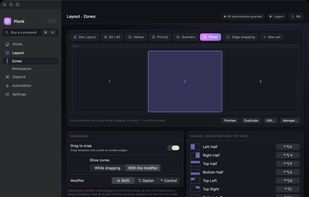

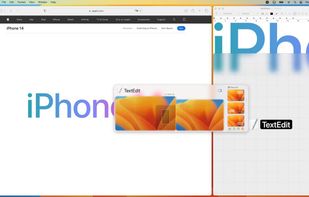
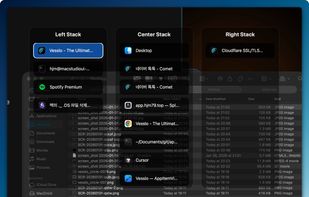
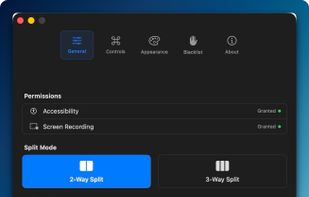
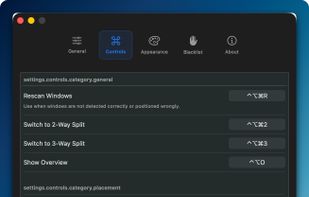
Window management utility on macOS enabling window snapping, 2- and 3-zone layouts, app rotation, keyboard and trackpad gesture controls, plus overview mode for fast app assignment and switching, offering efficient multitasking in customizable zones.
 South Korea


Save and restore your Windows workspace, including browser tabs, documents, editor projects and PDF pages. Context data stays on your device. A free tier is available without an account.