A simple yet powerful tool for managing and switching between multiple screen profiles. Perfect for users with multi-monitor setups!.
Cost / License
- Free
- Open Source (MIT)
Since
- Since 2024
M


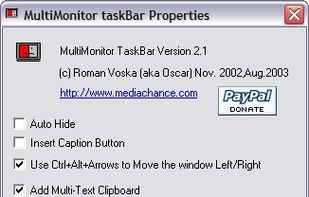
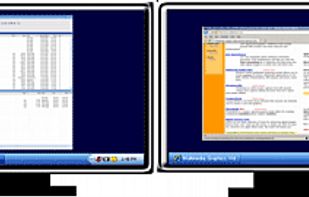
The best free alternative to DisplayFusion is Rectangle, which is also Open Source. If that doesn't suit you, our users have ranked more than 50 alternatives to DisplayFusion and many of them are free so hopefully you can find a suitable replacement. Other interesting free alternatives to DisplayFusion are Dual Monitor Tools, AquaSnap, Dual Monitor Taskbar and LittleBigMouse.
A simple yet powerful tool for managing and switching between multiple screen profiles. Perfect for users with multi-monitor setups!.
Annoyed again because one of your apps is offscreen? Do you have to struggle with keyboard shortcuts, to bring it back or do they not work again? Borderline moves all windows back into the screen bounds.

 Canada


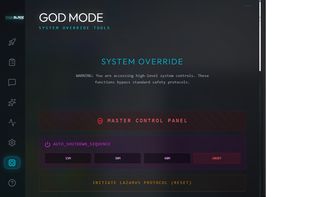
A 'God Mode' desktop manager with a built-in AI agent that runs 100% locally on your machine—no cloud, no data leaks, total sovereignty.
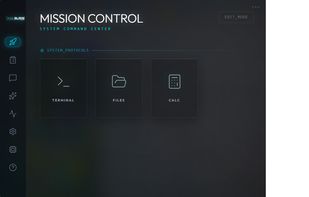
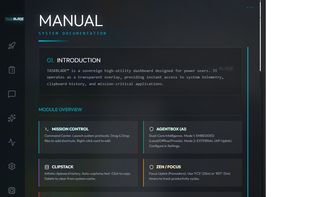
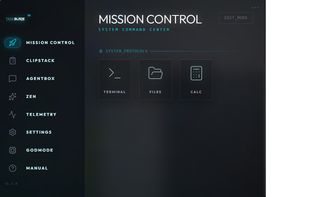


Displayflow is a comprehensive, high-performance display management utility for Linux, designed to give users granular control over hardware settings and monitor brightness through both a Command Line Interface (CLI) and a background Hotkey daemon.


LumoTray is a lightweight Windows tray app for multi-monitor wallpapers, lock screen images, screensaver modes, hot corners, and custom tray menus.
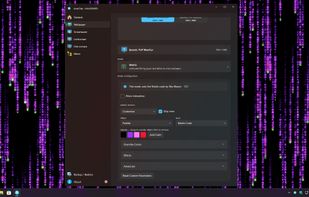
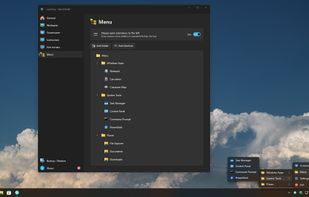
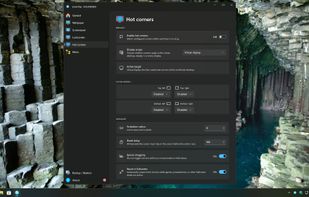
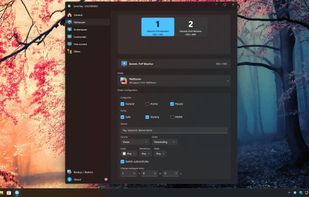


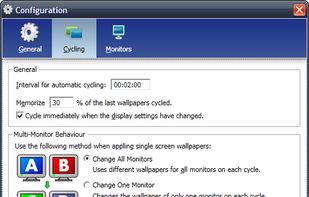
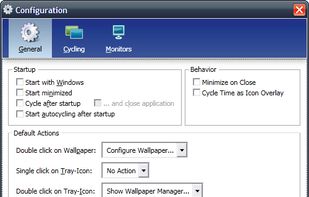
Wallpaper Manager is a wallpaper cycling and management tool especially designed for multiscreen systems.




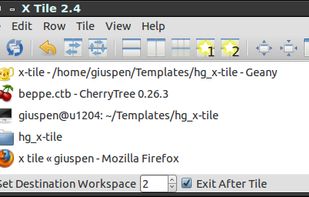
X-tile is an application that allows you to select a number of windows and tile them in different ways. It works on any X desktop like Gnome, KDE, XFCE, LXDE. The main features are: many tiling geometries, undo tiling, invert tiling order, optional system tray docking and menu...
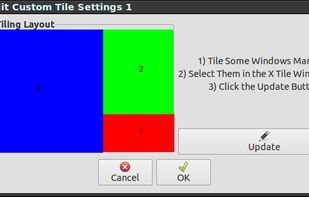


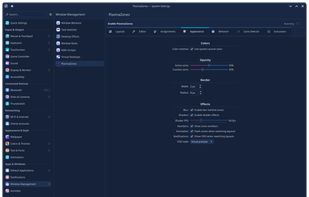
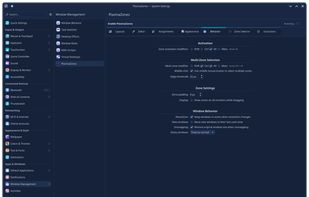
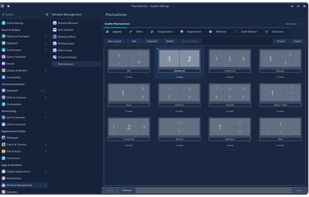
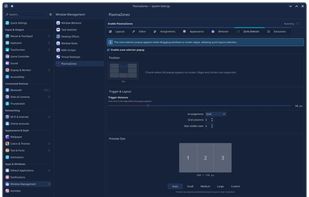
Window management tool enabling creation of custom zones, drag-and-snap, keyboard shortcuts, automated window assignments, layout editor with templates, GPU overlays, multi-monitor layouts, virtual desktop and activity support, plus KCM integration for easy configuration.
 United States

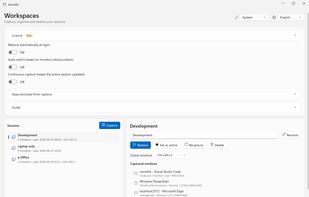
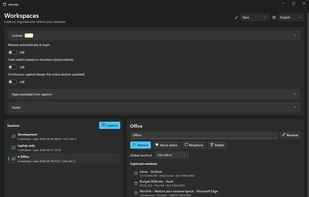
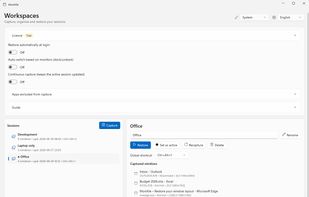
Windows tray utility that saves sessions with each app window’s position and monitor, then restores them when displays are docked, removed or changed. It reuses open windows to avoid duplicates; Pro adds monitor-based session switching, hotkeys and continuous capture.

FlowShelf a free Mac app that turns your notch into a Dynamic Island and gives everything you copy, drop, or screenshot a temporary home.
 Australia
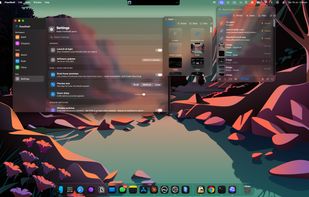
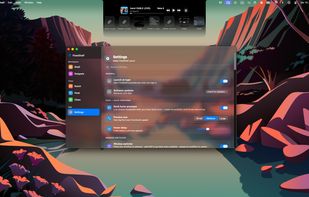
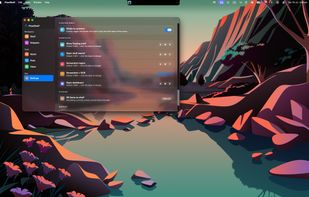

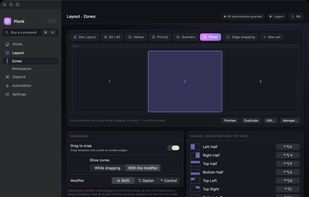
Plonk is a menu bar app for macOS that bundles a window manager with nine additional desktop utilities, so one icon replaces a stack of single-purpose tools.


 Germany
 EU