DDCcontrol is software for controlling monitor parameters such as brightness, contrast, and RGB color levels. It includes a command-line tool and a GUI tool.
Cost / License
- Free
- Open Source (GPL-2.0)
Platforms
- Linux
- openSUSE
- Fedora
- Ubuntu
- Debian


Apps similar to DisplayBuddy include Twinkle Tray, which is free and open source. Other options are Crisp - Monitor Control, Dimly, MonitorControl and Monitorian. You're spoiled for choice with Screen Dimmers like DisplayBuddy: we list more than 25 alternatives for Mac, Windows and Linux.
DDCcontrol is software for controlling monitor parameters such as brightness, contrast, and RGB color levels. It includes a command-line tool and a GUI tool.

The app lets you control the brightness of all your screens (both laptop and desktop) by a single click on a tray icon. Its look goes nicely with the system icons and it supports both light and dark mode.
 Czechia
 EU
EU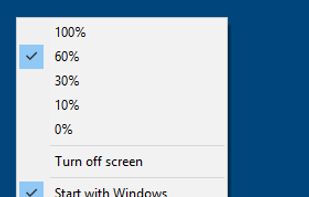
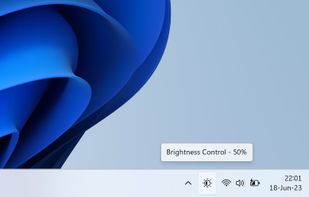




Lumino is a Mac utility that automatically controls the brightness of connected external displays based on ambient light. It uses the built-in light sensor of supported Macs and works with DDC/CI when available, with fallback options for displays that don’t fully support...
 GermanyEU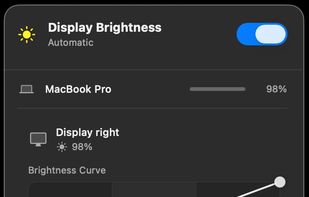


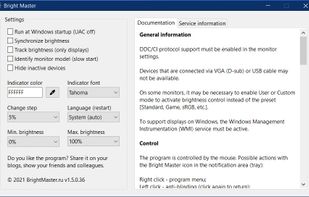
The program is designed to adjust the brightness of monitors, laptop displays and other equipment. Runs on Windows 7+ and does not require installation. Works with all external monitors that have DDC/CI support, as well as with built-in displays of laptops, all-in-ones and...


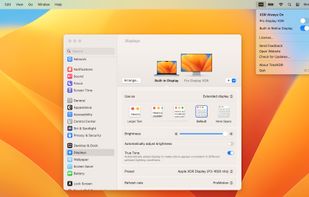
TotalXDR is a macOS menubar app that removes the brightness limit of your MacBook Pro display and keeps XDR/HDR brightness always on.


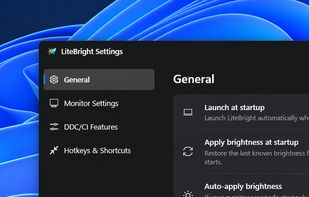
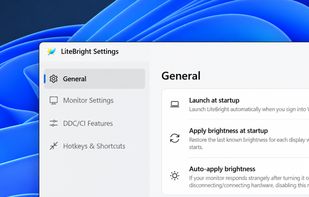
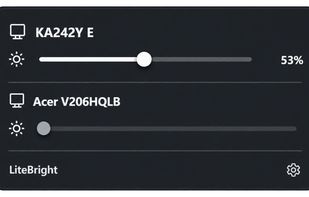
LiteBright is a lightweight native brightness controller for Windows 10 and 11. It lets you control brightness across multiple monitors from the system tray, adjust displays independently or together, and use global keyboard shortcuts for quick changes.


Focus view, extra brightness, ambient glow, and keep awake — all from your menu bar. JoyScreen transforms how you use your Mac.
 PolandEU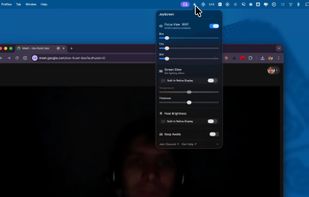
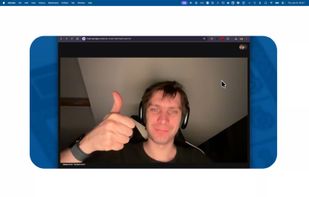


Free, open-source menu bar app for external monitor brightness, resolution, HiDPI and display arrangement on macOS.
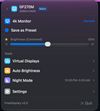
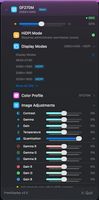
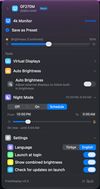

Python monitor control using the VESA Monitor Control Command Set (MCCS) over the Display Data Channel Command Interface Standard (DDC-CI).