





Apps similar to Diskaroo include WinDirStat, which is free and open source. Other options are WizTree, Baobab Disk Usage Analyzer, TreeSize and GrandPerspective. You can choose from more than 10 Disk Usage Analyzers like Diskaroo for Mac, Windows and Linux.

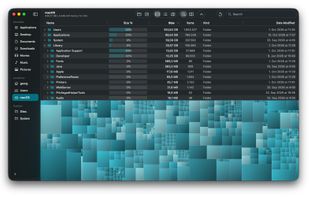
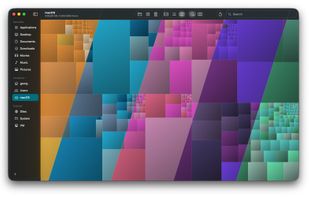
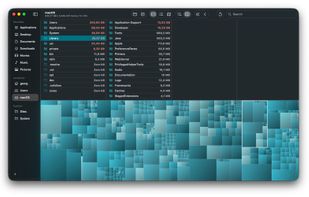
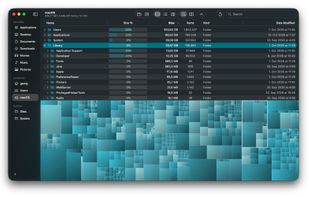
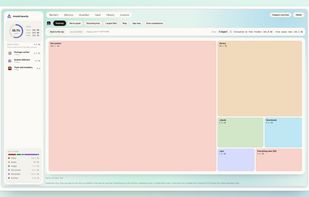
TreemapScan helps you find out why your Mac’s disk is filling up by showing you which files and folders take the most space. It scans a drive or folder you choose and draws the result as a treemap, where every file and folder is a rectangle sized in proportion to the space it...

 Canada
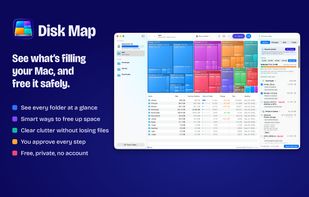

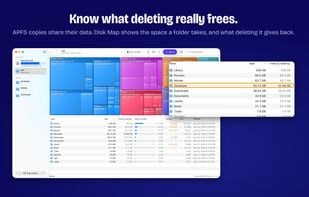



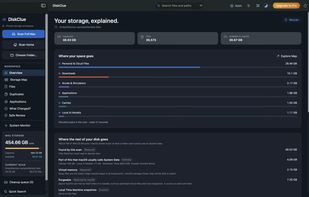
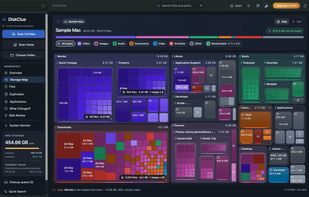

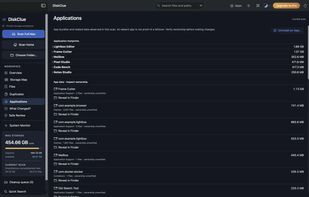


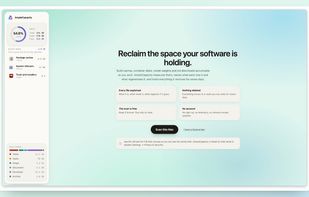
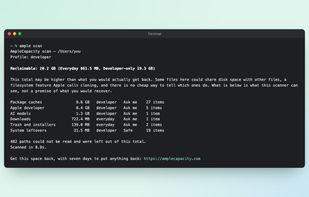
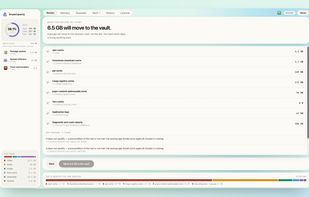
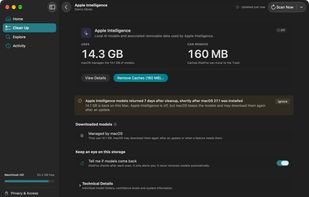
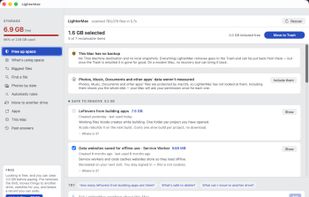
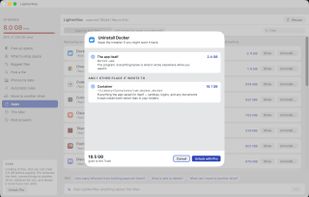
Mac storage analyzer that identifies rebuildable caches, container disks, model downloads, installers, app data, backups and iCloud media. It explains each item before moving it to a recovery vault, supports seven-day restoration, and uses one-time pricing.
 India


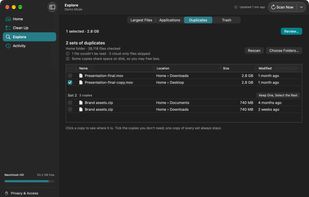
PhotoSweep helps you clean up messy photo libraries by detecting real duplicate or near-duplicate photos even when filenames differ or the image has been edited. It groups similar images so you can quickly keep the best and remove the rest.



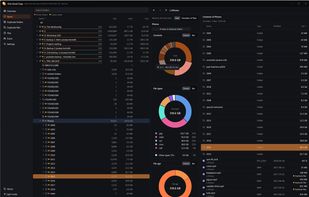
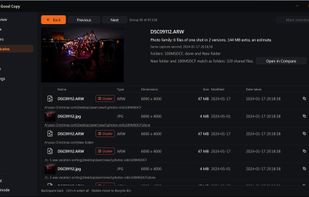
A read-only Windows and Linux utility that maps drive contents, compares matching folder trees side by side, searches files across drives with metadata filters, and groups RAWs, JPEGs, edits, and resized exports into photo families before confirmed Recycle Bin deletion.
 Denmark
 EU

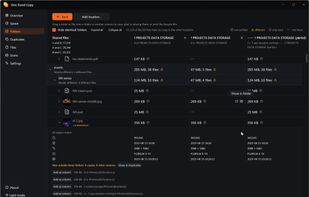


DiskFox is a Mac storage app that keeps a history of your disk, so it can show what grew, when and the likely cause.
 United Kingdom
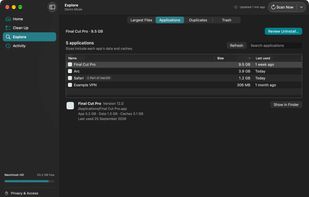
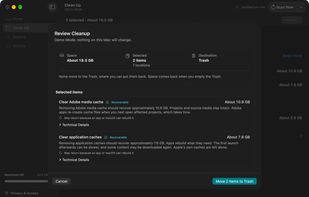


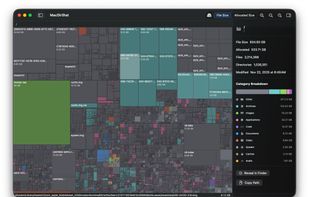
MacDirStat is a free, open-source disk space analyzer for macOS, inspired by WinDirStat. It scans a drive or folder and draws every file as a color-coded rectangle sized by its disk usage, so the biggest files and folders stand out at a glance.
 United States


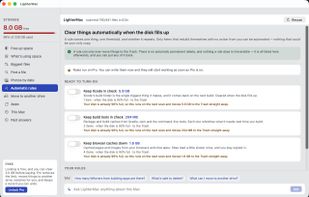
LighterMac opens up the “System Data” your Mac won't explain and tells you, item by item, what each thing is and what happens if you delete it (“Xcode rebuilds it on the next build”, “this may be your only copy”).



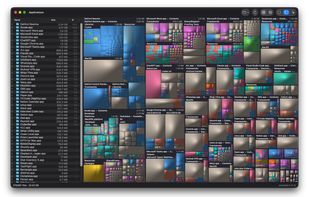
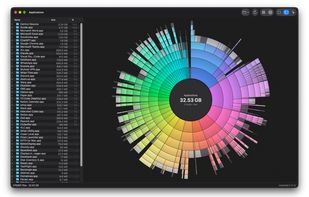
Native macOS disk analyzer that scans folders and space, presenting file-type treemaps or ring charts beside a Finder-style outline. It can reveal items, send them to Trash after confirmation, flag caches and build output, and offer an optional read-only JSON CLI.
Canada


A menu-bar macOS storage cleaner that prioritizes files by size and time since last use, with low-space alerts and a hierarchical disk browser. Review suggestions in Finder, mute files temporarily or permanently, and move chosen items to the Trash before emptying it.
 LithuaniaEU