



Cost / License
- Paid
- Proprietary
Platforms
- Mac



+1


Apps similar to Dictanote include Handy STT, which is free and open source. Other options are Vibe Transcribe, CherryTree, Trilium Notes and Cryptee. Audio Transcription Tools like Dictanote are a crowded field, with more than 100 alternatives for Mac, Windows, iPhone, the web and Android.
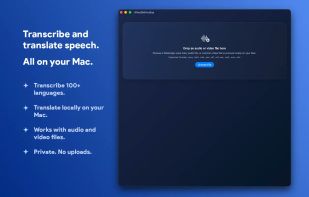
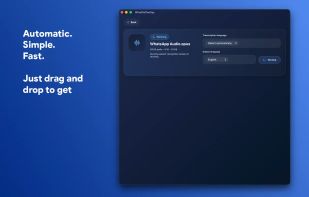
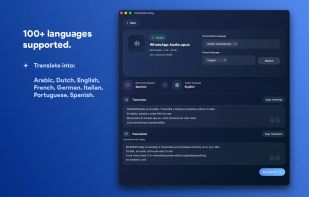
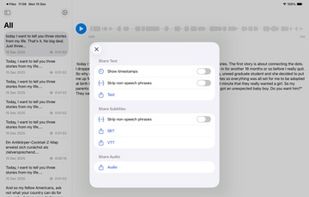
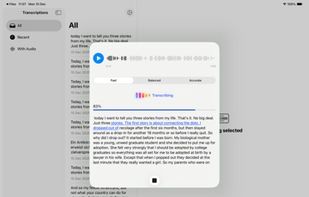
Hello Transcribe is a private and secure speech to text transcriber that uses OpenAI Whisper and Whisper.cpp.
 South Africa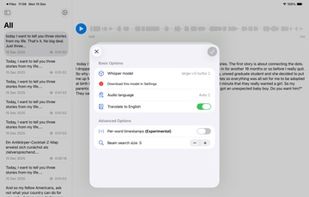



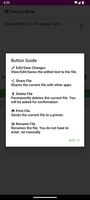
Transcriboar is a lightweight Android transcription app that uses the device’s built-in SpeechRecognizer to convert speech to text in real time.
 United States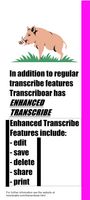


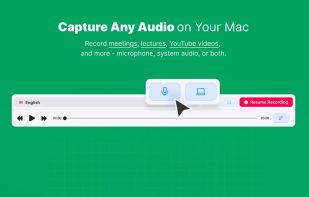
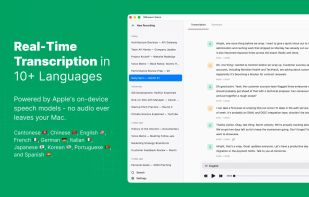
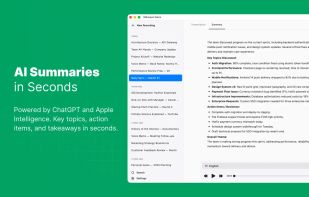
Record meetings, lectures, and podcasts. Transcribe in 10+ languages with on-device Apple models. Get ChatGPT-powered summaries via Apple Intelligence — no subscriptions.
 Armenia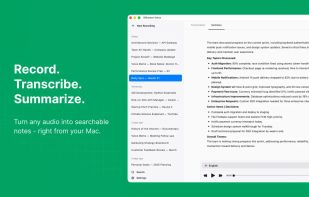


Voice AI assistant for Mac. Hold a shortcut, speak, and get clean text in any app. It can also edit text, answer questions about what is on screen, and run quick tasks by voice.
United States
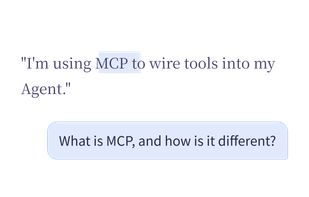

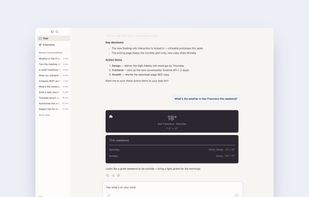


Hold-to-talk speech-to-text for macOS. 100% local, powered by WhisperKit and local LLM cleanup. Hold Control to record, release to transcribe and paste.

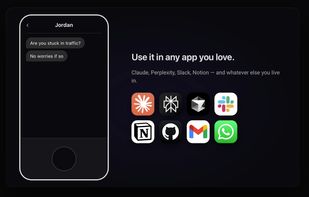
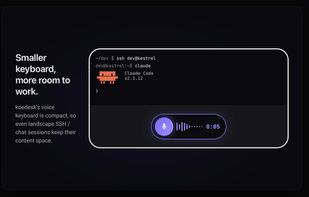
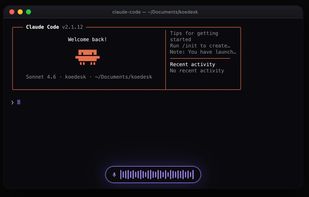
koedesk is a cross-platform voice-to-text tool. Press and hold a key, speak naturally, and your words are typed straight into whatever app you're using — Claude, ChatGPT, Slack, Mail, your editor, anywhere you can type.
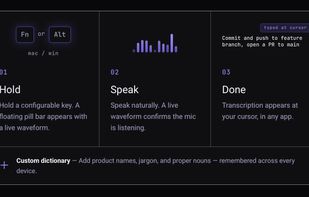

Iris Flow is an open-source overlay dictation app for Apple Silicon Macs. Hold Left-Ctrl to speak, release, and the transcript is pasted at the cursor in Notes, Slack, browsers, editors, and other apps. There is no account and no hosted backend.


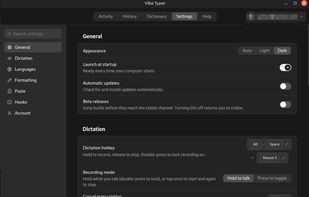
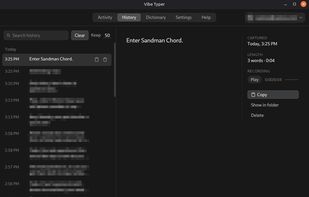
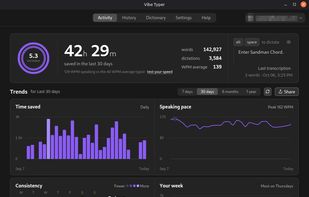
Vibe Typer is a desktop voice-typing app. You hold a hotkey, talk, and clean text appears wherever your cursor already is. There is no window to copy out of and no per-app setup.
United States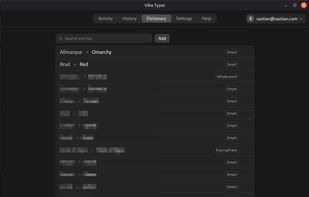


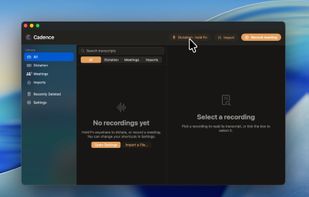
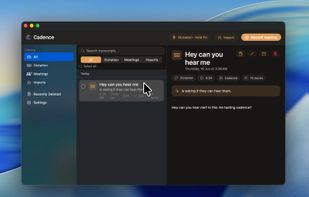
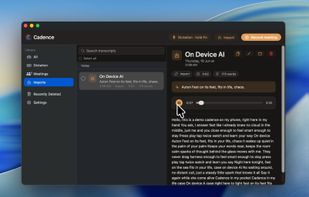
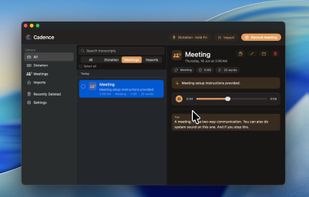
Cadence is a native voice workspace. Because our AI model runs on-device, your voice never leaves your Mac.


Bulbul is a free, open-source voice dictation app for Windows, macOS, Linux, and Android. Hold a hotkey (or tap the bubble on your phone), speak, and cleaned-up text appears in whatever app you're using — editor, browser, chat, terminal.


 United Kingdom





 India
India