
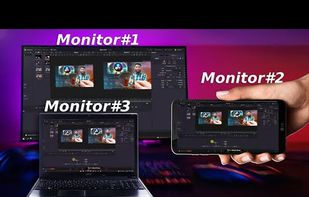
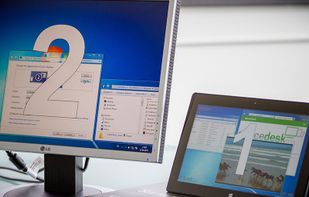
Utilize Spacedesk to transform any network-connected device, from Android tablets to iOS devices, into additional monitors. Requires a Windows primary machine for efficient screen sharing, perfect for office or remote collaboration.
 Germany
 EU



D


Apps similar to DFMirage include Spacedesk, which has a free version. Other options are DisplayFusion, Dual Monitor Tools, VirtuaWin and MultiMonitorTool. In total there are seven Screen Mirroring Apps like DFMirage for Windows, Android, iPhone and iPad.
Utilize Spacedesk to transform any network-connected device, from Android tablets to iOS devices, into additional monitors. Requires a Windows primary machine for efficient screen sharing, perfect for office or remote collaboration.
GermanyEU
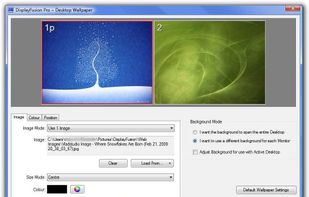
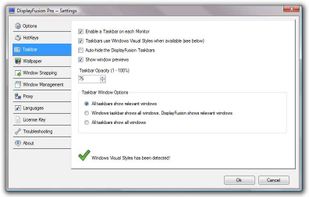
Enables multi-monitor taskbars with advanced wallpaper management, scripted macros, remote access, screen savers, and desktop profile features; offers window snapping, customizable hotkeys, logon backgrounds, and multi-language support for home or business use.
 Canada


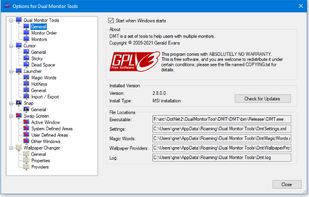
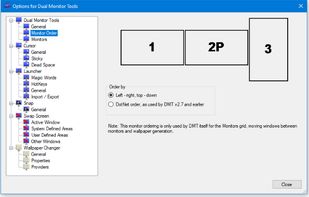
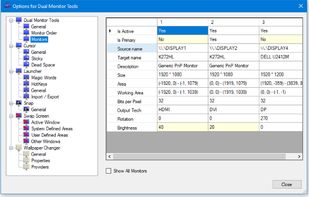
Dual Monitor Tools is a software package for Windows users with dual or multiple monitor setups.
All the tools are open source and free, and each tool is independent so you only need to install or run what you want.
 United Kingdom


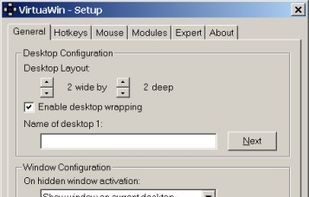
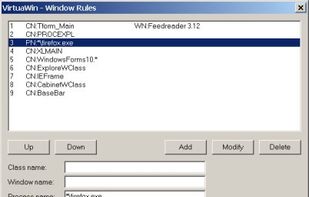
VirtuaWin is a virtual desktop manager for the Windows operating system (Win9x/ME/NT/Win2K/XP/Win2003/Vista/Win7/Win10). A virtual desktop manager lets you organize applications over several virtual desktops (also called ‘workspaces’).
 SwedenEU



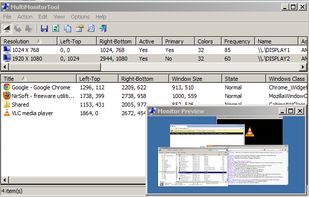
With MultiMonitorTool, you can disable/enable monitors, set the primary monitor, save and load the configuration of all monitors, and move windows from one monitor to another.
 Israel


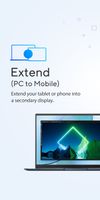
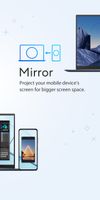
GlideX is a cross-device screen-sharing solution. Using wired or wireless connections, you can create a bigger and better work or play space. GlideX optimizes your workflow in the blink of an eye!
 Taiwan


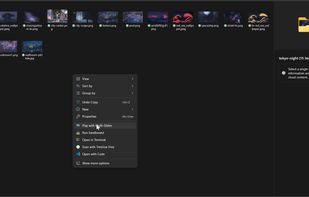
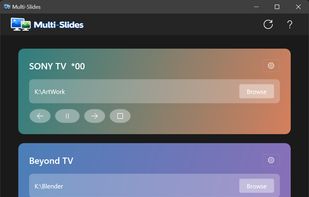
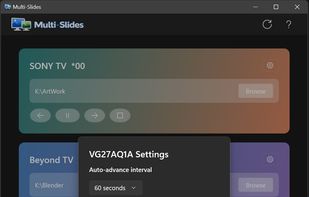
Native Windows 11 app that runs truly independent image slideshows on each monitor — own folder, own pacing, own transitions per display.
United Kingdom