





ddugit
Like
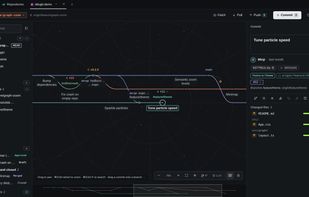
Graph-focused Git client for macOS and Windows with drag-and-drop merges, rebases, cherry-picks, and commit moves, plus interactive rebase, conflict explanations, reflog undo, line staging, pull requests, history search, worktrees, and signing.

Cost / License
- Free Personal
- Proprietary
Platforms
- Mac
- Windows


Features


Highlights All activities
ddugit News & Activities
Recent activities

Developed by
 Grapipe
 Licensing
Proprietary and Free Personal product.Pricing
One time purchase (perpetual license) that costs $29.Alternatives
51 alternatives listedBadge
Get an embeddable badge for ddugitSupported Languages


No comments or reviews, maybe you want to be first?