Twinkle Tray enables brightness control on external displays in Windows 10 & 11. Even th Windows is capable of adjusting the backlight on most monitors, it doesn't support external monitors natively.
 United States


Apps similar to darkbright-helper include Twinkle Tray, which is free and open source. Other options are Desktop Dimmer, CareUEyes, Monitorian and Dimmer. You can choose from more than 10 Screen Dimmers like darkbright-helper for Windows, Linux and Mac.
Twinkle Tray enables brightness control on external displays in Windows 10 & 11. Even th Windows is capable of adjusting the backlight on most monitors, it doesn't support external monitors natively.
United States
Enable darker-than-dark dimming for internal and external screens.

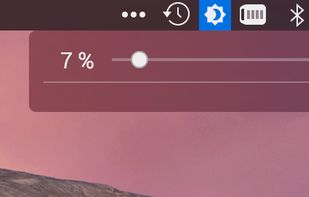


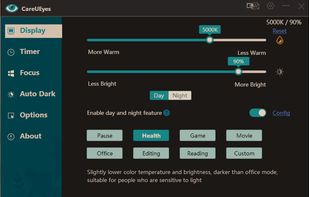
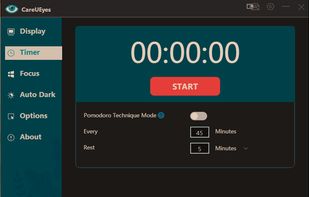
CareUEyes is a very simple but useful program when it is about your eye care. The program comes with a very simple and clean interface and needs to technical knowledge. Even a novice computer user can download and use it easily.


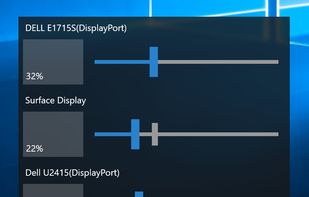
Monitorian is a Windows desktop tool to adjust the brightness of multiple monitors with ease.
 Japan


 Portugal
 EU
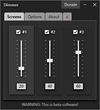
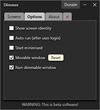


Screen dimming software that allows you to control the brightness of your screens as well as external monitors.
United States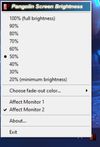


Monitor Bright reduces with a simple trick the monitor brightness. Useful to use the PC at night without getting blind if the minimum brightness that can be obtained adjusting monitor settings is still too high if compared to ambience brightness. Supports multi monitor systems.
 ItalyEU
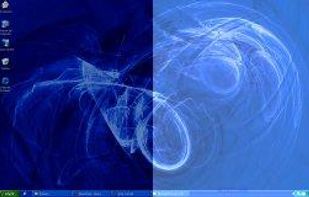

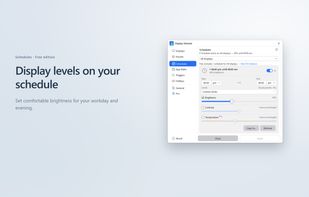
Control brightness and contrast across multiple Windows displays with hardware and software dimming, schedules, app rules, hotkeys, and automatic triggers.
 Canada
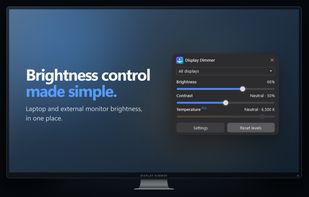
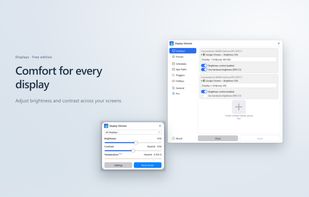
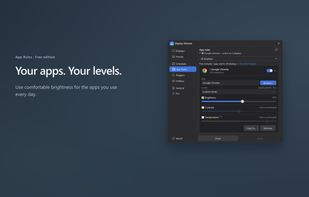

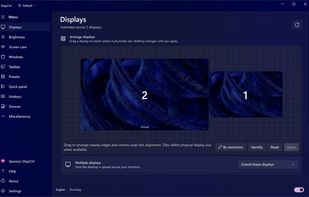
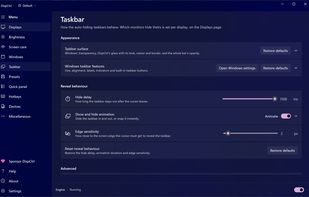
Free, open-source display control for Windows 11: one brightness slider for every monitor (DDC/CI and laptop panels), night light, focus mode, keep awake, per-monitor taskbar hiding and glass, OLED care, your monitor's own settings, hotkeys and a CLI.
 India
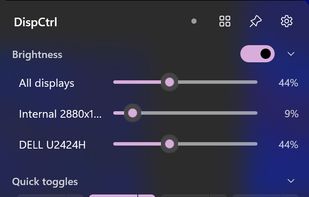


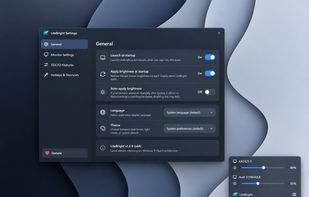
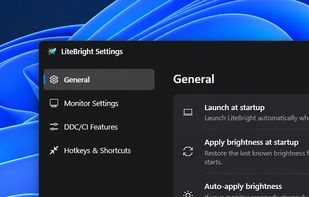
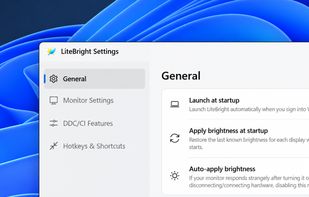
LiteBright is a lightweight native brightness controller for Windows 10 and 11. It lets you control brightness across multiple monitors from the system tray, adjust displays independently or together, and use global keyboard shortcuts for quick changes.