Inspect your disk and find the files that occupy the most space or that haven’t been modified in a long time.
 Germany
 EU
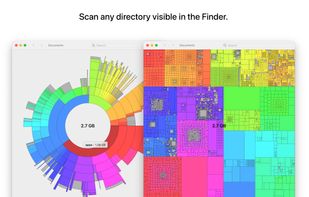

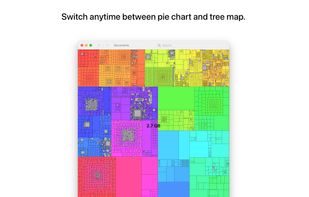

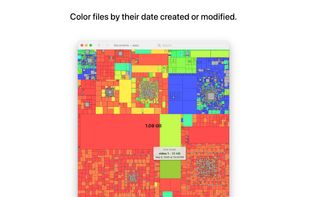

+3
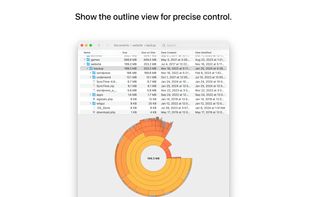


One of the most popular alternatives to DaisyDisk is WinDirStat, which is free and open source. Other popular alternatives are WizTree, Baobab Disk Usage Analyzer, Filelight and SD Maid SE. There's no shortage of Disk Usage Analyzers like DaisyDisk, with more than 100 alternatives for Mac, Windows, Linux, Android and the web.
Inspect your disk and find the files that occupy the most space or that haven’t been modified in a long time.
GermanyEU


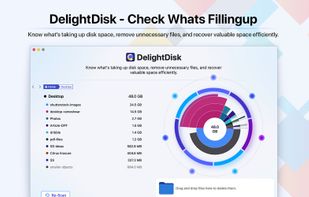

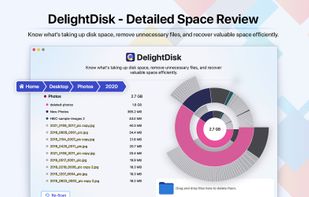
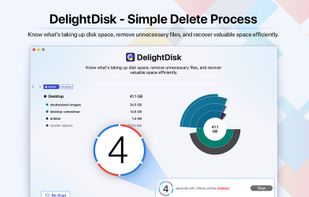


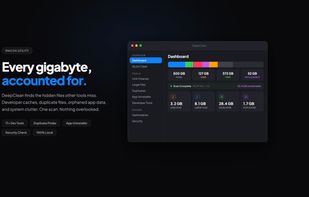
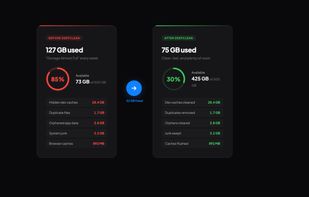
A native macOS disk cleaner that finds the clutter other cleaners miss — duplicates, developer caches, leftover app data, and large forgotten files.
 United States




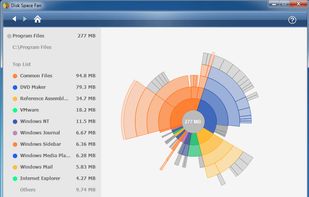
This tool uses a sunburst chart to display the usage of your hard disk or other media. The chart shows all major files and folders from all directory levels at once.
GermanyEU


Disko is a small minimalist MacOS application that allows you to see how much disk space individual application are using. It is broadly inspired by the Disk Usage Analyzer application on GNU/Linux.
United States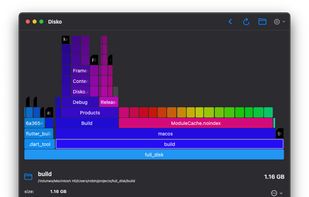


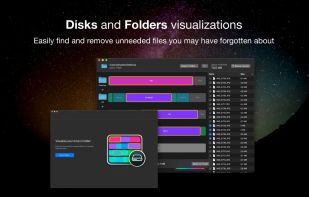
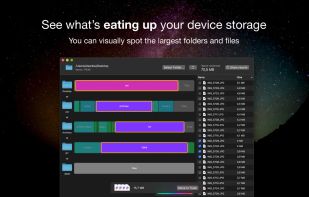
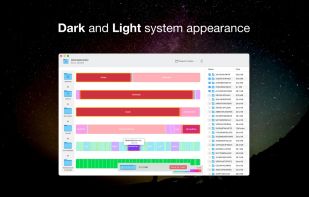


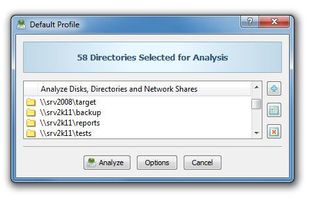
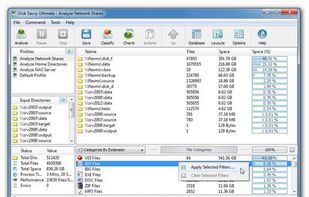
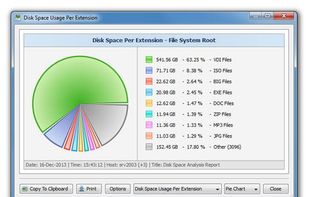
DiskSavvy is a free, fast and easy-to-use disk space analyzer utility allowing one to analyze disk usage in one or more disks, directories, network shares and/or NAS storage devices.
 CyprusEU

 GermanyEU
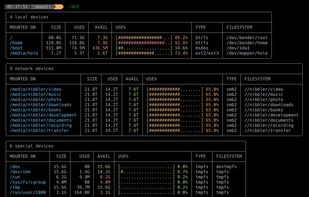

Folder Size analyzes your hard drives and displays file and folder sizes so that you can easily check the distribution of your disk space. The application will display the sizes of the folders and files and also the percentage of the total disk size that they occupy in a bar...
United States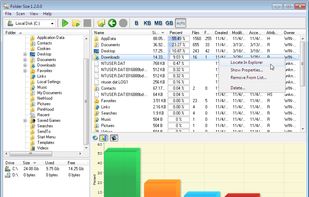

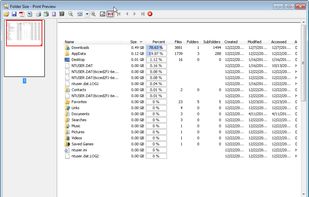


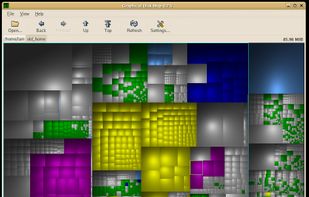
GdMap is a tool which allows to visualize disk space. Ever wondered why your hard disk is full or what directory and files take up most of the space? With GdMap these questions can be answered quickly. To display directory structures cushion treemaps are used which visualize a...


Disk Space Fan is a powerful disk space analysis tool for Windows and it is a freeware. It helps you to free up disk space by quickly finding and deleting big, useless files. It displays disk space usage with a nice chart. You can navigate the folders easily with the chart.